Match availability: who is coming on Saturday, and who is not?
The Thursday-evening poll in the group chat: four replies, two thumbs-up, and on Saturday you're still standing there with seven players. Signing up for a match doesn't belong in a chat but on the match itself — then you know on Friday instead of on Saturday morning.
As a player: I'm coming or Can't make it
Open a scheduled match and you'll see the Availability block with two buttons: a green ✓ I'm coming and a red ✗ Can't make it. One tap and it's passed on. If you drop out, the app asks “Why can't you make it?” with a reason field you're free to skip. Fill something in and the reason sits under the buttons afterwards, and your coach sees it next to your name.
Changed your mind? Tap the same button again and your answer is withdrawn; you're back under “No reply yet”. As long as the match is still scheduled you can switch as often as you need — once the match has been played, the block disappears.
Under those two buttons sits a third: I'm coming to watch, for whoever turns up without playing. Supporters like that get their own little group on the coach's side and don't count towards the number of players you can field — exactly how that works is explained separately.
Without clicking through: from your dashboard
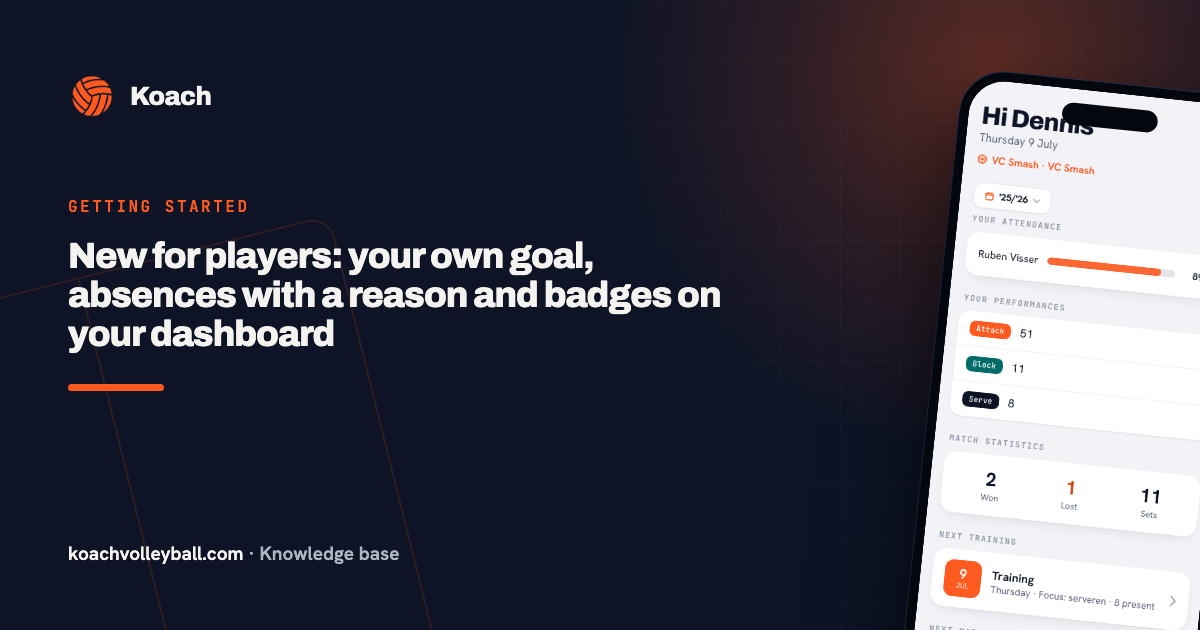
The same two buttons sit on Next match on your dashboard, exactly as you already knew them from the next practice. Open the app, tap ✓ or ✗ and you're done. Want to add a reason? Do that on the match itself — from the dashboard the app doesn't ask for one.
As a coach: three groups and a counter
You see the same block, but as a full overview in three groups with their numbers: Coming, Can't make it and No reply yet. Behind every name sit a ✓ and a ✗ button, so you can enter a phone call yourself, and any reason given shows under the name. Top right you get the standing as coming/total, 9/12 for example.
Guest players and inactive players aren't in the list — unless an answer has already come in from them, because hiding that would be tucking real information out of sight.
“All present” — and why that button overwrites nothing
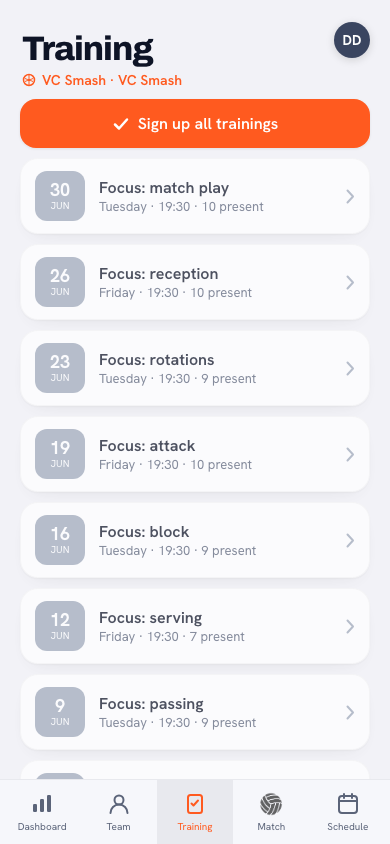
Top right you'll also find the All present button, the same one you know from practice. It marks only the players without a status as present. Anyone who filled something in themselves — including a drop-out — stays exactly as they were. Afterwards the app reports how many players it added, or that everybody already had a status. So you can use it freely on match day: the exceptions you already knew about stay right.
What the driving rota does with it
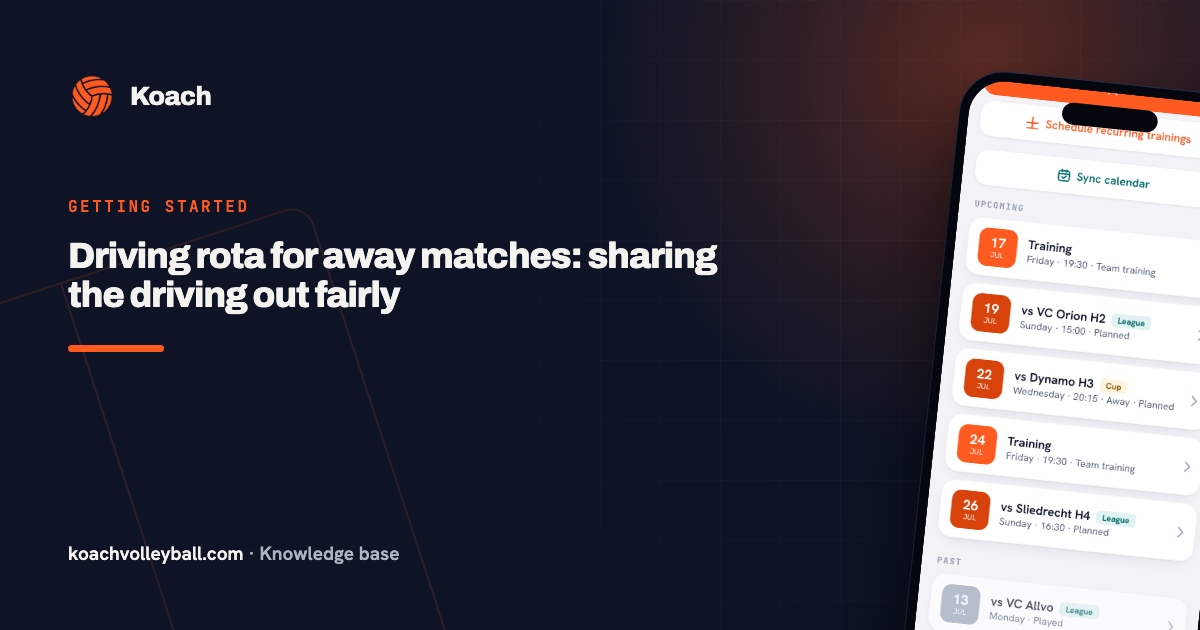
Availability determines how many cars are needed. In the driving rota each away match reads “8 seats needed · 8 in, 3 out”. As soon as a single reply has come in, the generator counts the replies; if nobody replied, it counts the whole active squad. And if everyone has dropped out, no transport is assigned. Replying literally saves a car.
Availability beforehand is not the same as having played. These buttons are about who's coming on Saturday. Who actually played is recorded by the app itself when you finish the match — that's where playing time, badges and match attendance come from. Two different questions, two different answers.
Frequently asked questions
Is a reason required when you drop out?
No. When you drop out on the match detail the app asks 'Why can't you make it?' with an optional reason field; you may leave it empty. If you do fill it in, your coach sees it next to your name.
Can I withdraw my drop-out?
Yes. Tap the same button again and your answer disappears; you're back under 'No reply yet'. That works for as long as the match is still scheduled.
Do parents see the team's availability?
No. The Availability block is for players and coaches; a parent account doesn't see it. Parents do see the match in the calendar, and their own drive if they're in the driving rota.
Does 'All present' overwrite players who dropped out?
No. The button only fills in players who had no status yet. Anyone who signed up or dropped out themselves stays exactly as they were — and afterwards you're told how many players were added.
What happens to availability after the match?
The availability block disappears once the match has been played. Who actually played is recorded when you finish the match — which is separate from signing up beforehand.