Push notifications: your team never misses a poll, task or call to vote again
“Who's driving on Saturday?” is a perfectly good poll — except when nobody sees it because nobody happens to open the app. That's why Koach now sends push notifications for everything your team needs to see: announcements, polls, tasks, homework and the call to vote for Player of the Match.
What does your team get notified about?
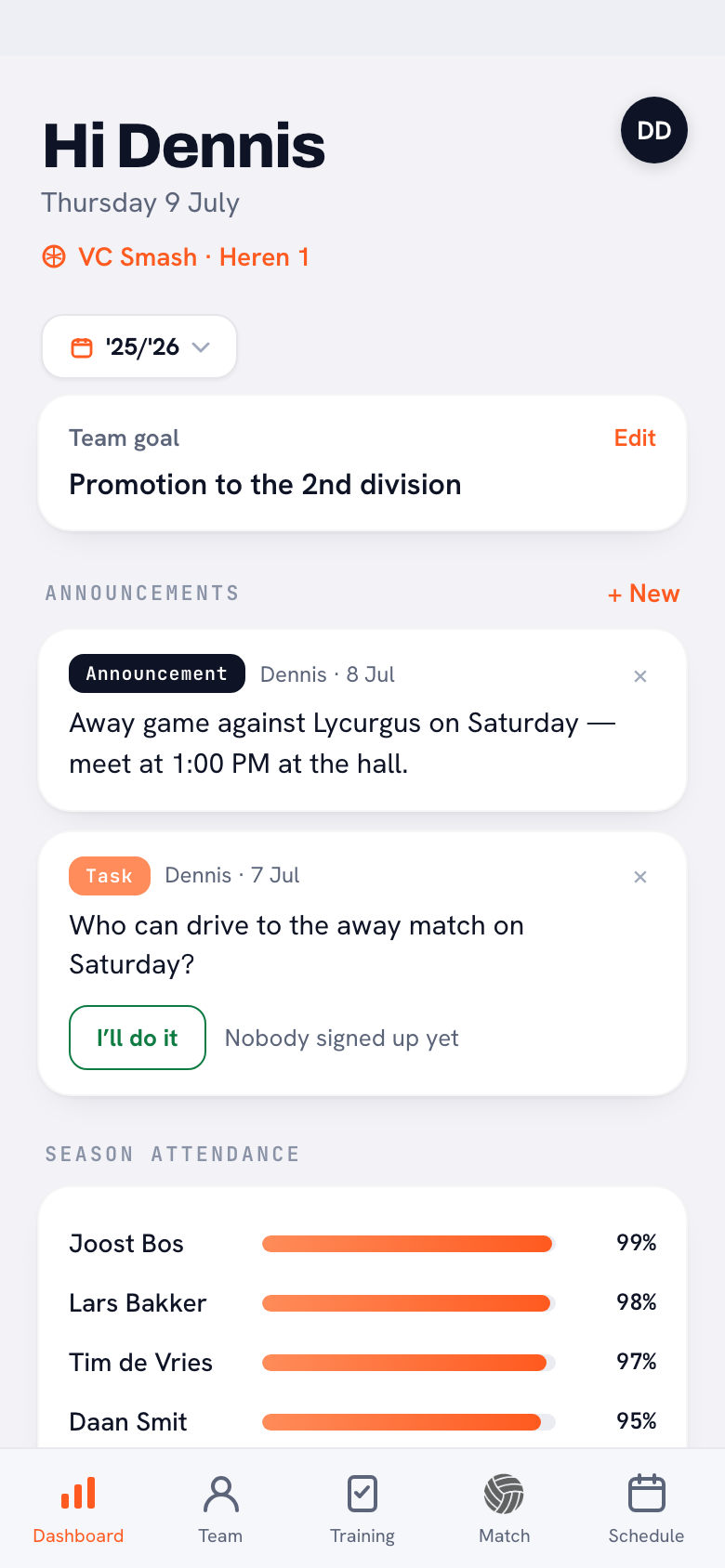
- Announcements, polls and tasks you post on the dashboard — the message lands straight on everyone's device.
- Homework: assign a drill and the players involved know right away.
- Player of the Match: after every completed match the team gets a call to vote — right in the two days the voting window is open.
- Schedule changes and reminders were already covered: a new or moved practice or match gets announced, and everyone gets a reminder beforehand.
Everyone decides what they receive
Everyone manages their own notifications: tap your profile photo and switch the categories on or off under Notifications — schedule changes, team messages, reminders and attendance each have their own toggle. If you'd rather have some quiet, you turn off team messages only and keep the match reminders.
Why this makes more difference than it sounds
A team app only works when the whole team uses it — and players don't open an app three times a week of their own accord. The notification turns that around: the app comes to the player the moment there's something to do. Polls get answers, tasks get volunteers, and you no longer have to forward everything in the group chat.
Tip: use tasks for everything that needs organising (driving, washing kit, hall duty) — players sign up with one tap and you see immediately who's picking it up.
Frequently asked questions
What does Koach send push notifications for?
For new announcements, polls and tasks, assigned homework, the Player of the Match vote and schedule changes, plus reminders before practices and matches.
Can players turn notifications off?
Yes, per category. Under your profile in Notifications you toggle schedule changes, team messages, reminders and attendance on or off individually.
Do I get a notification for my own posts?
No — whoever posts the message is skipped. The rest of the team gets the notification.