Logging in without a password: how the Koach login code works
Passwords get lost, get reused, or end up on a note at the bottom of a kit bag. That's why Koach does without them: you enter your email address and within seconds receive a six-digit code that gets you in. This article explains how that works — and what to do if the email doesn't show up for once.
How to log in
- Open Koach and choose "Already have an account? Log in".
- Enter your email address — the same address you saved your team with.
- Check your email: you'll instantly receive a message from Koach with a large six-digit code. The code is in the subject line too, so often you don't even need to open the email.
- Enter the code and you're in your team. That's all — no password, nothing to remember.
Why no password?
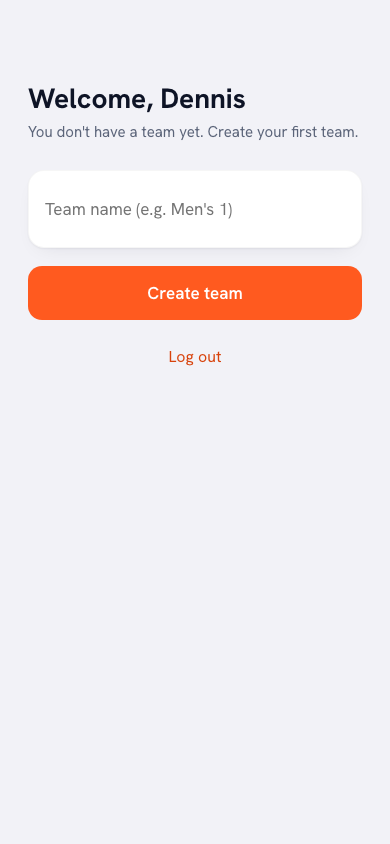
Three reasons. It's faster: especially on your phone courtside, the last thing you want is to type a password. It's safer: there's no password to be stolen, guessed or reused — the code is single-use and expires after an hour. And it saves hassle: nobody ever has to click "forgot password" again. A new account, by the way, also takes nothing more than your email address: your team is up in ten minutes, with no confirmation email.
The email isn't arriving — now what?
- Check your spam folder. The email comes from the koachvolleybal.nl domain; mark it as "not spam" if needed, so future codes land straight in your inbox.
- Double-check the address. A typo is easily made — the code only goes to the address that exactly matches your account.
- Request a new code. After 45 seconds you can tap "Send again". The most recent code is always the valid one.
Good to know: the code is valid for one hour and works only once. Don't share it with anyone — Koach will never ask for it by phone or message.
It works exactly the same for players
Player accounts log in with a code too. If you'd still rather set a password (for a shared team tablet, say), you can do that in your profile settings — but it's not required.
Frequently asked questions
How long is the login code valid?
One hour, and the code works once. If you request a new code, the most recent one is the valid one.
I'm not receiving the email with the code. What can I do?
Check your spam folder and make sure you're using the email address on your account. After 45 seconds you can request a new code. If it keeps failing, email info [at] koachvolleybal.nl — we reply within 24 hours.
Can I still log in with a password?
By default your account doesn't need one. If you'd like to set a password anyway, you can do so in your profile settings; logging in with the email code always keeps working alongside it.