
Getting started with Koach: your team set up in 10 minutes
The distance between 'let's have a look at that app' and 'my team runs on it' is deliberately kept short in Koach: four steps, ten minutes. This is the route — including the choices worth a moment's thought.
The four steps
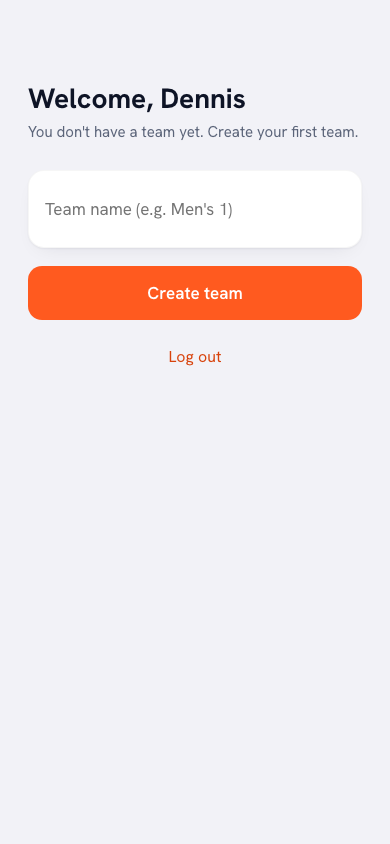
- Name and team (2 min): the app first asks you three questions, each on its own screen: your name, your team name and who you coach (Youth, Seniors or Both; skipping is fine). Take a second to pick the team name as you want to see it all season ("VC Smash · Men 1" works better than "test123").
- Add players (5 min): at Who's in your team? you type the names (Enter after each one) or paste a whole list in one go; Later skips this question. Then you invite them with the invite link in your group chat — players accept the invite and fill in their own profile. You add jersey number and position per player.
- Create your account (1 min): as the final question you enter your email address and tap Create account: you are straight into the app, with no password. Only if that address already has an account or still needs confirming do you get a 6-digit code by email. You start for free — no payment details needed.
- Plan your first practice (2 min): your dashboard now shows the Get started card, with six steps from Add players to Score a match live. Plan your first practice there and set your regular practice night to repeat via Schedule > More > Recurring trainings: your calendar is done for the season.
Your first week: two habits
No more than two new habits survive the first week — pick these: ticking off attendance at every practice (one minute, and the dashboard immediately comes to life) and tracking your next match live — even if it's just the score; player tracking will follow naturally. After that week you have data, and data gets you hooked on more data.
What you deliberately postpone
Filling the drill library, writing goals, entering history: all valuable, none of it for day one. The order is: rhythm first (attendance, matches), then depth (goals, the library) — each at the moment you actually need it. An app that demands everything in week one is a guilt trip by week three.
Don't start on match day. Set up your team on a quiet weeknight and run your first tracking session at a practice or friendly. You want your first real match in an app you already know.
Frequently asked questions
Do all my players need to install the app?
No — you can track everything yourself. Players who accept the invite get their own profile with statistics on top; anyone who doesn't join is simply listed as a player.
Can I bring data over from my old spreadsheet?
Start clean — that's almost always the better choice: old data is rarely complete and the value is in what you track from now on. See also from Excel to Koach for the trade-off.
What if I coach multiple teams?
Creating a second team of your own requires the Club subscription; on Coach and during the trial you have one team of your own. You switch between teams easily within the same account. Statistics and libraries stay separate per team.


Try it yourself in Koach
Less admin, more coaching — starting at your next practice.
Get started with KoachOr read first what the volleyball coaching app does.