
Building your own drill library
Every coach has them: those fifteen drills that always work. They just live in your head, in an old notebook and in three screenshots. Koach gives you two hundred to start from — your fifteen turn that into a library that is yours.
You do not start with an empty screen
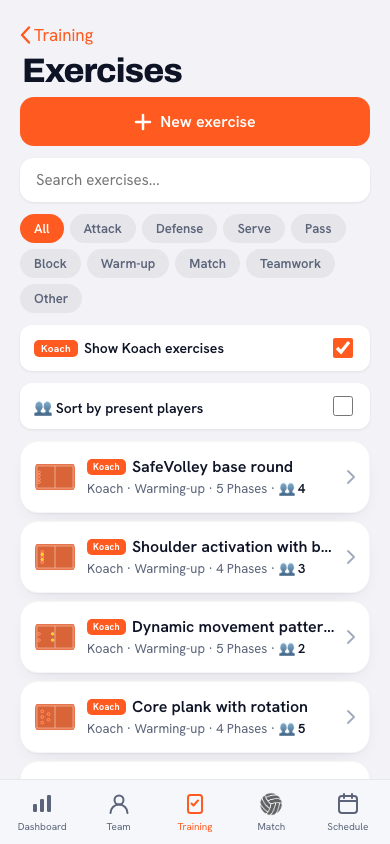
Under Training → Drills there are two hundred drills built in: no downloading, no importing, they are there from your first day. You recognise them by the orange Koach mark under the name, and if you choose Club under Source in Filter and sort, you only see your own work and that of your fellow coaches. Every drill runs through five to thirteen phases with a note per phase; press play and you watch the drill move instead of standing still. What is in the collection, and how it spreads across categories and group sizes, is covered in the Koach drill collection.
Why a library and not loose lists
The problem with drills-from-memory is not forgetting — it is one-sidedness. Under time pressure you grab the same five every time, and your team trains the same things for months without anyone noticing. A library with categories shows you at a glance: when did I actually last do anything with blocking?
How to make it yours
- Start with what is already there: filter on the category of your next practice, play a few drills through and attach the usable ones straight to a block in your programme.
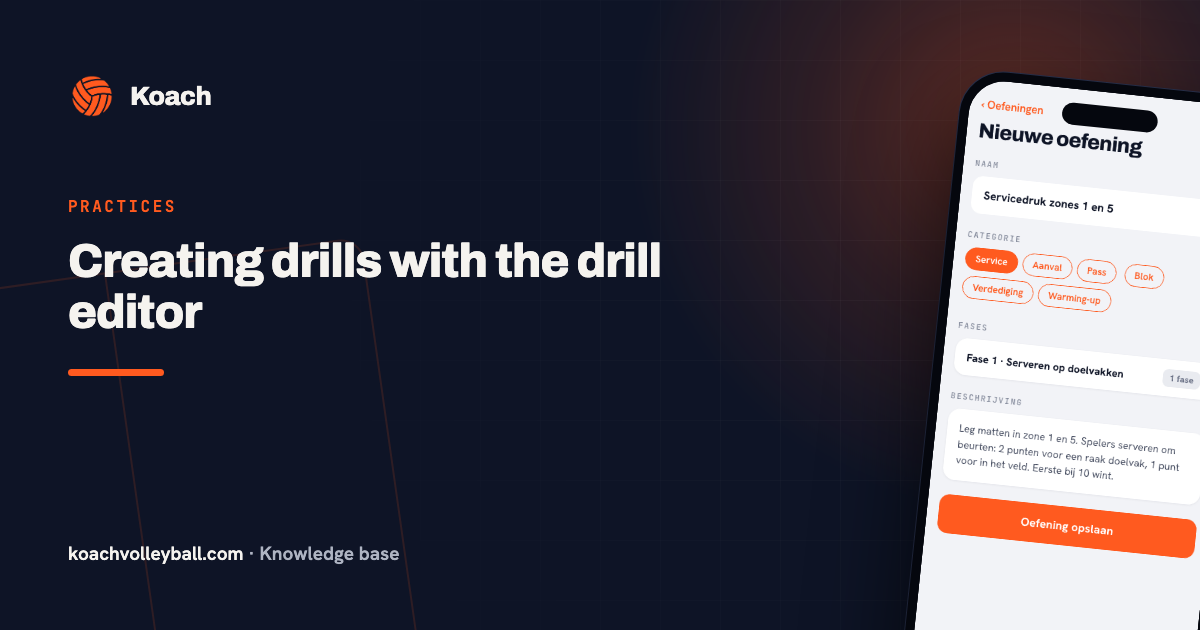
- Add your standard repertoire: put your own ten favourites alongside them — name, category, short description. One evening of work with the drill editor.
- Add the moment you encounter something: saw a good drill at a clinic or another team? Straight in, or it is gone.
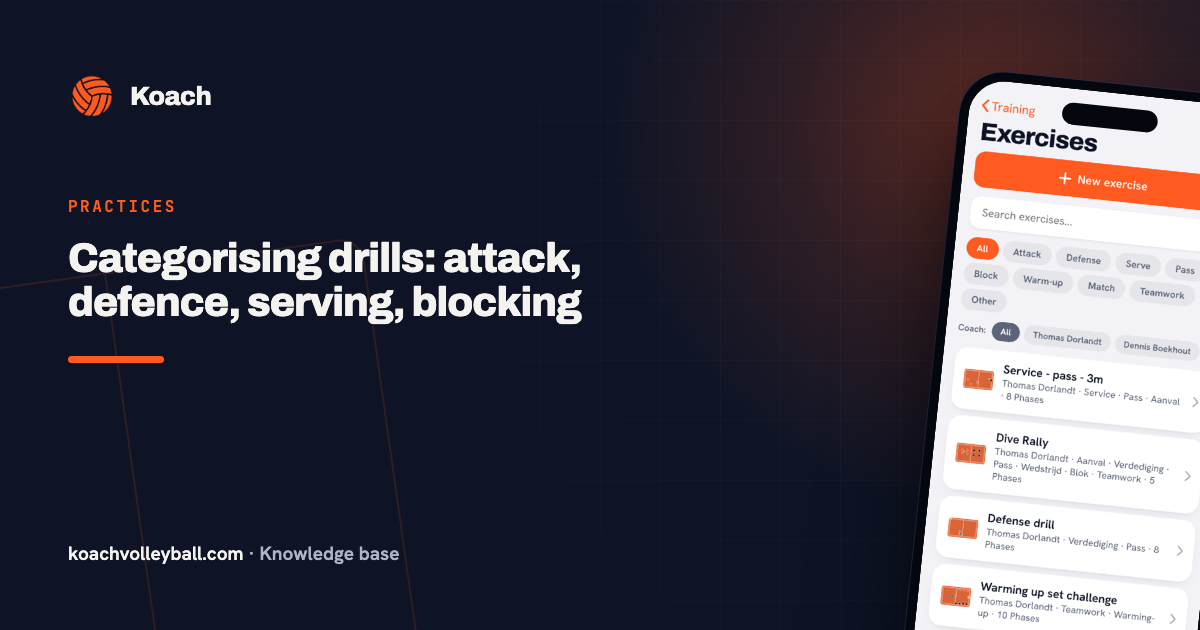
- Categorise strictly: use the same categories as the collection — attack, passing, serving, blocking, defence, warm-up — see categorising.
- Prune every season: a drill of your own you have not used in a year can go — or deserves a second chance in your next programme.
The library as team property
Every coach on the team already shares the two hundred built-in drills, but the library is more than that base: each coach adds their own drills and filters by creator — see sharing drills between coaches. That way you build a collection together that survives when someone leaves, and you pull your programme together in minutes when planning.
Describe drills for your substitute: write every description as if a stand-in coach has to run it tomorrow. Setup, flow, scoring — if that is all there, your library is truly transferable.
Frequently asked questions
How many drills do I need to add myself?
The two hundred built-in drills cover a season with room to spare. You create your own for what is specific to your group: the format with your own scoring, the variation your team is just about ready for. Ten to twenty drills of your own is enough for most coaches.
Can I just copy drills from the internet?
As inspiration, absolutely — but rewrite them for your group: player numbers, level, equipment. The translation to your own context is exactly what makes a drill work.
What makes a drill description good?
Four lines: goal, setup, flow and scoring/rotation moment. Plus the pitfall you saw last time. Nobody reads more text courtside.
Can I switch the ready-made drills off?
Yes. Choose Club under Source in Filter and sort and they leave the list, so only your own drills and those of your fellow coaches remain. Choose All again and they are all back; you cannot lose anything this way.

Try it yourself in Koach
Less admin, more coaching — starting at your next practice.
Get started with KoachOr read first what the volleyball coaching app does.