
The team calendar: practices and matches in one schedule
"Wait, was practice moved?" Every team knows that message — and the three contradictory replies underneath it. Team scheduling doesn't fail through lack of communication, but through lack of one source that's right.
One source of truth
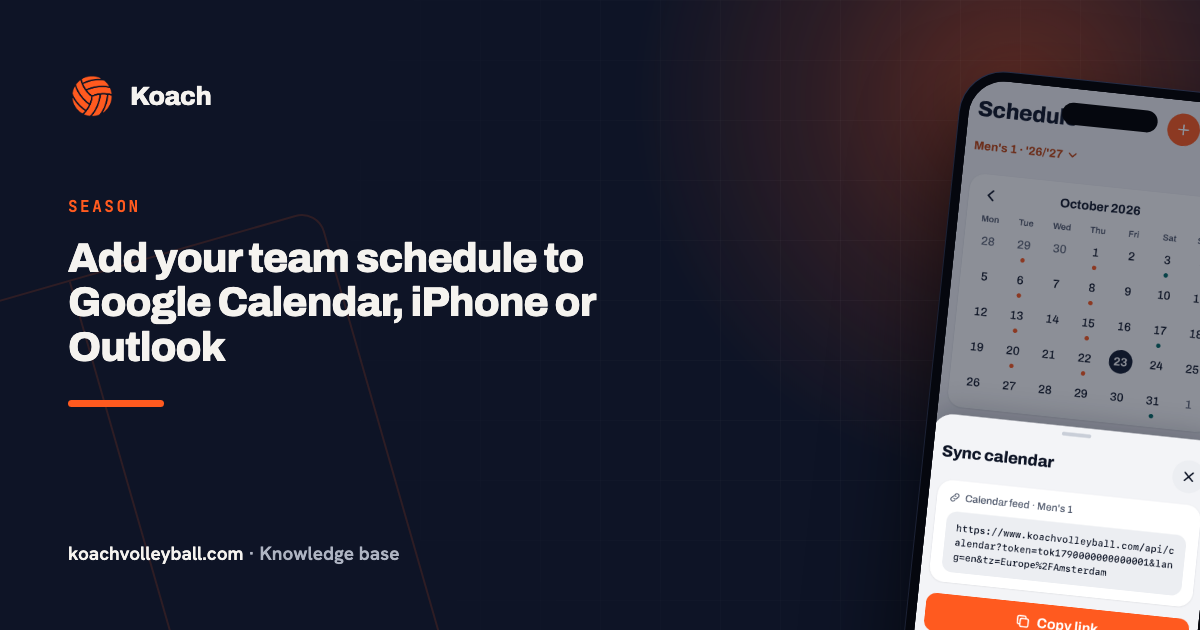
The problem with scheduling-by-group-chat: every change is a new message, and old messages stay put. Anyone scrolling on Thursday finds three versions of the truth. A team calendar flips that around: the calendar is the truth, and a change isn't a message but an update — everyone who looks automatically sees the current version. And anyone who connects it to their own phone calendar sees every change appear between their other appointments automatically.
What goes in the calendar
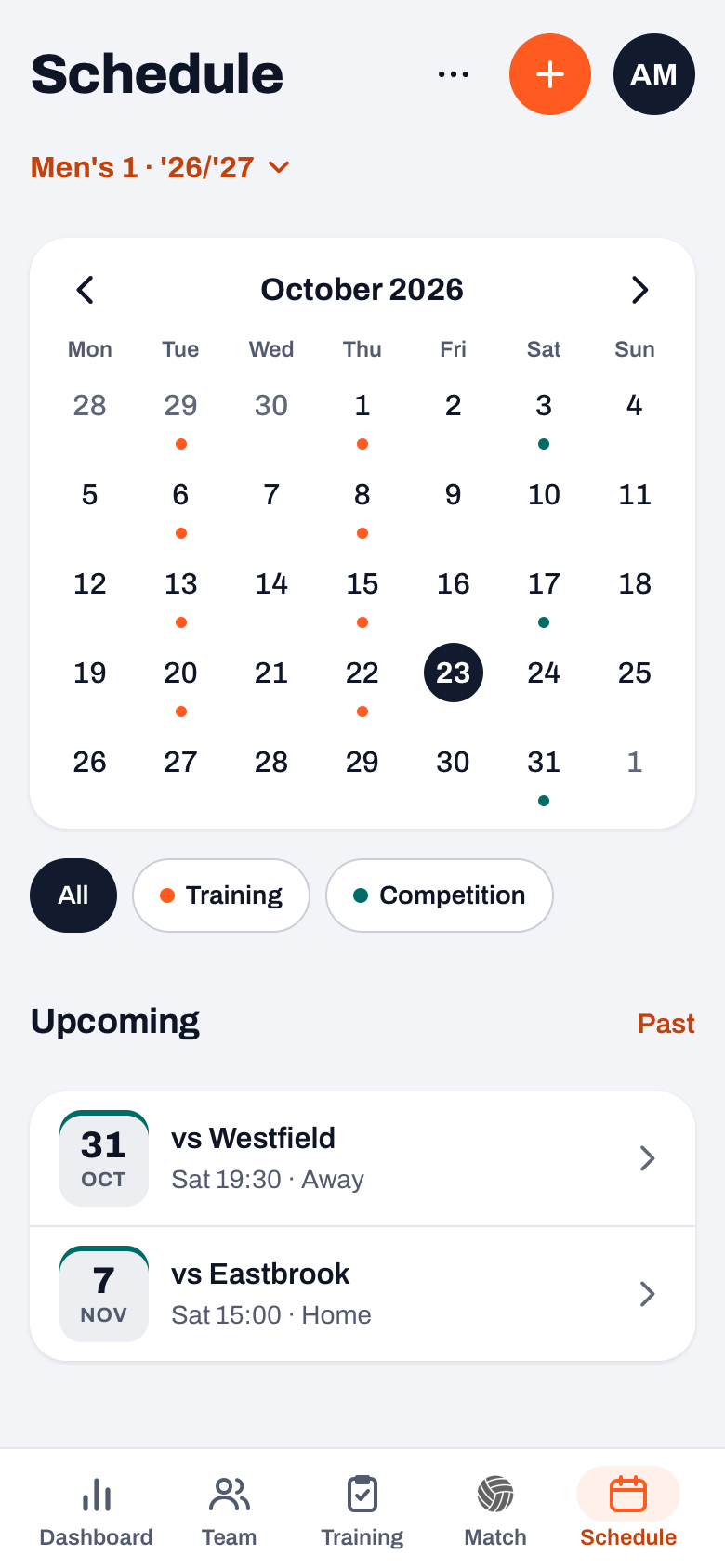
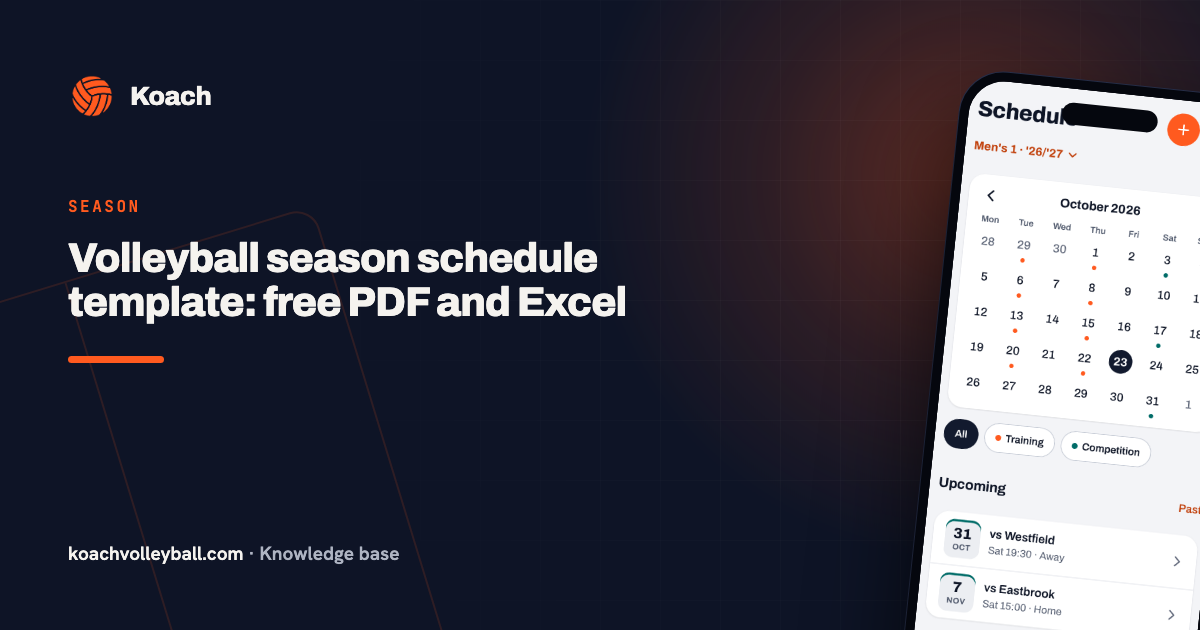
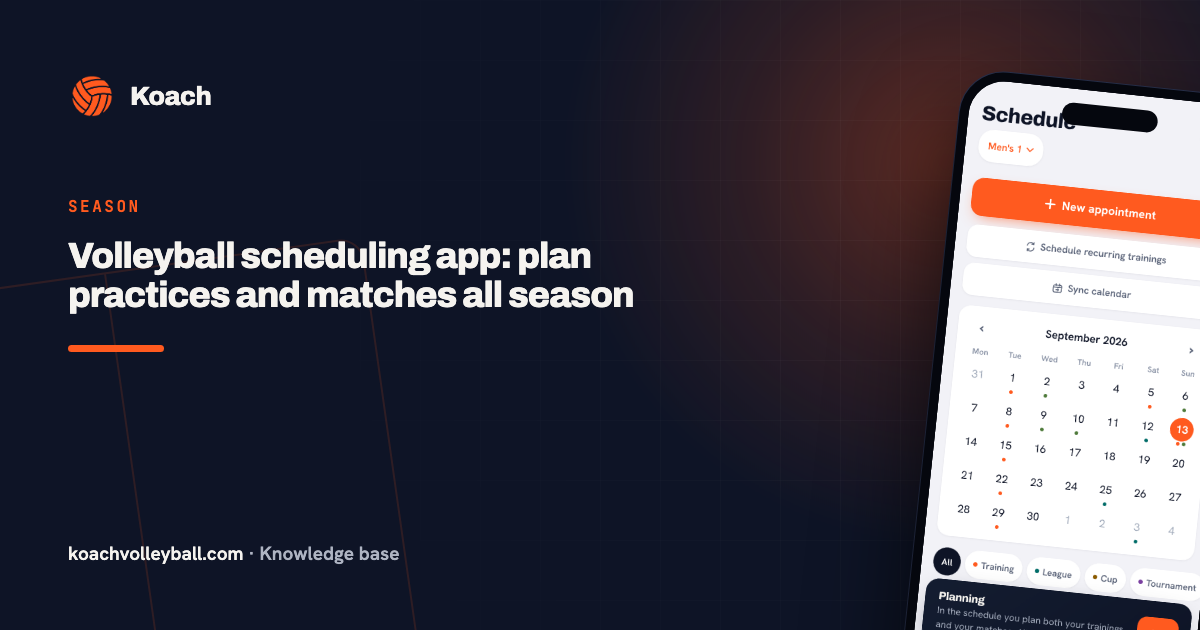
In Koach you plan almost everything directly in the calendar: every practice (including recurring ones) and every match is created right there, and a tournament you plan in the Match tab shows up in it straight away. That same calendar is instantly the up-to-date overview for the whole team. Time, location and (for practices) the focus are listed alongside. On top of that come two kinds you don't have to plan one by one: your club's bar duties and one-off team appointments such as a team night.
A colour per type, and editing it where it sits
Because so many kinds share one calendar, every type has its own colour: as a dot under the day in the month grid and as a stripe along the top of the date block in the list. Practices orange, league matches teal, cup matches brown, tournaments purple, practice matches green and one-off appointments grey; a bar duty is an open ring. With the filter chips (All, Training, Competition and so on) you show just one type, in the list and in the grid. On the right of the list you see where things stand: the result of a played match, Cancelled, or for the coach how many players have signed up. Driving to an away match yourself? As a player or parent you see that on your dashboard, with the label You drive; it comes from the driving rota.
And what's in the calendar is changed in the calendar. Tap an item and as a coach you can edit it: the time of a match, the date of a tournament, the focus of a practice. What can be changed per type is covered in a separate article — the point here is that a change is one action, in the place the appointment was already sitting.
The calendar as a coaching tool
- Spreading the load: in the month grid you instantly spot the killer weeks (two matches plus a tournament) — the moment to lighten a practice.
- Linking preparation: Saturday's match in view means: prepare the lineup on Tuesday, run the last targeted practice on Thursday.
- Expectations: players who can see the whole month ahead plan their lives around volleyball instead of the other way round — which saves you cancellations.
One agreement with the team: the calendar leads. Changes go into the calendar first, followed if needed by a quick 'check the calendar' message. The moment the first argument is settled with 'it's in the calendar', the habit is born.
Frequently asked questions
Does the team calendar replace the group chat?
No — the group chat stays for conversation and banter. The calendar only replaces its scheduling function: facts in the calendar, chatter in the chat.
What do I do with recurring practices?
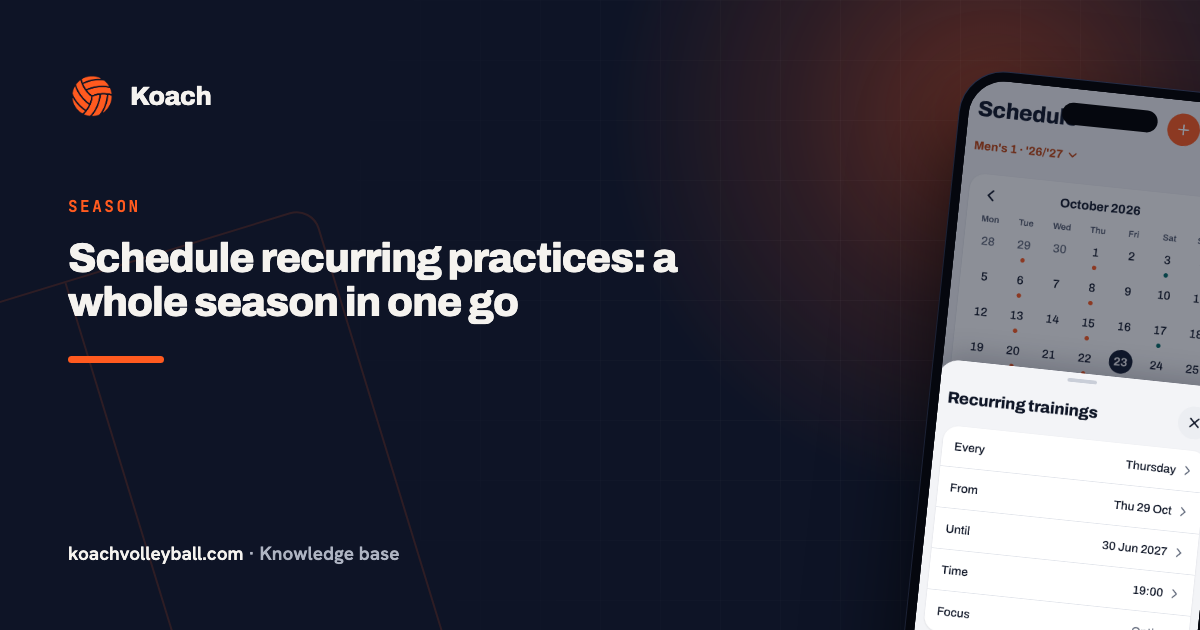
Plan them in one go via More > Recurring trainings in the calendar: every Thursday at 8pm is then ready for the whole season. Only the exceptions (gym closed, holidays) need adjusting individually.
Do players see changes automatically?
Anyone who opens the calendar always sees the current state — that's the whole point. For major last-minute changes, a heads-up in the group chat remains sensible.
How do I change an appointment that's already in the calendar?
Tap it and choose Edit. That works for scheduled matches, tournaments, practices and one-off appointments; only coaches see that button. A bar duty can only be changed by a club manager. So you don't have to delete an appointment and create it again just to change a time or a hall.
 Organising the volleyball season: the complete checklist
 Planning a practice in three steps
 Editing without detours: matches, tournaments and calendar items
 Volleyball season schedule template: free PDF and Excel
 Volleyball scheduling app: plan practices and matches all season
 Schedule recurring practices: a whole season in one go
 Add your team schedule to Google Calendar, iPhone or Outlook
Try it yourself in Koach
Less admin, more coaching — starting at your next practice.
Get started with KoachOr read first what the volleyball coaching app does.