New for players: your own goal, absences with a reason and badges on your dashboard
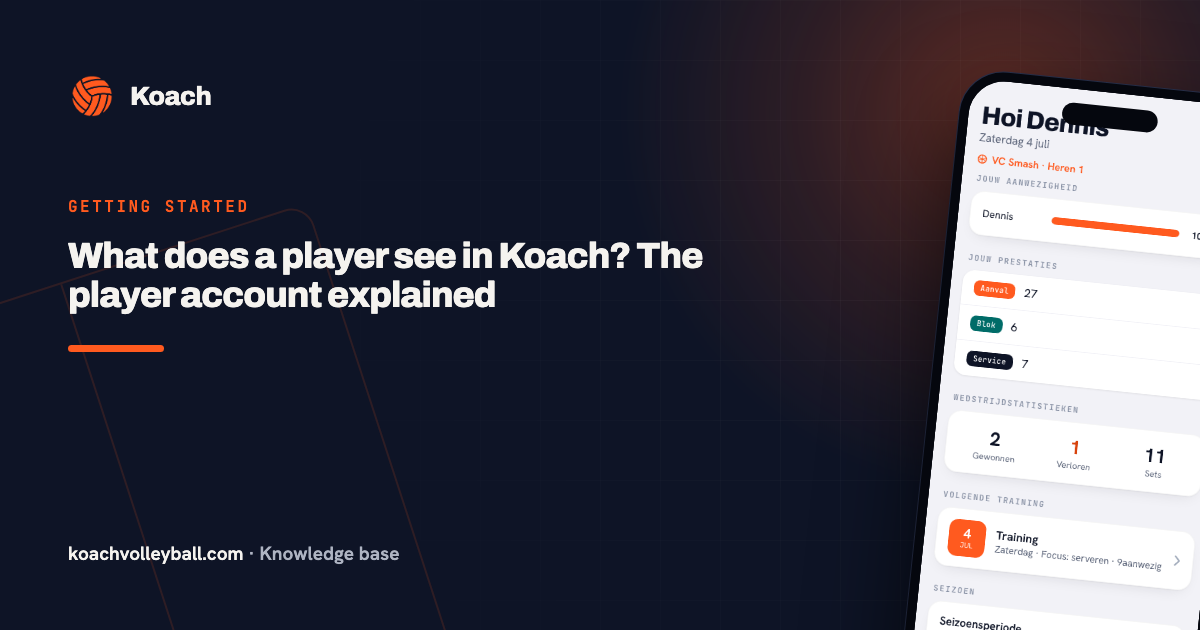
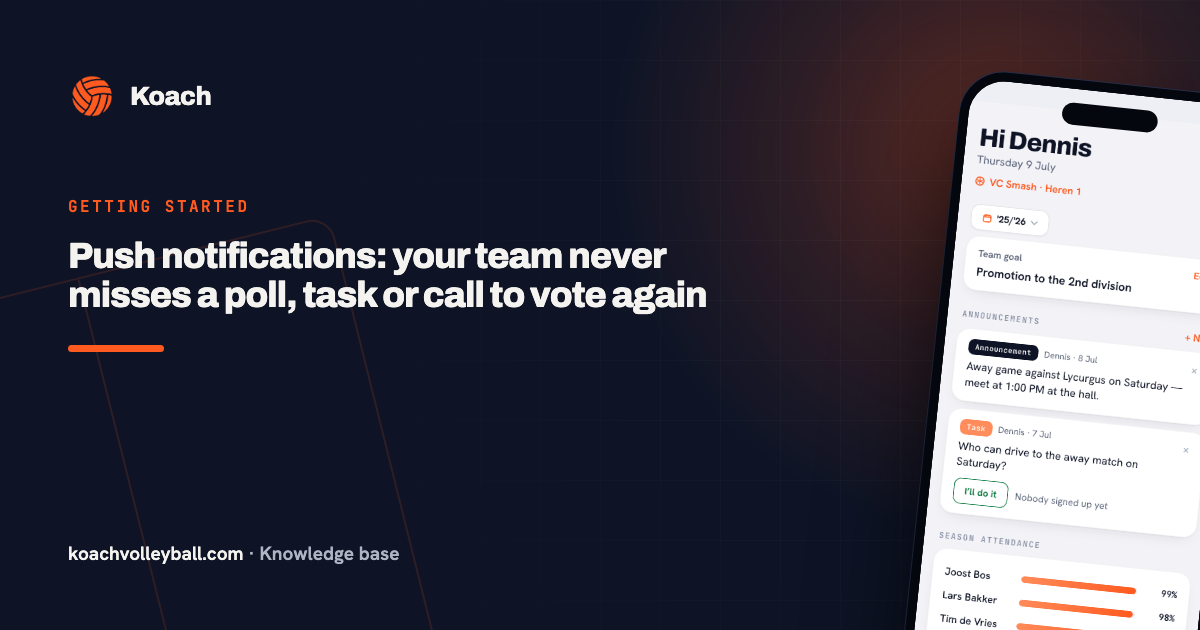
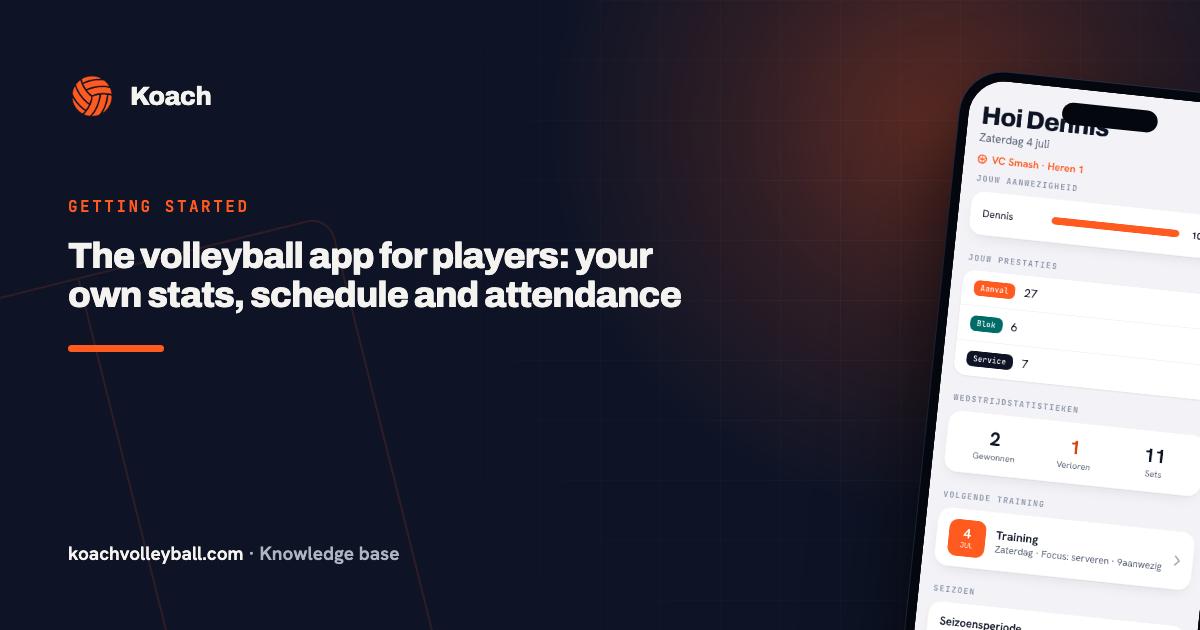
Koach is built for coaches — but a team app only comes alive when your players get something out of it too. So players just gained a whole set of new abilities in one go: setting their own goal, reporting absent with a reason, signing up straight from the dashboard and a celebration for every new badge.
Your own goal — truly yours
The personal goal on your player profile (“keep reception above 60%”, “earn a regular starting spot”) used to be something your coach filled in. From now on you set it yourself and adjust it whenever you like: open your own profile via the Team tab and tap your goal. Your coach sees it too — so you're both working on the same thing.
Signing up and off without hassle
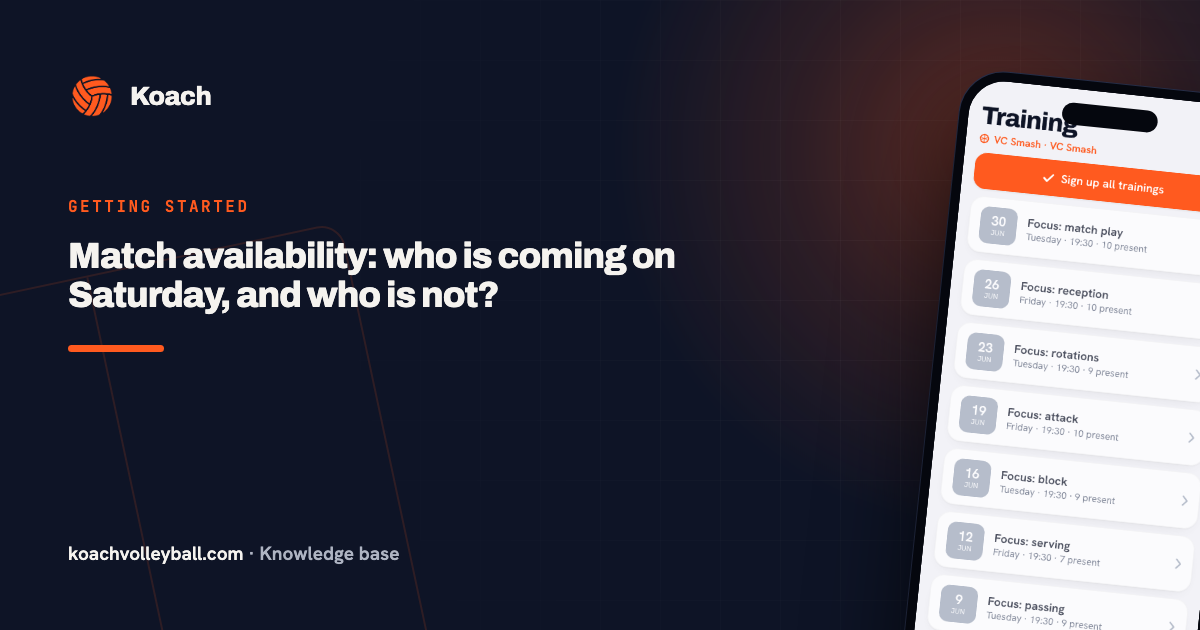
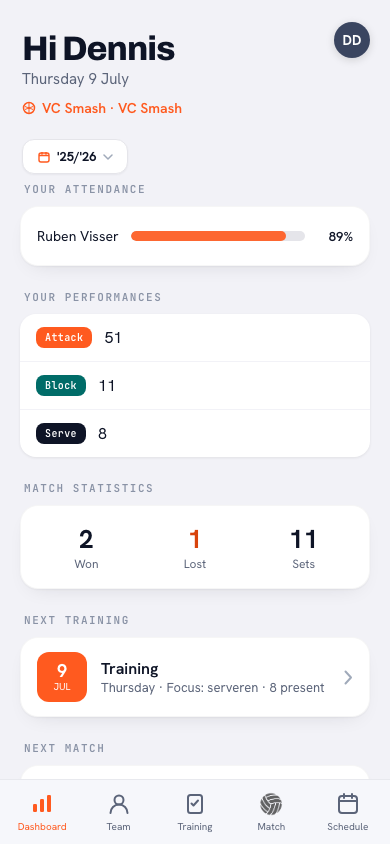
Your dashboard shows the next practice — and it now has ✓ and ✗ buttons right on it. Signing up or reporting absent literally takes one tap, without clicking through first. If you report absent, you can add a reason (“work”, “injured”) your coach sees with the practice. No more separate messages needed.
Those same two buttons now sit on the next match on your dashboard as well. Want to add a reason? Do that on the match itself: there the app asks “Why can't you make it?” with a field you're free to skip. Everything about it is in signing up for the match.
And if your team runs a driving rota? Then Your next drive appears on your dashboard as soon as you're down for one — including how many seats your car has.
New badge? That calls for a celebration
Earn a new badge for your trophy cabinet and a card now appears at the top of your dashboard. One tap opens your trophy cabinet with the celebration — instead of the badge quietly waiting for you three screens deep.
A warm welcome for new players
Accept your coach's invite and the app now starts by explaining, in three points, what you can do with it: report your attendance, follow your own stats and earn badges. And if the connection doesn't work first time, you see exactly what to do instead of an empty screen.
Privacy remains the starting point: players only see their own stats and profile. Teammates' numbers are and remain visible to coaches only.
Frequently asked questions
Can I adjust my own goal as a player?
Yes. Open your own profile via the Team tab and tap your personal goal to set or change it. Your coach sees the same goal.
How do I report absent for a practice?
Straight from your dashboard at the next practice (✗), or in the practice detail. When reporting absent you can add a reason your coach sees with the practice.
Can I drop out of a match as well?
Yes. The next match on your dashboard has the same ✓ and ✗, and on the match itself the app asks for a reason when you drop out — which you're free to skip. Tapping the same button again withdraws your answer.
Can players see their teammates' statistics?
No. Players only see their own profile and numbers; team statistics and player comparisons are visible to coaches only.