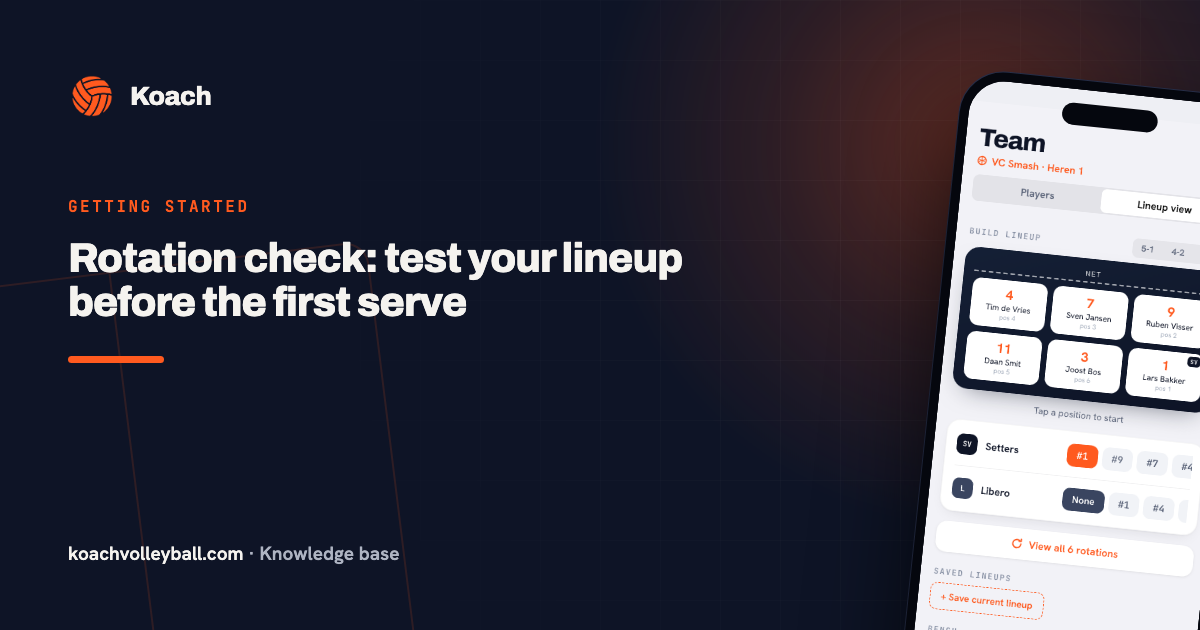
Plan faster: a full season in one go, duplicating matches and 'All present'
Coaching is fun; admin isn't. So Koach now takes even more of the recurring chores off your plate: you set up a whole season of practices including the programme, duplicate a match in one tap and mark the entire squad present at once.
Recurring practices — now with a programme
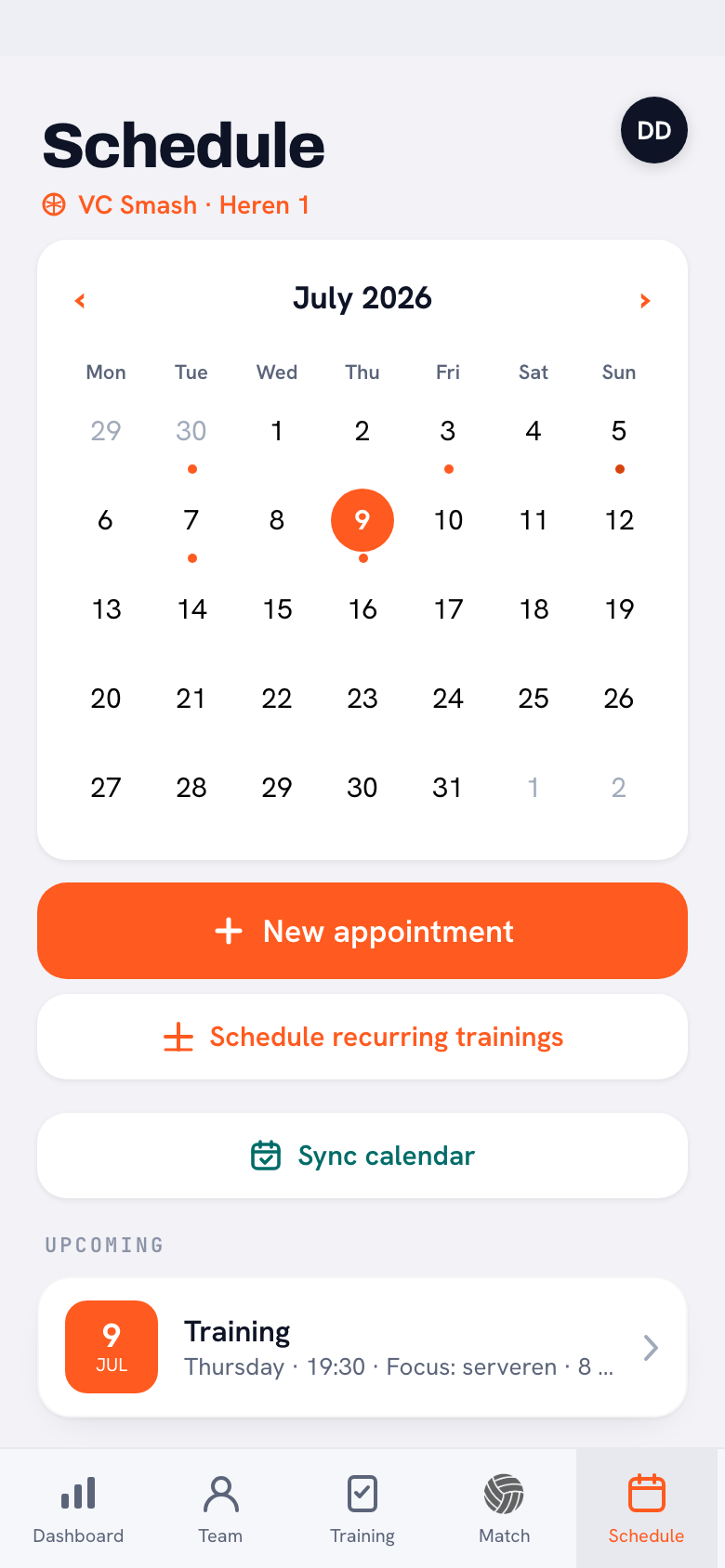
You could already set up your weekly practice for the whole season in one go. New: pick a practice template while you're at it, and every practice created comes with the matching programme of blocks and drills attached. Save your best practice structure as a template once — and your Tuesday practice is ready, content and all, for the entire season.
Duplicate match
The return fixture against the same opponent? Open the played match and tap Duplicate match: opponent, venue, home/away and match type are carried over, and all you pick is the date. Handy when planning your season schedule, where half the league consists of repeats. And if something turns out to be wrong with a scheduled match, you open it and tap Edit in the top right — no more almost starting a match just to fix the time.
Match note: your debrief in the right place
Every match now has a note field, visible to coaches only. Perfect for the two sentences you'd otherwise lose: “serve pressure fell away in set 3”, “middle attack worked, run it more often”. When you prepare for the next encounter — where Koach also shows you the earlier results against that opponent — your own analysis sits right next to them.
'All present' at practice — and for the match
Most practices, everyone simply shows up. So there's now an All present button above the attendance list: one tap marks all active players present, and you only tick off the exceptions. Players who had already reported absent stay absent — their choice is never overwritten.
The same button now sits above the availability list of a scheduled match, working to exactly the same rule: only players without a status are filled in. So you no longer have to tap eleven checkmarks on Thursday evening just to establish that two people are missing.
How it stays fair: the button only fills in players who didn't have a status yet. Whatever players reported themselves — present or absent, with a reason if they gave one — always stands.
Frequently asked questions
Can I attach a fixed programme to recurring practices?
Yes. Pick a practice template when creating recurring practices; every practice then comes with that template's blocks and drills straight away.
How do I duplicate a match?
Open the match and tap Duplicate match. Opponent, venue, home/away and type are carried over; you only pick the new date.
Who sees my match notes?
Only the coaches of your team. Players don't see the note field.
Does 'All present' work for matches too?
Yes. The button sits above the practice attendance list and above the availability list of a scheduled match, and in both cases it only marks the players who had no status yet.