Training-only players: in your session, not in your squad
Someone is at your practice who is not in your team. A player from the side below who wants a go at a higher level, a lad building back up after an injury, a hitter whose own team does not train on Thursdays. They do the work. In your admin they did not exist.
What a training-only player is
A training-only player is someone you add to your team with one difference: they are not part of your regular squad. In Koach you switch that on with a toggle, and the app explains it itself: trains along but is not part of the regular squad. Only picked for a formation when no regular player is available.
That last part is exactly what you want. You do want to tick them off at practice, and you do not want to find them in your starting line-up by accident.
Marking someone as training-only
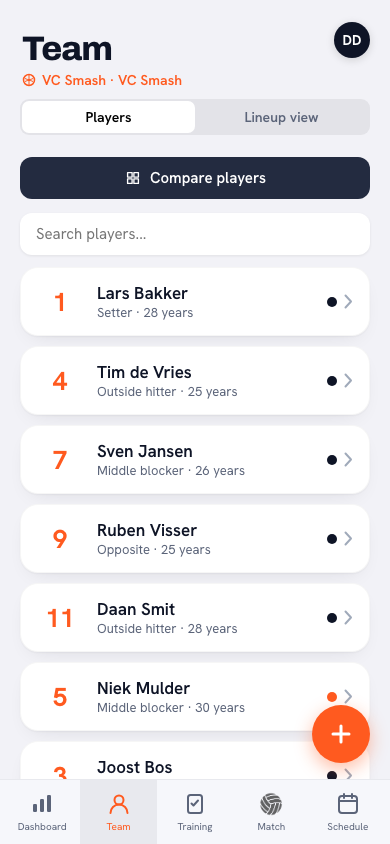
- Go to Team and tap Add player. Enter their name and save.
- Open the player and tap Edit player.
- Scroll down and switch on Training-only player.
- Save.
You can reverse it too: if a training-only player turns up every week, switch the toggle off and they become a regular member of your squad. Their attendance and ratings from the weeks before stay exactly as they were.
At practice they count like everyone else
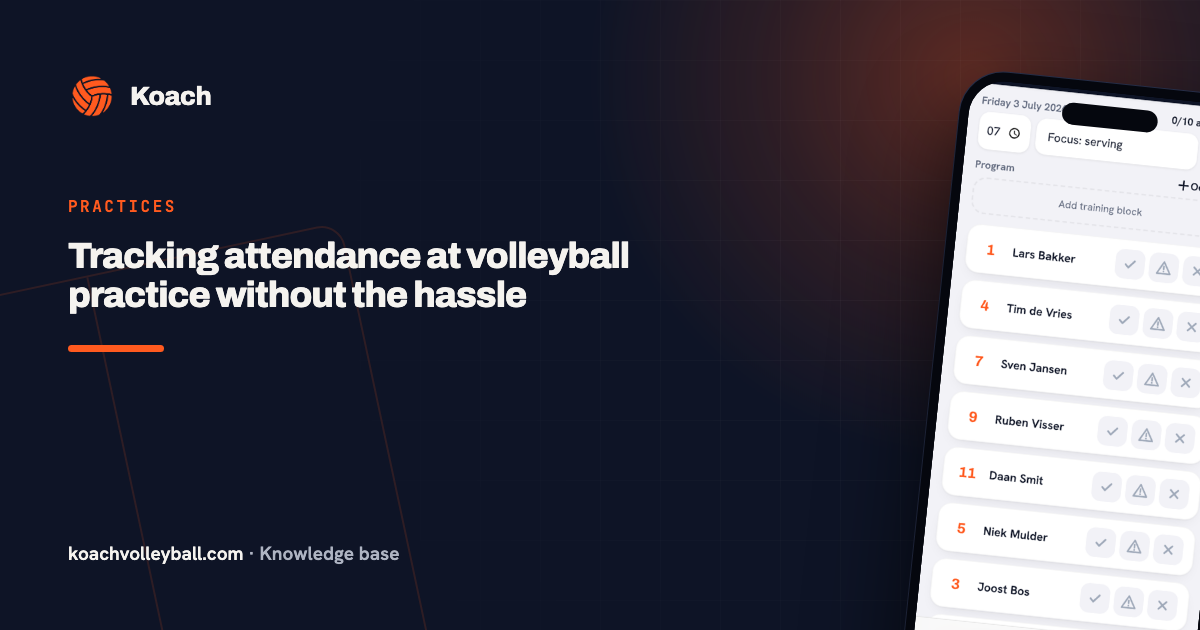
Open a session and your training-only player sits with the rest in the attendance list. You mark them present, late or absent exactly as you would anyone. The All present button includes them as well.
And you can rate them. Stars for effort, technique, game sense, work rate and coachability work the same for a training-only player as for a regular one. That is often precisely the point: someone finding out whether they can handle a level up deserves something more useful afterwards than "went fine".
The counter above the list includes them. With twelve regular players and one training-only player you see 10/13 present instead of 10/12. You want to know how many people you have on the floor, not how many are on the books.
Matches work differently. In the sign-up list for a match a training-only player stays out of view. That number is the count of playable players from your squad, and that is exactly what you need on a Saturday to know whether you have enough bodies.
In the line-up: only when they are needed
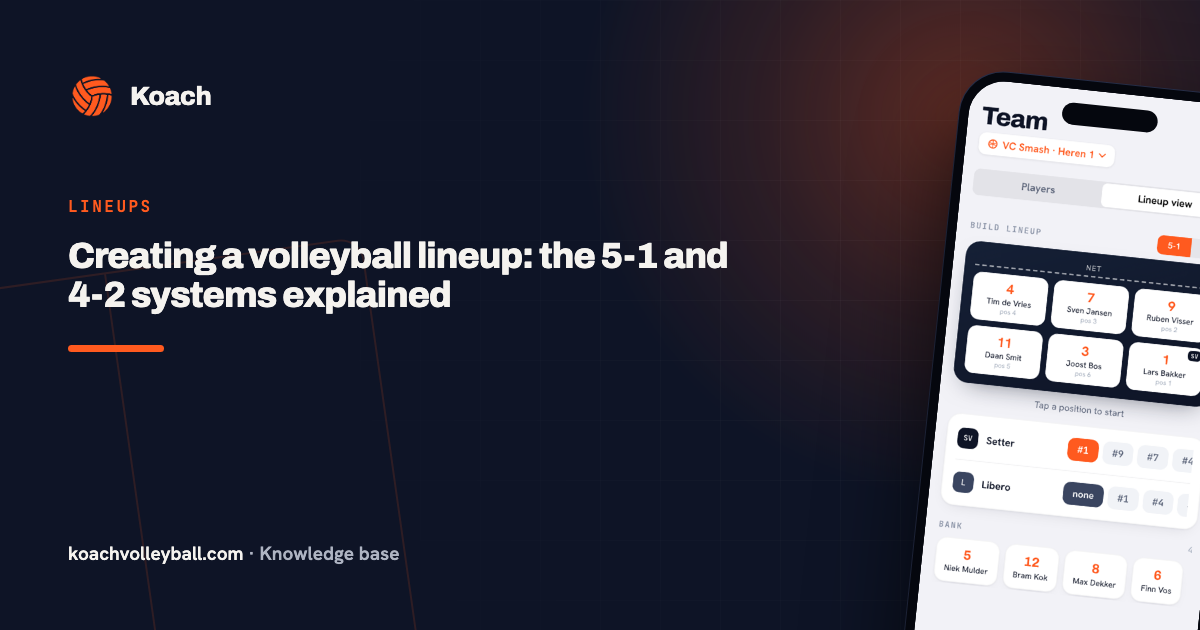
When you put down a line-up, Koach picks from your regular squad first. A training-only player only comes into play when nobody else is available. That stops you from hurriedly fielding a guest while your own middle blocker is sitting on the bench.
When you use it
- Players coming up from the youth. Someone from the side below who trains along now and then to see whether the level fits.
- Coming back from injury. Someone who trains but does not play yet, and whose build-up you want to follow.
- Your regular stand-in. The player you call when you are down to seven.
- Training partners. A player from another team who comes to pass, a former player who joins the warm-up.
A guest is not half an account
A training-only player can have a normal player account and sign themselves up for sessions. The label only says something about their place in your squad, not about what they may do in the app. If they leave your team again, you remove them like any other player — and the history of the sessions they attended still adds up.
Frequently asked questions
What is a training-only player in Koach?
Someone you add to your team who is not part of your regular squad. They appear in the attendance list for your sessions and you can rate them, but when you put down a line-up they are only picked if no regular player is available.
How do I mark someone as a training-only player?
Add them via Team and Add player, then open the player, tap Edit player and switch on Training-only player. You can switch it off later if they join your regular squad.
Can I rate a training-only player after practice?
Yes. Stars for effort, technique, game sense, work rate and coachability work exactly as they do for your regular players. For someone finding out whether a level up suits them, that is where the value is.
Do they count in the attendance counter?
Yes. With twelve regular players and one training-only player you see 10/13 present instead of 10/12. You want to know how many people are on the floor.
Do they count for matches too?
No. In the sign-up list for a match they stay out of view, because that number is the count of playable players from your squad.
Can a training-only player have their own account?
Yes. They can sign up for sessions and see their own details like anyone else. The label only says something about their place in your squad.
What happens to their data if they leave?
You remove them like any other player. The sessions they attended still add up — your turnout figures for those weeks do not change retroactively.