Family calendar app: two children in sport, three group chats, one calendar
One child in sport you can still keep in your head. With the second it breaks: two clubs, two training nights, weekend fixtures whose start time shifts from week to week, and three group chats in which the changes drift past between photos and thumbs-up. You are not after a new app but a way to make those sources land in one calendar — and to know which part of it you still have to check before you get in the car.
It breaks with the second child
With one child the planning is a habit: a fixed training night, matches at the weekend, the rest you pick up as you go. With two or three children something fundamental changes. The evenings overlap, the match days fall in two places at once, and the changes no longer come from one source but from three. Who has to be where stops being a memory question.
The sting is not in the fixed slots but in the deviations: the match that starts an hour earlier, the practice that is off because the hall is taken. And those are announced in precisely the least readable source — a group chat with thirty people in it, where the message has sunk below the replies within an hour.
So the question is not which calendar app is the prettiest. The question is: how do you get three sources of varying quality into one calendar, and how do you know which part of it you still have to check?
First the shape: one family calendar with a layer per child
The structure matters more than the choice of app. Make three decisions first; after that the calendar already on your phone will do fine.
- One shared place for everything. Every adult in the household looks at the same calendar. Not each with their own list that gets compared now and then: that is exactly where the misunderstandings come from.
- A separate layer per child. Not one big pile with colours in it, but genuinely separate calendars inside the same app: “Sport — [child's name]”. You want to be able to switch one child off when you are after an overview, and to see per child where their commitments come from. With two clubs that is not a luxury but the heart of the setup.
- Who sees which layer. An eleven-year-old does not need to see the household's work commitments; a fifteen-year-old does want his own layer on his own phone. So share per layer, not everything in one go.
One rule keeps that setup standing: every layer has one source and one owner. The moment two people type the same practice into the same layer, it is in there twice — and double is worse than empty, because you will believe the second entry. Then pick your colours not by taste but by reliability: layers that arrive automatically get one colour, layers you type in yourself a clearly different one. Why that difference is half this article comes further down.
Three kinds of club, three ways of working
The quality of your family calendar is not decided by your app but by what each child's club provides. In practice that comes down to three kinds of source, and all three ask something different of you.
(a) The club provides a live link. Some clubs or teams hand out a calendar link: an address your calendar app subscribes to and that keeps itself right. This is the only category where, once it is set up, you genuinely never have to look again. You add such a link once to the same family calendar, in that child's layer. If your other child is in a team that also has one, that is simply a second subscription in the same app. Exactly how you add one differs per calendar app; that is set out step by step in the team calendar in your own calendar app, so I will not repeat it here.
(b) The club provides a file or a schedule as a PDF. This feels like the same thing, and that is the trap. A file is a photograph of one moment. Import it and your whole season is in there in one go — tidy, complete, and quietly wrong from the first change onwards, with nothing to warn you. If you do it anyway, put that import in its own layer with a name that warns you (“Sport — [name] — manual”). Often better: leave the file alone and enter only the fixed evening and the match dates, as below.
(c) The club provides nothing. Everything comes out of messages, and at plenty of clubs that is simply the reality. Then you need a routine instead of technology:
- One entry session a week. A fixed moment, ten to fifteen minutes, preferably on the day the weekly messages come in. You scroll through the group chats, you enter what is new, and that is that. Whatever you read at other moments you leave until then — unless it is about the next two days.
- The fixed training night as a repeating entry. One entry, weekly, with an end date at the end of the season. That is one action for a whole year. Holidays and hall closures you take out as soon as you hear about them, not in advance “just in case”.
- Only the match dates entered separately. Not one by one in the week itself, but in blocks as soon as the fixture list is known. This is the only part you really spend time on, and it is also the part that changes most often.
- The address in the location field, not in the title. Then navigation works straight from the entry, and on the morning of an away match that saves more than you would think.
- Note the source in the entry. One line: where did this come from, and when. Without that line you will not know who to ask when you are in doubt — and with two clubs that is a real problem.
That routine is not elegant, but it is honest: a quarter of an hour a week, and a calendar that is at most seven days behind. Better than going looking all over again every week.
The failure point: the change that never reaches you
On the receiving end you get three kinds of change to deal with, and they are not equally dangerous.
- A cancellation. Annoying, but visible: a message arrives, and if you miss it you drive out for nothing. You notice straight away.
- A rescheduled match. Worse, because a second truth appears: the old time is still in your calendar, the new one is in a message. Which of the two you believe on match day depends on where you looked last.
- A changed hall time. The nastiest case. Nothing is cancelled, nothing is added — the practice merely starts half an hour earlier. Your hand-typed entry stays unchanged and stays wrong. You are neatly on time for the wrong time.
And then the asymmetry this whole article turns on. In all three cases the coach thinks he has passed it on, and he is right: he changed it in the source he manages. What he cannot see is whether your calendar picked that change up. A linked layer does it by itself; a hand-typed layer never does, and does not warn you either. How a coach handles that neatly at his end is in cancelling instead of deleting.
Hence the colours. See an entry in your family calendar in the “manual” colour and you know without thinking that you have to check it against the group chat before you leave. If it is in the “linked” colour, you do not. That is not an elegant solution, but it is one you will actually carry out on a busy match day.
In short: give entries you typed yourself a different colour from entries that arrive over a link. The colour tells you exactly one thing — do I still have to check this before I drive off?
Where the difference sits: who fills the calendar?
Put the three kinds of source side by side and one distinction is left. Not which calendar app you choose, and not how disciplined you are, but whether the person who moves the practice is the same person whose change ends up in your calendar. If so, your calendar is by definition never behind. If not, your weekly quarter of an hour is the only thing holding the two together.
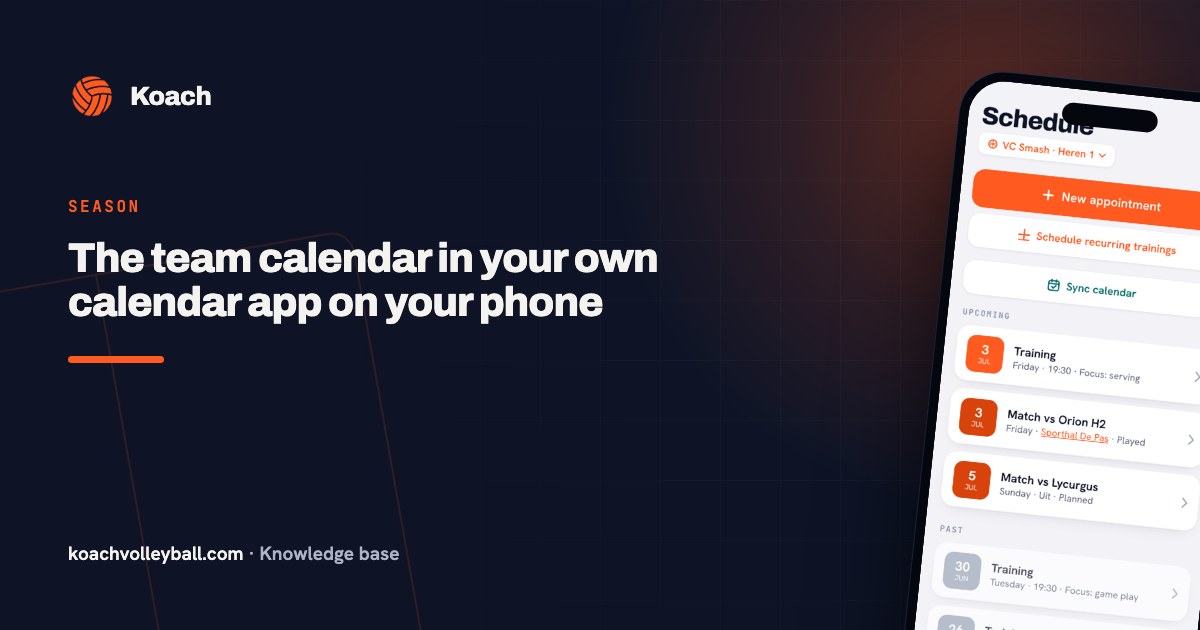
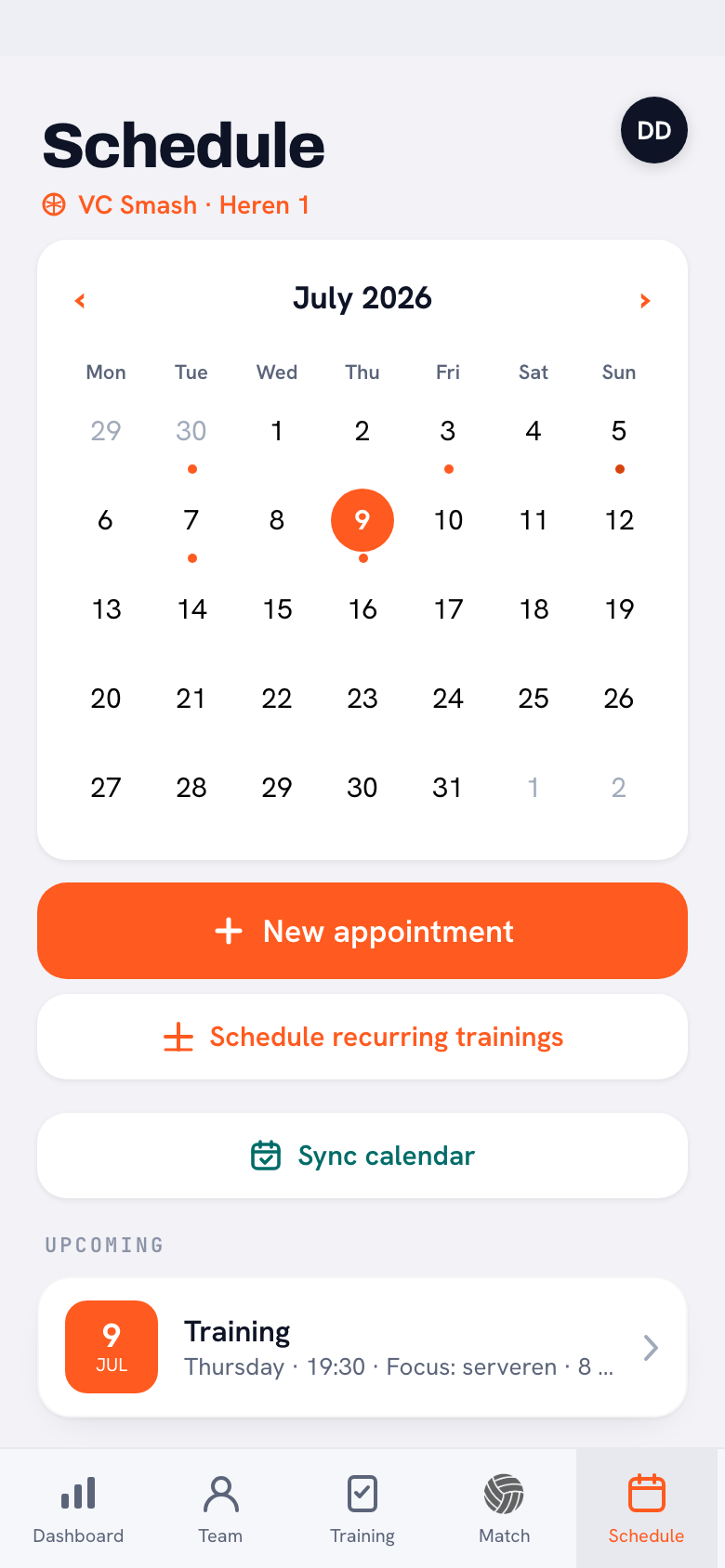
That is exactly what a club app with a calendar link does. In Koach the coach keeps the team calendar he needs anyway, and opens it up once via Calendar → “Sync calendar” → “Copy feed link”. As a parent you subscribe your family calendar to it, in that child's layer. If the coach moves something afterwards, it moves in your calendar too — no message, no new link. If your children are in two teams that both use Koach, you simply put two of those links in the same family calendar; inside the app itself you switch between those teams at the top.
Two things to go with that, otherwise this is a brochure. The first: it only works if that child's club uses the app. If your other child's club does not, the manual routine from part (c) remains your real answer. A family calendar that is half live and half hand-typed is not a half failure but the normal situation — just label it honestly. The second: players and parents pay nothing for this. The subscription sits with the coach or the club (Coach €2.99 a month, Club €9.99 a month).
Onlookers without an account: grandad, the neighbour, the babysitter
Around two children in sport stand people who are not members and are not going to be: a grandparent who drives to away matches, the neighbours who step in, a babysitter doing the evenings for a week. You let them look in through your own calendar app, not through the club — every common calendar app can share a calendar, and here that is enough.
Three agreements keep it workable. Share a layer and not your whole calendar — a grandad who drives now and then has plenty with “Sport — [child's name]”. Share read-only, unless the other person is genuinely planning too. And withdraw the sharing once the period is over.
A second adult in the household is a different case: they can get their own parent account at the child's club instead of only looking in on your calendar. How that works, including across two households, is in two parents per player.
What the calendar does and does not say
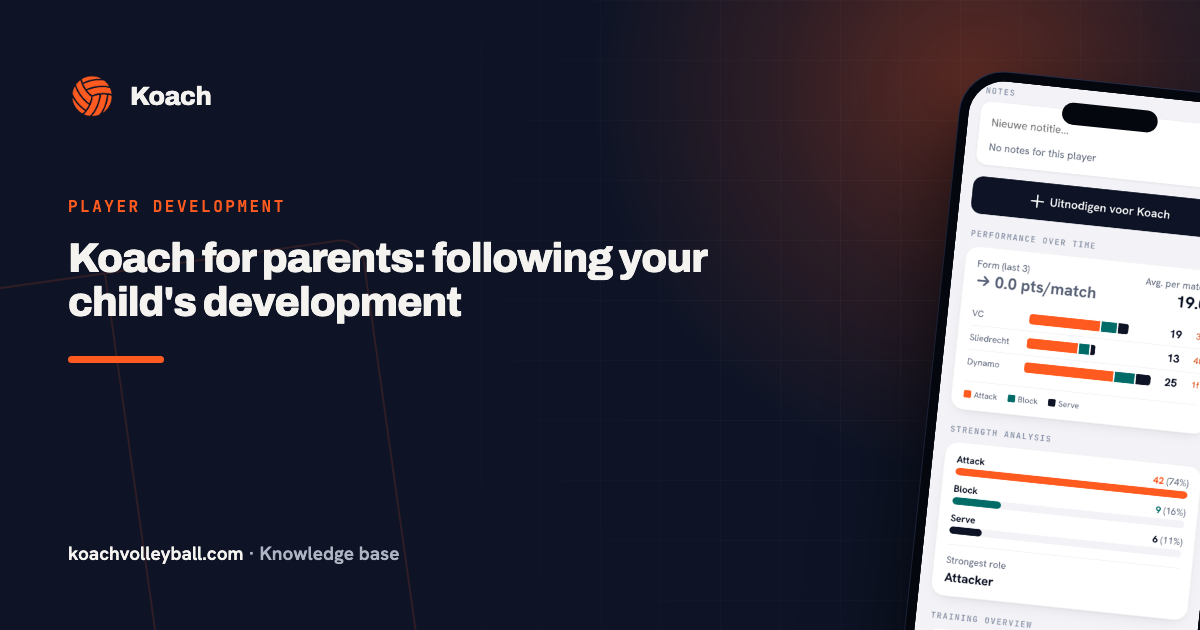
Finally a boundary, or your family calendar grows into a second administration. The calendar answers two questions: when and where. Everything beyond that belongs in the club's app or its channels. Whether your child is signed up for the next match, who is driving, who is in the lineup — that changes most often and is therefore the first thing to stop being right in a hand-typed calendar. The driving rota emphatically belongs in that group; you look it up on the day itself, not in an entry three weeks old. What a parent account shows you besides that is in Koach for parents.
One practical exception: travel time. For an away match you often want a block for the drive in your calendar. Put that in as your own entry in your family layer, not in the linked layer — a calendar you are subscribed to cannot be edited anyway.
Frequently asked questions
Can I get two children at different clubs into the same family calendar?
Yes, but separately per child. In your calendar app you make one shared family calendar with its own layer per child, and you fill each layer with that club's source: a calendar link if the club has one, otherwise whatever you enter yourself. The two layers come together in one weekly view without either club needing to know anything about the other.
My child's club has no digital calendar at all. What is the minimum I have to enter?
The fixed training night as a repeating entry with an end date at the end of the season, plus the match dates as soon as the fixture list is known. No more than that. Anything that changes more often than once a month — driving, lineups, signing up — you leave in the group chat; typing it over only makes it unreliable.
The club switches to a calendar link halfway through the season. Do I have to throw away everything I entered by hand?
Yes, and that is less work than it sounds if you made a separate layer per child. You delete that child's manual layer in one go and add the link next to it as a new subscription. Leave the old layer in place and you will see every practice twice, with the out-of-date entry looking on.
Does it cost anything to follow my child's calendar as a parent?
Not for parents and players. The subscription sits with the coach or the club — Coach €2.99 a month, Club €9.99 a month. Your child's club does have to use the app, though; if it does not, there is no link to subscribe to either, and keeping the calendar by hand stays the only route.