
Koach for parents: following your child's development
Your child plays volleyball; you drive, wash and cheer — but what actually happens at all those practices? Koach is not a separate volleyball app for parents, but it does have a dedicated parent account: the coach invites you per player, and you see the dashboard, the calendar and the bar duties — statistics and badges you look at together with your child.
Is there a separate volleyball app for parents?
There is no separate app — but there is a dedicated parent account. The coach invites you with a parent link of your own for your child: all parents at once via Invite parents, or per player via Invite a parent; you then get your own account, linked as the parent of your child, with the dashboard, the calendar and the bar duties. Statistics and badges are deliberately not part of the parent account: those you look at together with your child in their own player account (only a team parent also sees their own child's numbers for played matches, see viewing your child's statistics) — how that account works and what is in it is covered in everything about the player account. Multiple parents per child is perfectly fine, so both parents can have their own account. There are no extra costs either: parent and player accounts are free, and the coach or club pays for the subscription.
What do you see in your child's account?
- Attendance: the season attendance percentage and the history per practice.
- Statistics: points (attack, block, serve) and errors, per match and across the season — straight from the coach's live scoring. The coach can choose to hide players' own errors from them.
- Badges: automatically earned milestones for attendance, performance and effort.
- Calendar: the full team calendar with practices, matches and other events.
- Practice program: the focus and the block-by-block plan for each session, so you know what the team is working on.
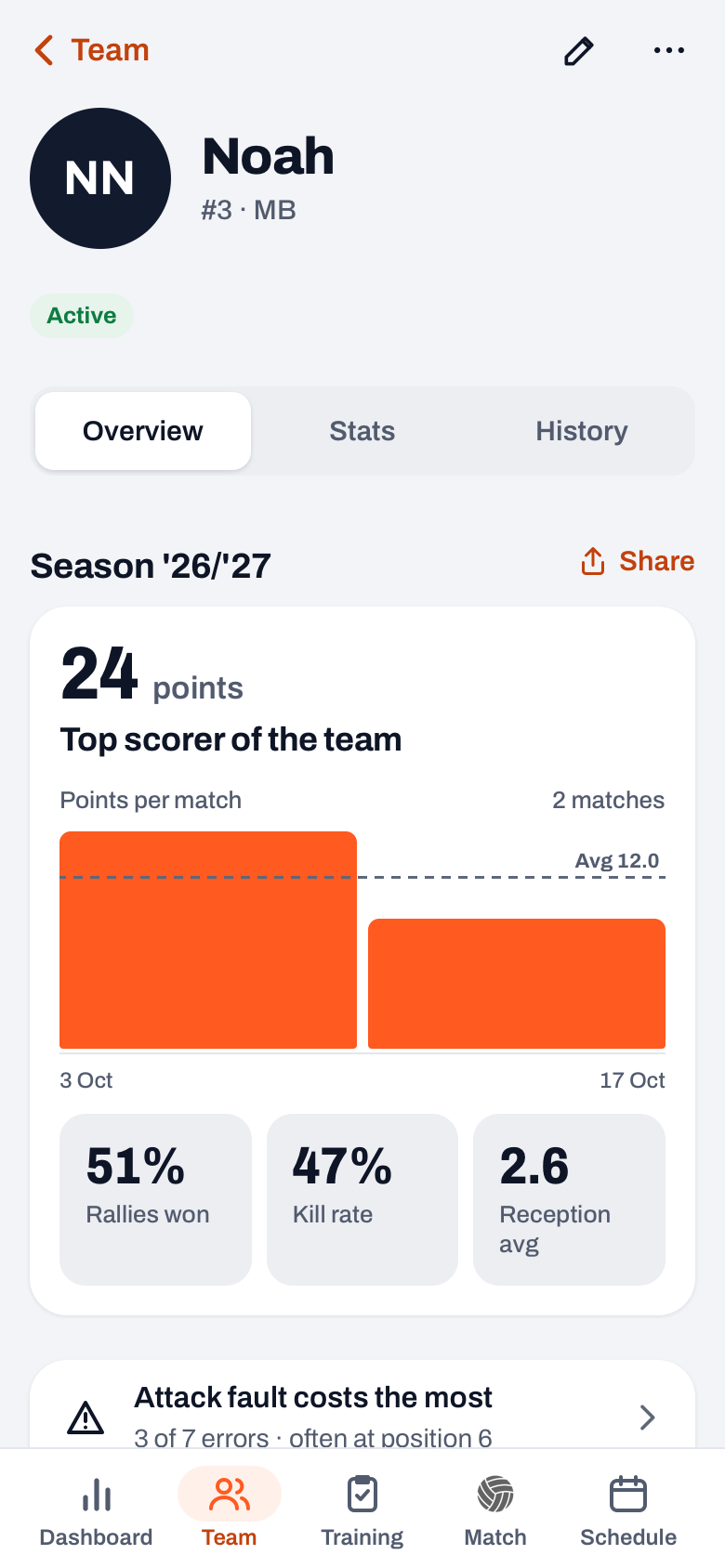
And the driving?
The very thing you deal with most as a parent is now part of the parent account as well. If the coach sets up a driving rota for the away matches, your next drive appears on your dashboard under Your duties, with the You drive badge, as soon as you are assigned. Tap it and a read-only screen opens with who is driving and how many seats there are between them — handy for knowing who you are picking up on the way. The same screen opens when you tap an away match in the calendar, even if you are not assigned yourself. Changes are the coach's job — or that of a parent whom the coach or the team owner has appointed team parent: that parent may build and adjust their team's driving rota themselves. Exactly what you see is covered in who drives to the away match.
What is in it for you as a parent?
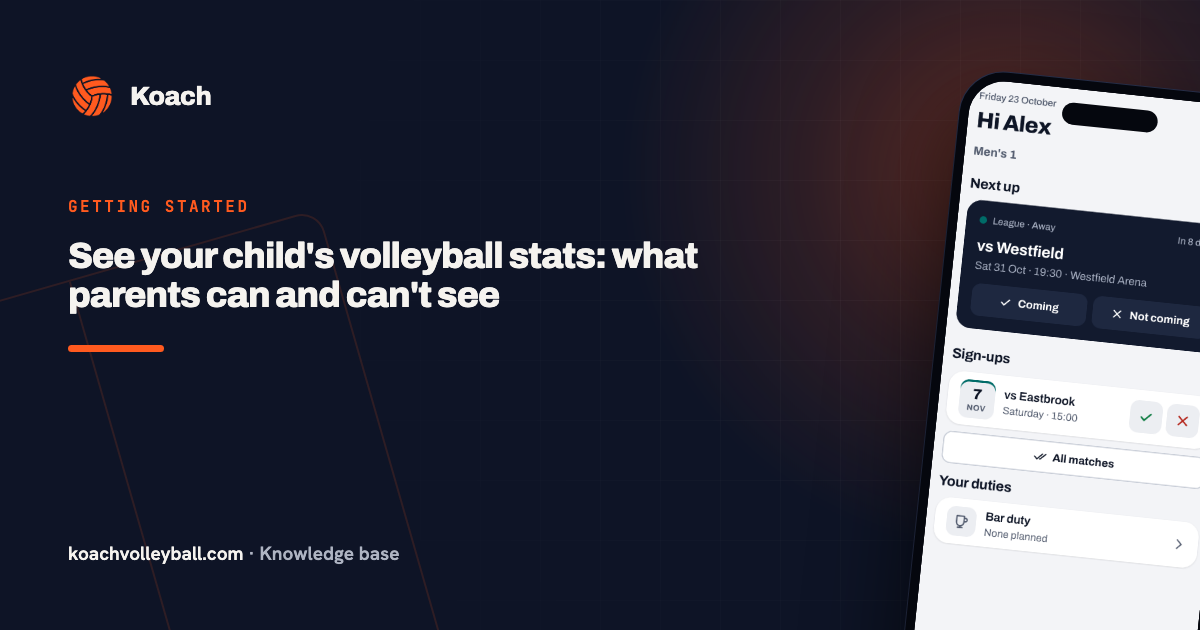
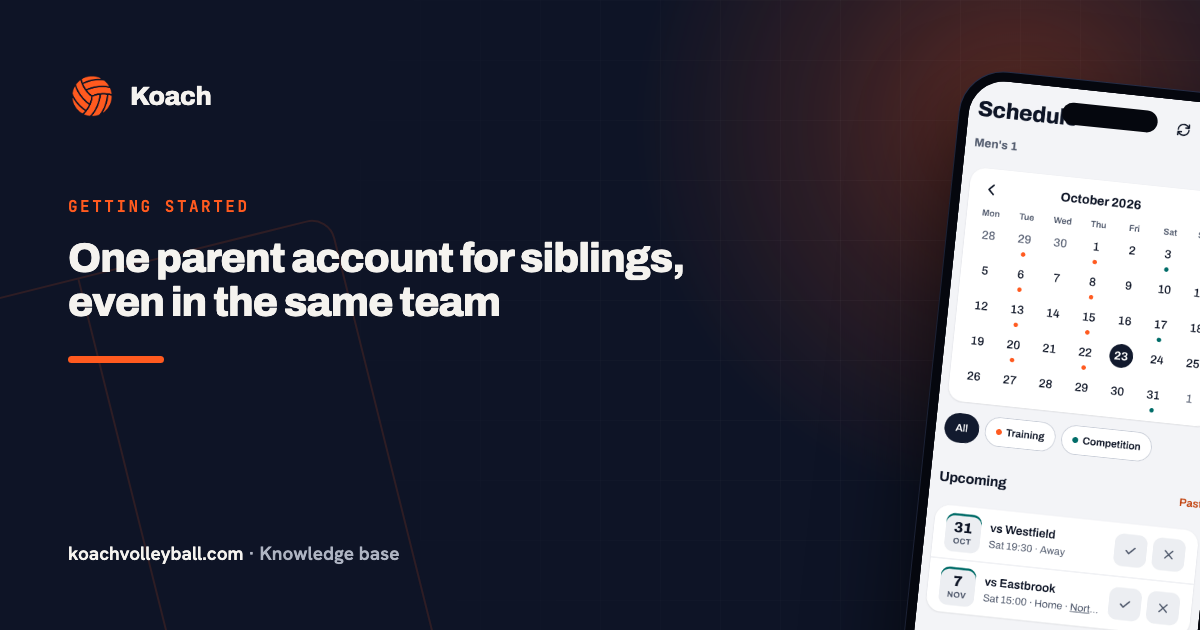
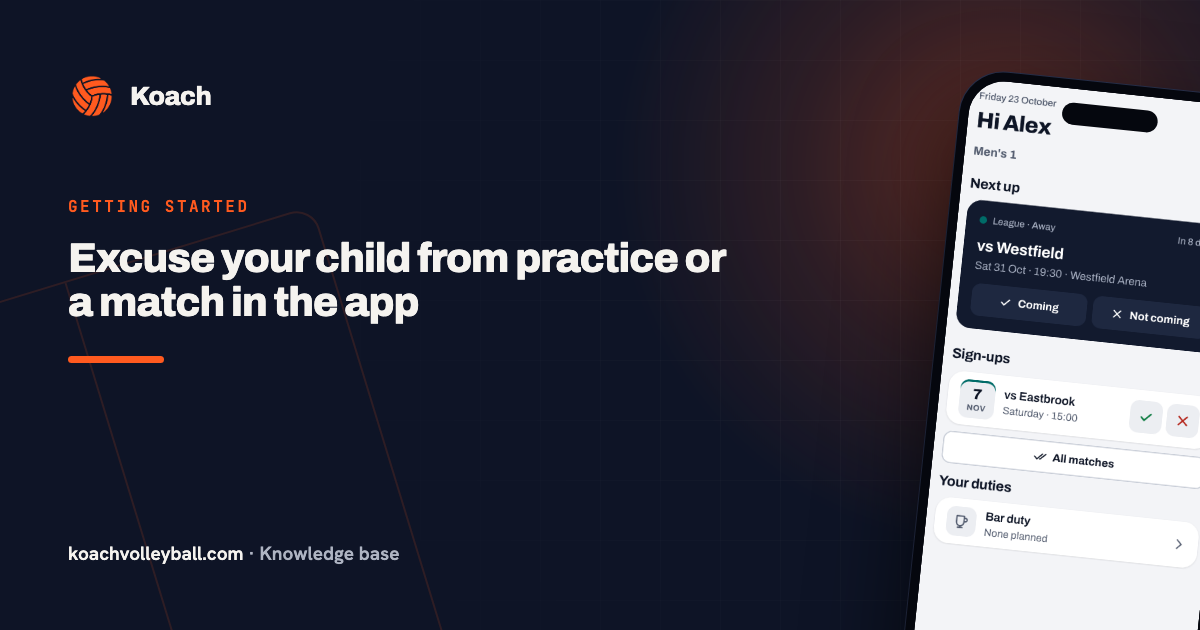
Three things. First, a better conversation: "how was it?" gets you "fine", but "I saw you had two block points!" opens a story — you are responding to something concrete instead of the summary, and the drive home becomes a conversation instead of an interrogation. Second, the practical side: if your child is ill or there is a school party, you sign them out of practice from your own dashboard: with Not coming on the Next up card, or with the cross in the Sign-ups list; a small courtesy the coach will appreciate. If you have more than one child in the same team, first pick the child at the top (see one parent account for several children). If your child has a player account, they can do it themselves too: how a player passes on their own attendance. And third, the calendar: what time Saturday's match starts is right there in the app, not buried in a group chat from three months ago.
What about privacy?
You only see your own child's data. Of teammates, only names, jersey numbers and positions are visible — no numbers, no ratings. Coach notes are visible to the team's coaches, not to players and not to other parents. If the team plays at a club, a club manager, a board member and the technical manager also read them through the team log, read-only, so the club can carry on when a coach stops halfway through the season. That board member is often a parent on the team as well. That makes the player account a safe place for youth teams too: everyone sees their own story, and nothing more. How Koach handles data more broadly is covered in privacy and data.
One more thing: read the numbers with soft eyes. Youth players develop in fits and starts — growth spurts and dips are part of it — and the coach follows those same lines with more context through player development tracking.
Important: the numbers are a tool, not a report card. A dip in the statistics is an opener for a conversation about how things are going — not something to discuss at the kitchen table as if it were a failing grade.
Frequently asked questions
Can I follow along as a parent in the Koach app?
Yes. The coach can invite all parents at once via 'Invite parents', or you per player via 'Invite a parent'; you then get your own parent account with the dashboard, the calendar, the bar duties and your own drives from the driving rota. Statistics and badges you look at together with your child in their player account; only a team parent also sees their own child's numbers for played matches.
As a parent, can I see whether I have to drive to an away match?
Yes, if the coach uses a driving rota. If you are assigned, the drive sits on your dashboard under Your duties, with the 'You drive' badge; tapping it opens a read-only overview of all the cars. That overview also opens when you tap an away match in the calendar. Swapping goes through the coach, or through a parent who has been appointed team parent: that parent may build and adjust their team's driving rota themselves.
Can other parents or players see my child's data?
No. Each player account only shows its own detailed numbers; teammates and their parents only see names, jersey numbers and positions in the roster. Coach notes are visible to the team's coaches; within a club, a club manager, a board member and the technical manager read them through the team log, read-only.
How do I sign my child out of a practice?
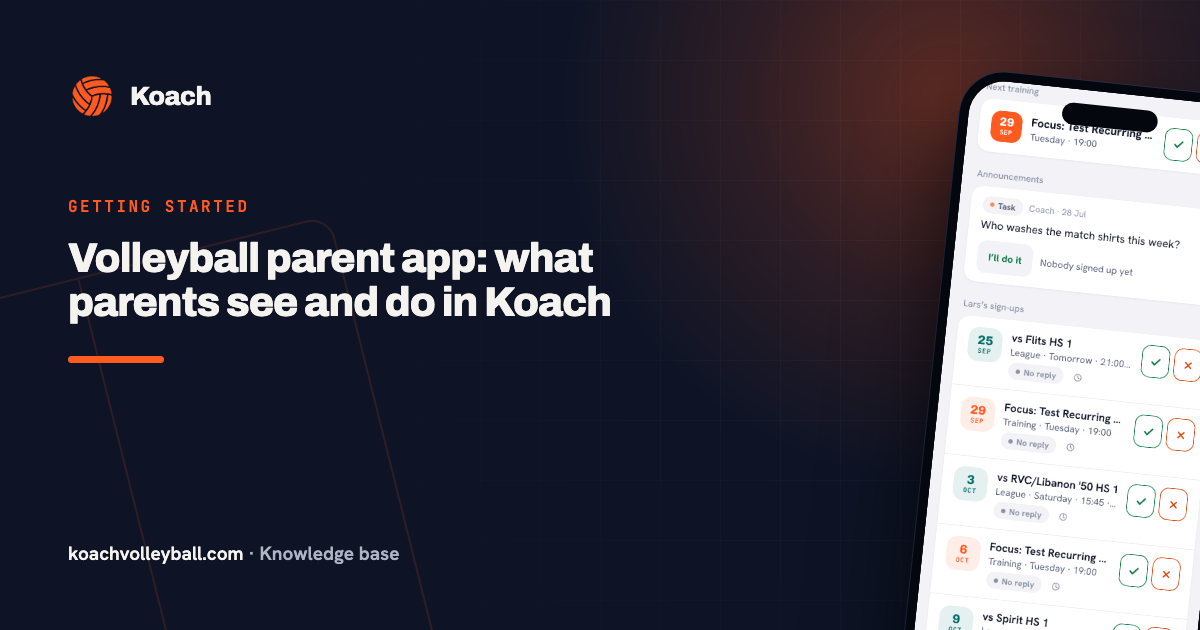
You do that yourself, in your own parent account. Your dashboard shows the next event under Next up, with the Coming and Not coming buttons; below that, Sign-ups lists the events after it (practices, matches and tournaments mixed together by date), each with a tick and a cross. Tap Not coming or the cross on that practice and add a reason if you want to. The same buttons sit in the calendar. You can sign out up to the day of practice itself — a courtesy the coach preparing the session will appreciate. The other way round, 'All trainings' signs your child up for every upcoming practice in one tap; that button only touches practices with no answer yet, so a deliberate sign-out stays as it is.
 Growing youth players: development over results
 What does a player see in Koach? The player account explained
 Who drives on Saturday? The driving rota for players and parents
 Tracking playing time: the fairness meter in Koach
 Volleyball parent app: what parents see and do in Koach
 See your child's volleyball stats: what parents can and can't see
 One parent account for siblings, even in the same team
 Excuse your child from practice or a match in the app
Is your child already playing with Koach?
Ask the coach for a player account invitation — following along costs nothing extra.
Get started with KoachOr read first what the volleyball coaching app does.