
“We each kept our own list. That is exactly one list too many”
On the second person on the bench: how they get in, what they are allowed to do, and what happens when you both edit on a Tuesday evening.
Hardly any team is run by one person. There is a trainer and a coach, or a head coach and an assistant, and between them they keep the team going — each doing half of it. To add a second coach in Koach takes about ten seconds. The harder question comes straight after: who does what, and whose list is the real one?
Dennis Boekhout coaches a youth team with someone alongside him. He explains how a colleague gets in, why there is no layer of permissions between two coaches, and which part the app deliberately does not solve for you.
How does it work for you — are you on your own out there?
“No, and almost nobody is. At my team there are two of us. I take Tuesday, he stands next to me on Saturday. In the hall that works fine. Where it went wrong was in what the two of us wrote down.
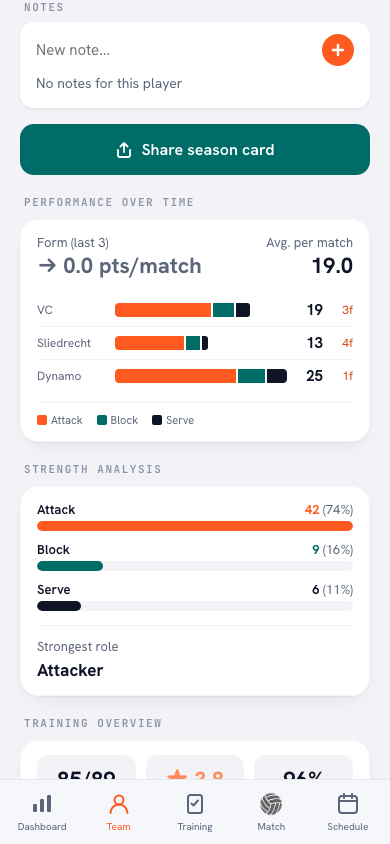
“We each kept our own list. That is exactly one list too many. He had his notes in his phone, I had mine in the app. Neither was wrong. Together they were simply never complete.”
What did you actually lose that way?
“Nothing spectacular, and that is exactly the trap. Nothing ever blew up, it just leaked away. On Saturday I built the lineup on what I knew from Tuesday, and his remark about one player’s attack was nowhere: not in my head and not in my app.
“A week later we had that same conversation with that same player all over again, because neither of us could remember whether we had already had it. That is not a row. That is just a wasted Tuesday.”
Right. So how does that second coach get into Koach?
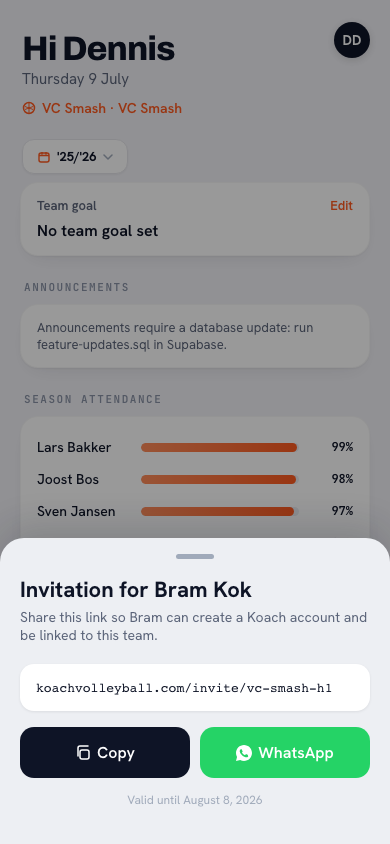
“In the team settings there is a heading called Coaches, with your own name above it and a plus below it. From there you have two routes. Either you pick somebody who already has a Koach account — they are in straight away. Or you send a link.
“The link is the easy one. Whoever opens it becomes a coach of that team, even without a Koach account yet; they create one on the way in. You message it to them and you are done. On a Sunday evening, that is how it really goes.”
And if your colleague is already in Koach somewhere else, at the same club?
“Then there is the club code as well. It is a short string of characters you hand to a fellow coach so that they land at your club and not at one that happens to have the same name. That is about the club, not about the team.
“That difference matters. The club code puts them in the right building; the invitation puts them in the right room. For one team with two coaches you only need the second one.”
What is a second coach allowed to do?
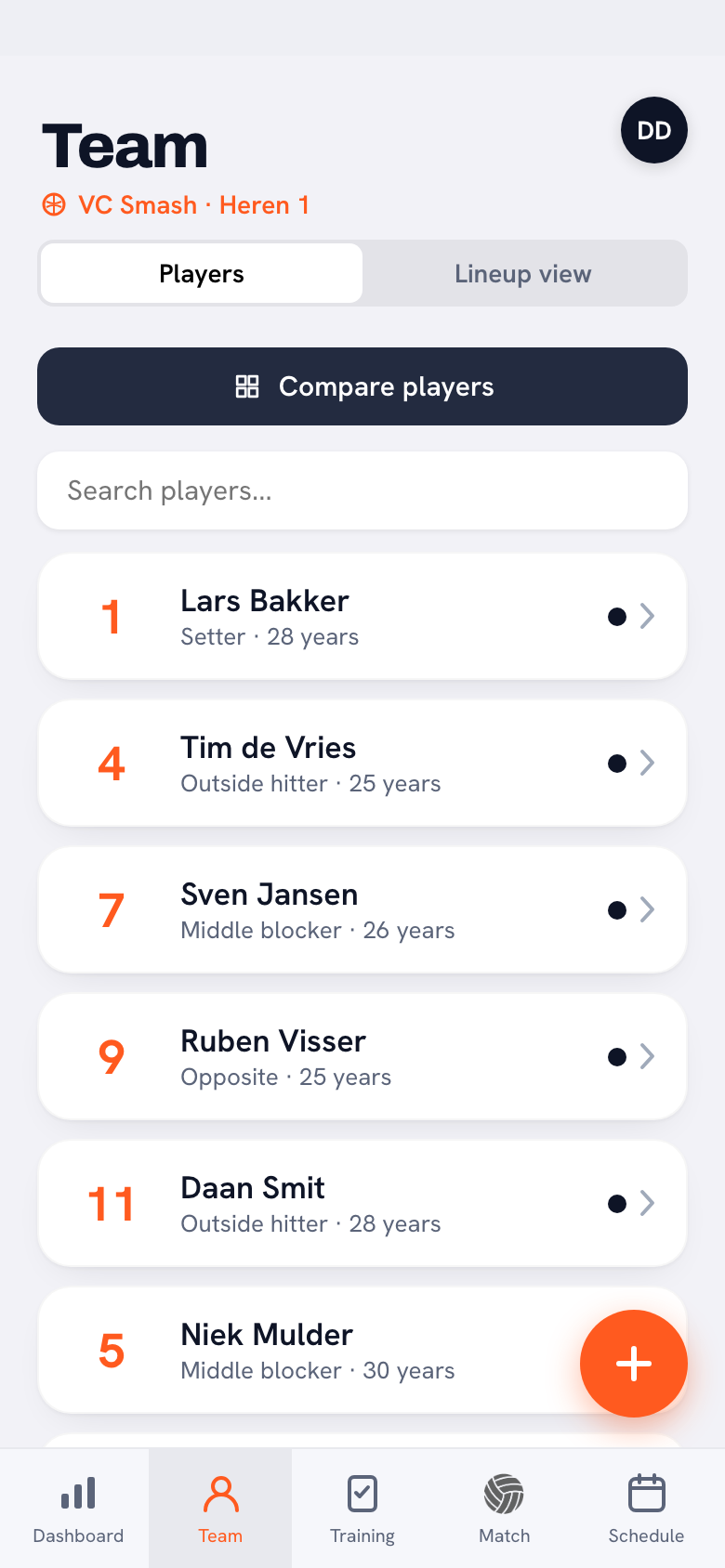
“Everything you do with that team. Build lineups, plan sessions, create matches, keep score live, look at the statistics, write notes on a player. They see the same screen you do.
“There is deliberately no layer of permissions between two coaches. If you coach the team, you see the team. Full stop.”
That sounds risky. What if he deletes something?
“I thought about it and I deliberately left it out. A permissions matrix between two people who stand in the same hall together on a Tuesday is a solution for an org chart, not for a team. If you do not trust the other person, a checkbox is not going to fix that.
“One thing is reserved for the owner, though: the coaches themselves. Adding or removing a coach, renaming the team, handing the team over or deleting it: only whoever owns the team can do that. In that block it literally says ‘owner’ under their name, so you never have to guess who it is.”
And how many coaches can one team have?
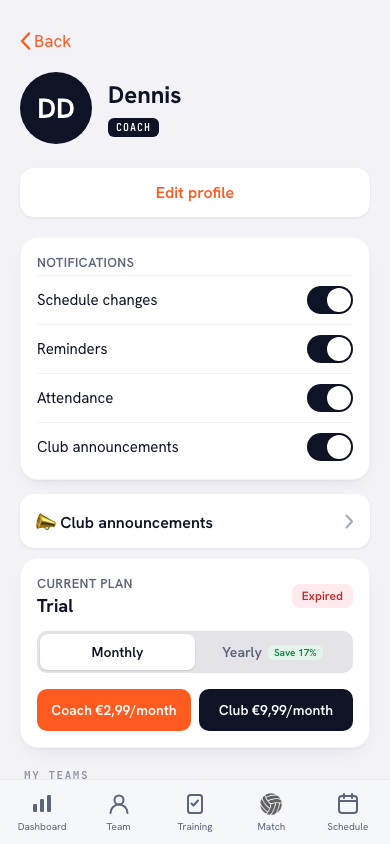
“On Coach you can add one, two in total. That covers the vast majority of teams: a trainer and a coach. If you want more than that, or you are running several teams side by side, that is Club, and there it is unlimited.
“It is right there in your settings, under your plan. And if you hit the ceiling the app says so in plain words instead of the plus simply refusing to work. Nothing is more annoying than a button that stays silent.”
Now the interesting bit: what happens if you both enter something on the same Tuesday evening?
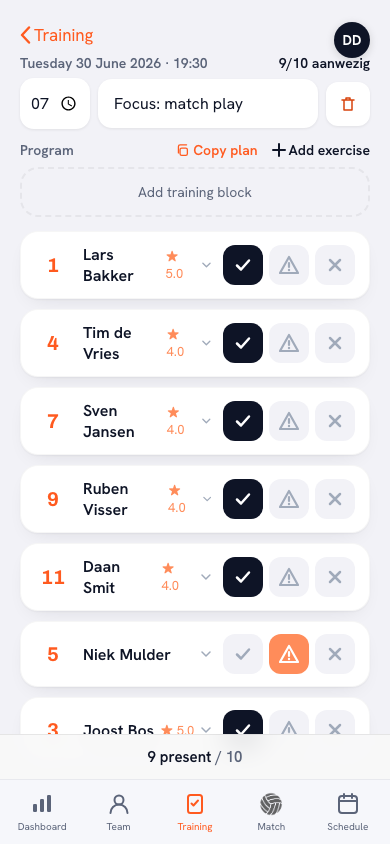
“Koach is not a document the two of you type into together. There is no cursor from your colleague on your screen. What the app does do is save per item: a training session is written away as that session, a match as that match, a note as that note.
“So if he ticks off attendance while I am building the programme for the same evening, both survive. If we are dragging blocks around inside the same session at the same moment, whoever saves last wins. That is simply how it is, and you are better off knowing it than discovering it.”
And you do not see the other one working, live?
“No. There is no little dot saying ‘he is typing’. Your app fetches what has changed the moment you open it again, and there is a Refresh button for when you do not feel like waiting.
“That was a choice. The app has to work in a sports hall with no signal, and that is half the halls in this country. Building something that leans on two phones talking to each other constantly is exactly the thing that falls over in there.”
So what do the two of you have to agree on before the app takes over?
“Three things, and together they take a minute. One: whose lineup is it. Not both of you a bit — one of you makes it, the other one comments on it. Two: who ticks off attendance. That is the Tuesday person, always the same one.
“Three, and this is the big one: write it in the app and not in your own phone. The app can hold one list for you. It cannot force you to use it. That part stays human work.”
Finally: one tip for two coaches just starting out together?
“Do that first evening together, phone on the table. Ten minutes. Walk through the settings, put each other in, and say out loud who the owner is, because that is the one who can add coaches and remove them. You do not want to find that out the week that person is on holiday. [laughs]”
Get your assistant on board
Koach is free to try. Create your team, invite your fellow coach with a single link, and from next Tuesday work from the same list instead of from two.
Try Koach free