
Volleyball player card template: Canva or automatic
The short answer
You can find a volleyball player card template in a design tool like Canva: pick a card layout and fill in each player's name, photo, position and stats yourself. If you track your matches in Koach, you can skip that step: the season card puts the rating, season stats, badge count and best moment on one image automatically.
You need a volleyball player card template for your players: for the end-of-season party, as a keepsake, or to share in the team group chat. Below you'll find what belongs on a good card, how to design one yourself, and when it's faster to have the card built automatically from your season stats.
What goes on a volleyball player card?
A player card works like a trading card: one portrait image with one player on it. Whether you print it for the end-of-season party or share it in the group chat, the same elements turn it into a card instead of a photo with a name underneath:
- Name, jersey number and position. That's what everyone looks at first. Use the position names your team knows: setter, outside hitter, middle blocker, opposite or libero.
- A photo. Ideally in uniform and facing the camera. If you don't have one, put the player's initials in a circle; that looks cleaner than an empty box.
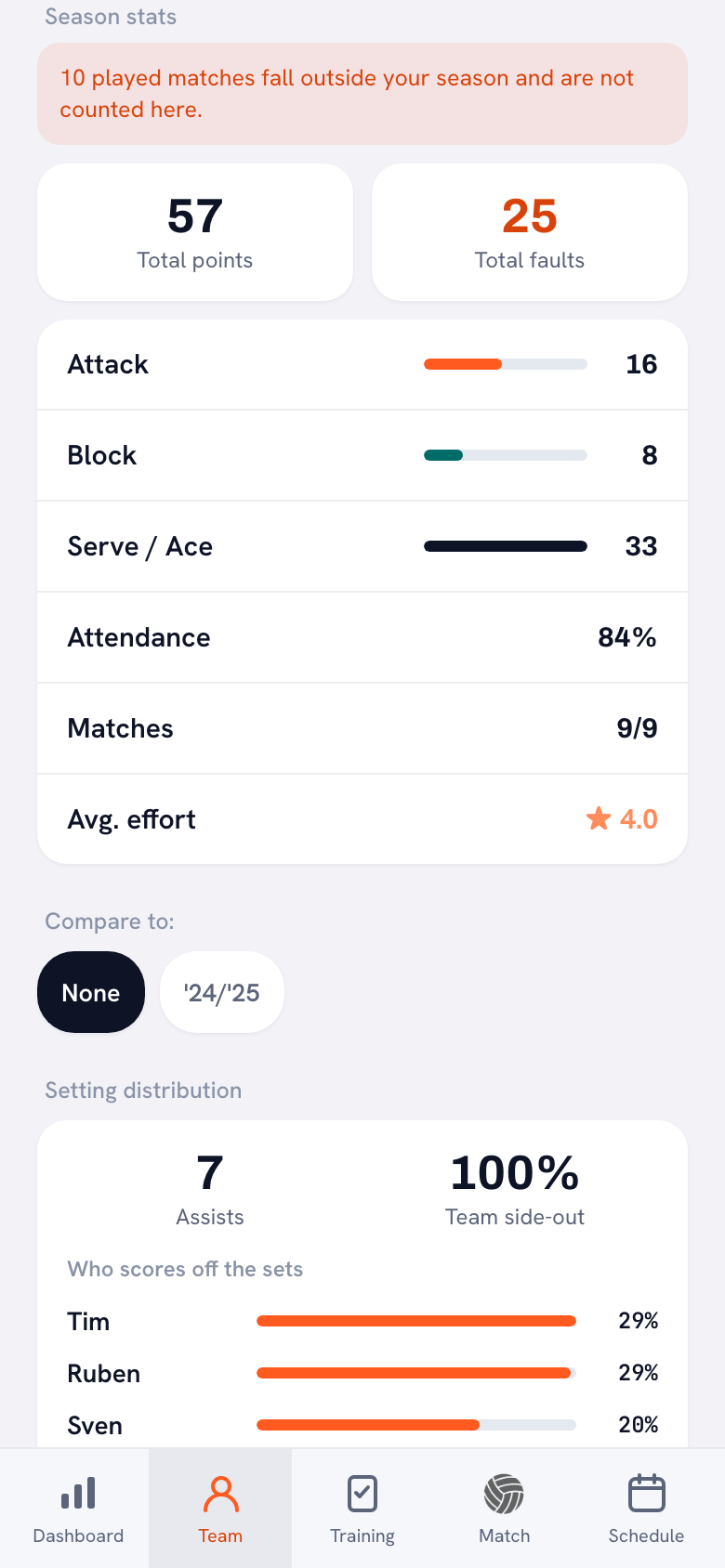
- A few season stats. Points, kills, blocks, aces, and how many sets or matches the player played. Three to six numbers is plenty: a card isn't a stat sheet.
- One highlight. The player's best match of the season, or a milestone they reached.
- Team and season. So that years from now, the card still tells you where it came from.
The hardest part isn't the design, it's the numbers. Someone has to track them all season, per player and per match. Without that record, a player card stays a nice photo with a name on it. How to keep those records without losing your evenings is covered in tracking player development in volleyball.
14 days free, no credit card. Add your team, score your next match and see what the first season card looks like.
Try Koach with your teamThree ways to make a player card
We make Koach, so read this with that in mind. For some readers a template is simply the better choice, and we say so below.
1. A template in Canva or another design tool
A design tool with templates gives you the most freedom. Canva is free to download, with in-app purchases, and its App Store listing mentions thousands of customizable templates, including social media posts, flyers and invitations (checked October 2026). Player cards aren't on that list. So search the Canva template library for 'player card', 'sports card' or 'trading card'. If there's no volleyball design, take a card from another sport or start from a blank portrait page: swap in your colors, your own photo and volleyball stats in the boxes.
The upside is freedom. Team colors, your logo, the size, a back with text: you choose all of it. For a printed card in a gift bag, that's the best option. The downside is the retyping. For every player you enter the name, photo and stats again, and with a roster of twelve you do it twelve times. If the numbers in your notebook are off, the card is off too.
2. A printable template in Word or Google Slides
Don't want to learn a design tool? A simple document works too. Make a table with a box for the photo, a line for name and position and six small boxes for the stats, and fit four cards on one page. Print on cardstock and cut them out. It's the cheapest route and anyone with a word processor can edit it, but it's also the most manual: you add every name, every photo and every number yourself.
3. Automatically from your season stats in Koach
If you track your matches in Koach, the card already exists. At the bottom of the player profile you'll find the Share season card button, as soon as the player has played at least one match this season. Tap it and Koach draws a portrait card of 1080 by 1620 pixels in a fixed design, with the match stats from the current season. In the app on your phone, the share menu opens; in a browser that can't share, the card downloads as an image. The step-by-step version is in the season card: your season as a shareable player card.
Volleyball player card template or season card: side by side
Checked in October 2026 on Canva's App Store page and in the Koach app.
| What you want | Template (Canva, Word) | Season card in Koach |
|---|---|---|
| Team colors and logo | Yes | No, fixed design |
| Stats per player | Type them in yourself | Automatic, from your matches |
| Rating, badge count and best moment | Come up with them and fill them in | Automatic |
| A card for the whole team | Fill it in again for every player | One tap per player |
| Size | Your choice | Portrait image, 1080 by 1620 pixels |
| Players make their own card | Only if they have the template | Yes, with a player account |
| Cost | Canva is free to download, with in-app purchases | Included in Koach: 14 days free, then a subscription |
How the season card fills in every element for you
The card covers the same five elements as a good template. The difference is that nobody has to type them in:
- Name, jersey number and position. Taken from your roster, with the position as an abbreviation in the app's language.
- Photo. The player's profile photo, if they have their own account with a photo. Otherwise their initials appear in an orange circle.
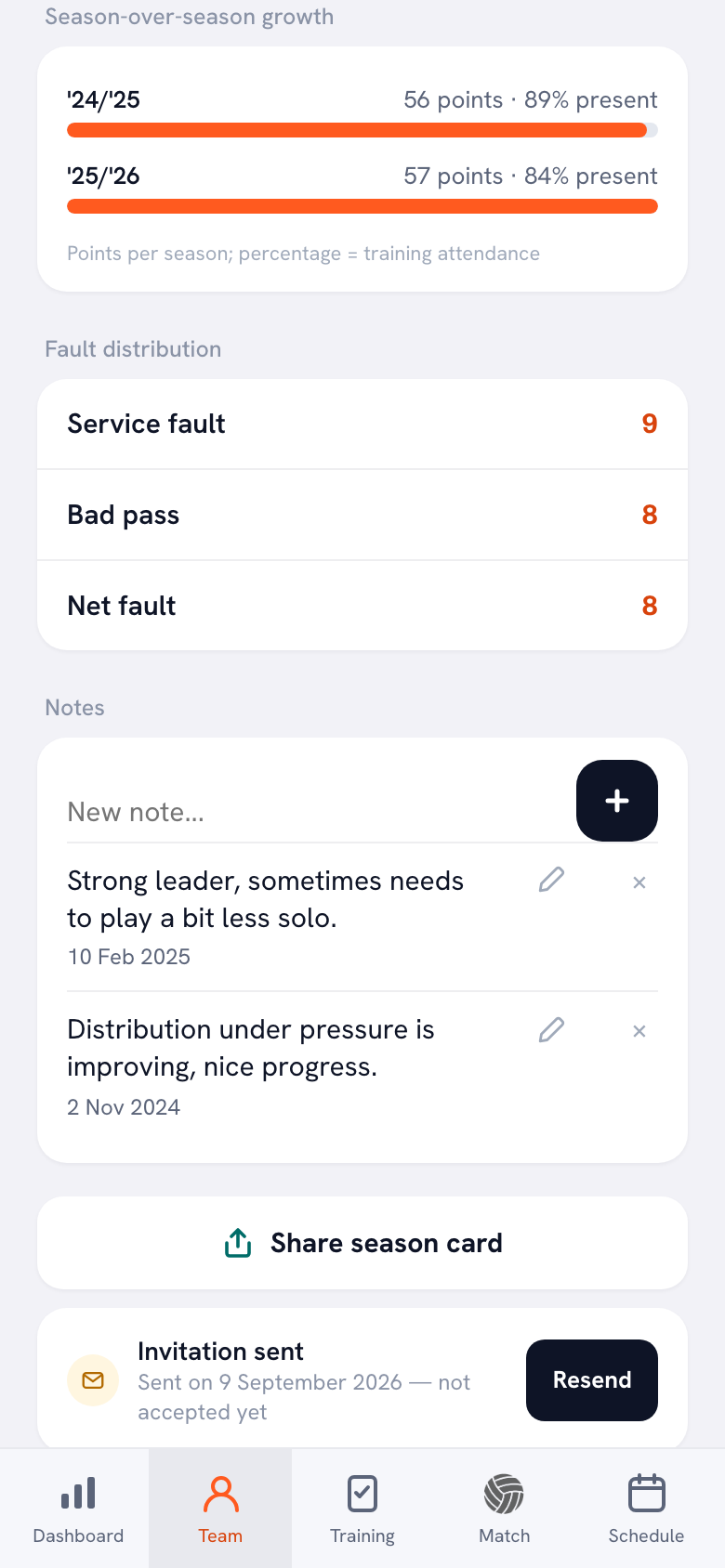
- Six numbers. Points, Sets, Attack, Block and Serve for the current season, plus the number of badges the player has earned under Badges. In the top left corner is a rating from 50 to 99: points per match, measured against the best player on your regular roster. So it's a measure within your own team, not a ranking between teams.
- Highlight. Under Best moment you'll see the match in which the player scored the most points, with the opponent's name. If a player hasn't scored yet, that line is left out.
- Sender. The Koach logo and koachvolleyball.com at the bottom.
Because the card uses the stats as they stand at that moment, you can share it halfway through the season too. A card now and a card at the end show together how much a player has grown; how players can track that themselves is explained in tracking your own progress as a volleyball player.
Badges make the card personal
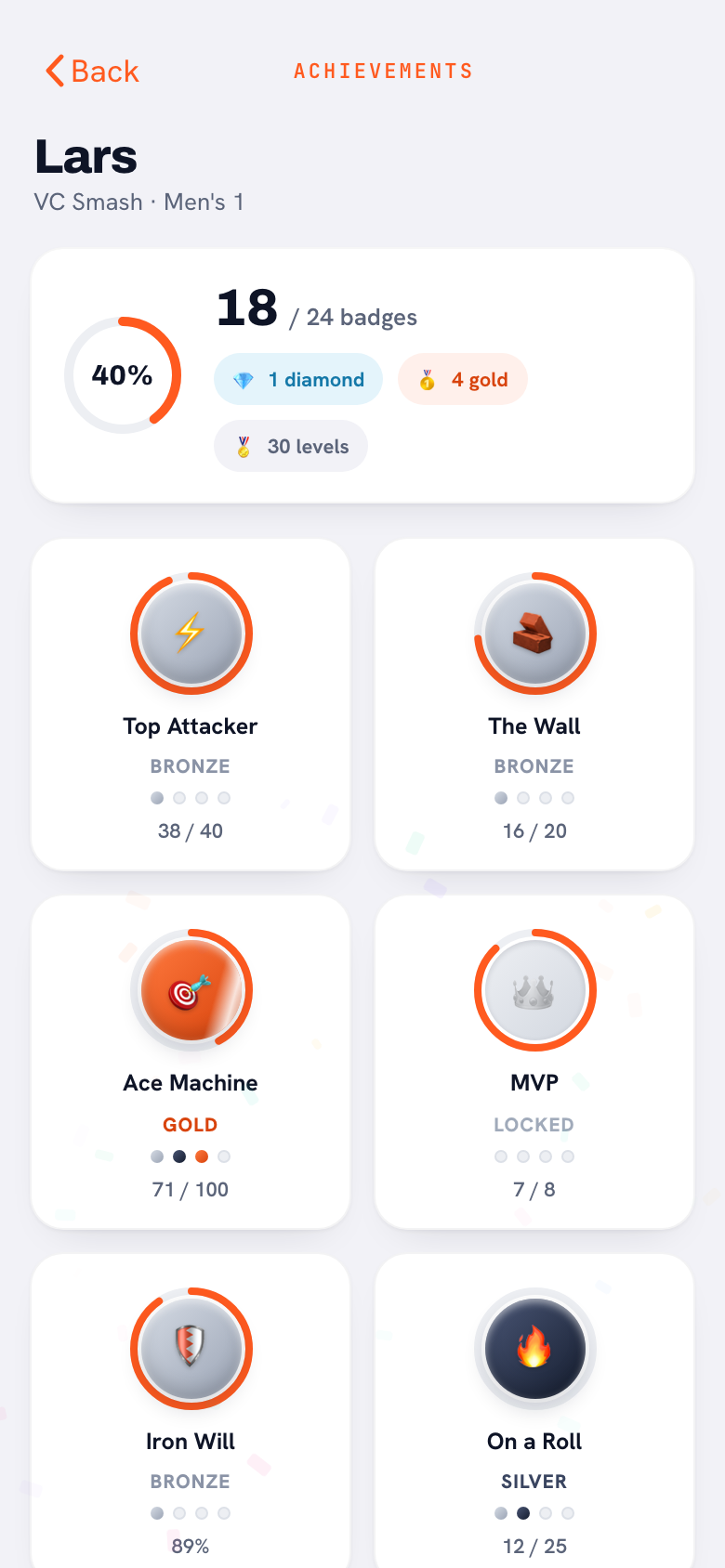
With a template, you have to decide what makes a player special. In Koach, players earn that themselves. There are 24 badges, such as Iron Will, The Wall and Ace Machine, most of them with the levels Bronze, Silver, Gold and Diamond. They come from what happens on the court and at practice, and the number of badges earned goes on the season card. Why milestones like these keep players working is covered in achievements and badges as motivation.
Which route fits you?
- Choose a template if you want one printed card in team colors once a season, if you don't track stats, or if the card is about something other than matches, like a welcome card for new youth players.
- Choose the season card in Koach if you already track your matches and want to give every player their own card without typing it twelve times.
- Combine them if you want both: share the season card in the group chat and copy its numbers into a printed template with your club logo.
What Koach doesn't do: the season card has one fixed layout, with no club logo, custom colors or custom text fields, and Koach doesn't print anything. The card also only shows stats from matches tracked in Koach. Looking for an image with a match result? Read about the game result graphic for your sports team.
What does a player card from Koach cost?
The season card isn't a separate product: it's part of Koach. You can try Koach free for 14 days, with no credit card and every feature. After that you choose Coach for €2.99 per month (one team, two coaches) or Club for €9.99 per month (unlimited teams); with a yearly plan you pay €2.49 or €8.33 per month. In the App Store and Google Play you pay the store price in your own currency. The player account is free: if your team is in Koach, a player can share their own card without paying anything. The prices are on the pricing page.
Start tracking before you start designing. If you want a card with real numbers at the end of the season, you have to start at the first match. So score from day one, even if you don't know yet whether you'll ever make cards.
Source: Canva on the App Store, checked October 2026. Prices and features can change; check them yourself before you choose.
Frequently asked questions
How do I make my own volleyball player card template?
Pick a portrait layout in a design tool like Canva, or build a table in Word or Google Slides. Add boxes for the name, jersey number, position, a photo, three to six season stats and one highlight, then copy that design for every player. If you track your matches in Koach, you don't need a template: Share season card in the player profile gives you a card with this season's numbers.
Is there a free volleyball player card template?
Yes, if you make it yourself. Canva is free to download, with in-app purchases, and a table in Google Slides or the word processor you already have costs nothing extra. You pay with your time instead, because you type in every card yourself. You can try Koach free for 14 days, no credit card needed. After that Coach costs €2.99 per month for one team; the player account is free.
What stats go on a volleyball player card?
Stick to three to six numbers from one season: points, kills, blocks, aces and sets or matches played. Add one highlight, such as the match with the most points. More numbers make a card cluttered and don't mean much to young players.
Can a player make their own season card?
Yes. A player with their own player account opens their profile and sees the Share season card button there, as soon as they have played at least one match this season. The numbers come from the matches the team tracks in Koach. The player account is free.
Can I print the season card or add our club logo?
You can print it: the card is a regular image of 1080 by 1620 pixels, the same 2:3 ratio as a standard 4 x 6 inch photo print. Koach doesn't print anything itself. A club logo or custom colors aren't possible, because the card has a fixed layout. If you want that, copy the numbers into your own template.


Give every player their own season card
14 days free, no credit card. After your first scored match, the first card is ready.
Get started with KoachOr read first what the volleyball coaching app does.