
Volleyball tactics board app: phone, tablet or online
The short answer
A volleyball tactics board app is a court on your phone, tablet or browser where you draw a situation, save it and share it. If you want to drag players around or animate plays, pick a standalone board app such as Coach Tactic Board: Volley. In Koach, the board is tied to your team and your matches.
Looking for a volleyball tactics board app means choosing between a standalone drawing app and a board that lives inside your coaching app. Below, the volleyball boards for phone, tablet and browser are compared side by side: what they cost, what they do better than Koach, and where Koach makes the difference.
What should a volleyball tactics board app do?
A magnetic board has one job: showing six people the same picture in a few seconds. An app has to do that at least as well, and then do something a plastic board cannot. Look for these points when you choose:
- A real volleyball court. With the net and attack lines, full or half court. Many board apps are built for soccer or for several sports at once.
- Fast drawing. An arrow for the ball, a dashed line for a player's run, and an eraser. During a time-out there is no time for menus.
- Saving under a name. A board you can find again after the match is worth more than a photo buried among a hundred others.
- Sharing with your team. As an image in the team group chat, so players can look at it again at home.
- Where it runs. Your phone on the sideline, a tablet in the locker room, a laptop for the pre-match talk, ideally with one account.
- Player markers and animation, if you really need them. If you want to show the runs of six players step by step, an app that plays movements back serves you better than a drawing board.
Still not sure whether it should be an app at all, or a magnetic or LCD board after all? Read whether to buy a coaching board or just use your phone first. This article is about which app.
14 days free, no credit card. Draw your first board tonight, set up your lineup and see at your next match whether you get your point across faster during a time-out.
Try the tactics board in KoachGeneric whiteboard apps and online tactics boards
We make Koach. So read the comparison below as written by a maker who knows Koach from the inside and the other apps from their store listings.
The first option you may already have: a drawing or whiteboard app on your tablet. It costs nothing extra, but it has no volleyball court: you draw the court yourself every time or put a photo underneath, and your boards end up among your other notes. That is fine for one sketch, not for a whole season.
There are also tactics boards that open in the browser without installing anything, which is handy on a laptop for a pre-match talk. Do check whether you can save a board and whether the court is usable on a phone screen: on the sideline you usually do not have a laptop open.
Coach Tactic Board: Volley, the full-featured board
Checked in October 2026 in the App Store and on Google Play.
Coach Tactic Board: Volley has been around for a long time: it has been in the App Store since 2014, runs on iPhone and iPad, and is also on Google Play, with 100K+ downloads. According to the App Store it is available in 26 languages.
What it does better than Koach: you build animated plays and drills, and you put players on the court with name, number and position and drag them around. You save unlimited tactics, organized in folders by opponent, match or training session, and export them as an image or PDF. With Coach Messenger you set up group chats with your coaching staff and share a tactic right in the conversation. If you want an attack combination to actually move, this is the app built for that.
Downloading is free. The Android version contains ads, and you pay in the app for the Pro features; in the US App Store these include Coach Pro Monthly at $2.99 and Coach Pro Yearly at $19.99. What the store listing does not mention: live scoring, attendance or a schedule. So do not count on keeping track of your matches in it.
VolleyBoarder and Volleyball Coach: two smaller volleyball apps
VolleyBoarder by Tom Venhorst calls itself the digital tactics board for volleyball coaches, for lineups, rotations and plays. You add players with name, jersey number and position on a full or half court, draw movement lines, save unlimited tactics in folders and export them as an image or PDF. It is free and runs on iPhone and iPad; the App Store lists English as its only language. The first version came out in February 2026, and when we checked in October 2026 it had not been updated since. A strong pick if you want a free board that is only about volleyball, with players you can drag.
Volleyball Coach by Bart Lamberigts is on Google Play, with 5K+ downloads and in-app purchases; we did not find it in the App Store (checked in October 2026). According to its store listing it has a drill library with filters by theme and number of players, animated drills you share as a video, a court editor, and lineups with formation checks and substitutions. If you are on Android and mainly want to share drills that move, look here.
Volleyball tactics board apps side by side
Checked in October 2026 in the App Store and on Google Play. "Not listed" means the store page does not mention it, not that the app cannot do it.
| What you want | Coach Tactic Board | VolleyBoarder | Koach |
|---|---|---|---|
| Runs on | iPhone, iPad, Android | iPhone, iPad | iPhone, iPad, Android, browser |
| Price | Free, Pro in the app | Free | 14 days free, then €2.99 a month |
| Volleyball court, full or half | Yes | Yes | Yes |
| Players on the board | Yes | Yes | No, you draw |
| Animated plays | Yes | Not listed | No, only in drills |
| Sharing | Image or PDF | Image or PDF | Image |
| Organizing boards | In folders, also by match | In folders | By team, with a match |
| Lineup and rotations | Not listed | Yes | Yes, next to the board |
| Chat with your coaching staff | Yes | Not listed | No |
| Live scoring and attendance | Not listed | Not listed | Yes |
Volleyball Coach is not in the table: its store listing is mostly about drills. If you only look at the board, Coach Tactic Board and VolleyBoarder offer more than Koach. Koach only wins if you also want your lineup, matches and attendance in the same app.
What the tactics board in Koach does
In Koach the board is not a separate app but part of your team. You open it with Tactics board at the top of the Training tab, or in the screen of a scheduled match, below Start. In short:
- Full court or Half court, and drawing with Pen, Arrow, Dashed and Erase.
- Save tactics board stores the board under the name you type at the top, with your team, so it is still there when you later log in on another device. If you open it from a match, the list shows For this match under its name.
- Share as image turns it into a picture for your team's group chat.
The board works in the iPhone and Android app, on the iPad and in the browser at koachvolleyball.com/app, with the same account. That also makes Koach an online volleyball tactics board: what you draw on your laptop at home is on your phone on match day. How to use the board during a time-out is explained step by step in the tactics board in the time-out.
Why a board inside your coaching app works differently
The difference is not in the board itself, where Coach Tactic Board and VolleyBoarder do more, but in what surrounds it. In a standalone board app you place your players on the board, but according to the store listings you do not keep track of a match in it. In Koach your lineup lives in the Lineup view on the Team tab: you choose 5-1, 4-2 or 6-2, tap your players onto their positions, assign the setter and libero, and with View all 6 rotations you see where everyone stands in each rotation.
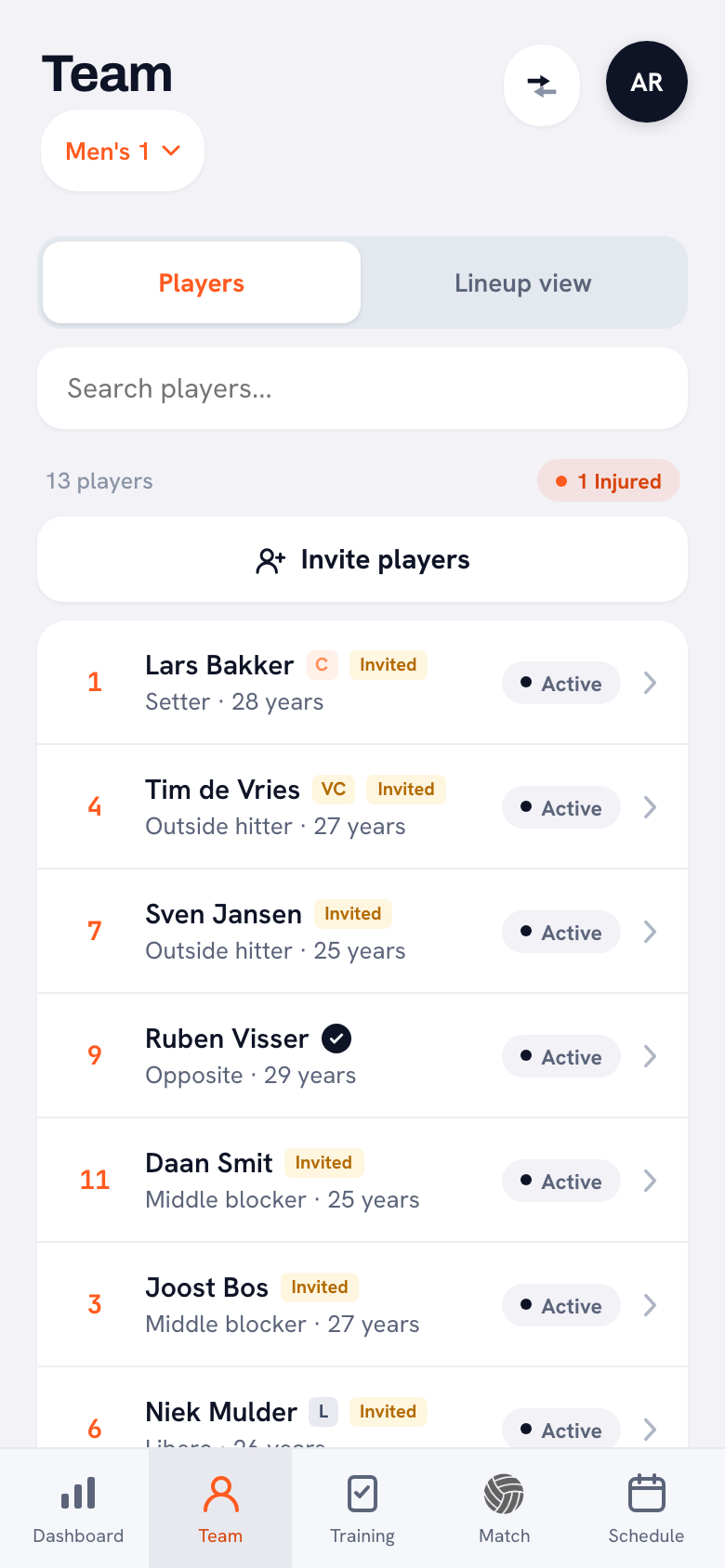
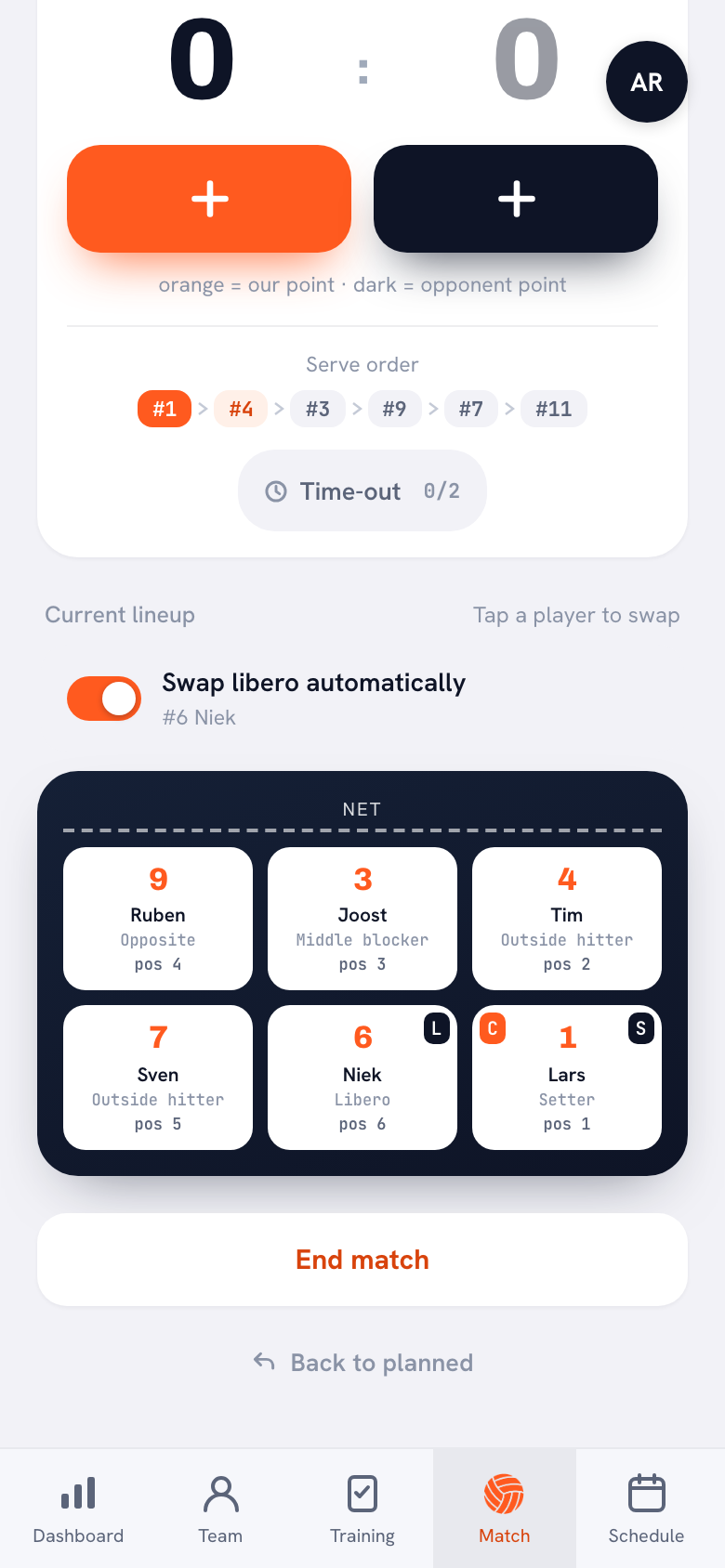
On match day you take that lineup into the live screen. There you see the current lineup, the serve order and your time-outs, and the lineup rotates when your team sides out. So you only use the board for whatever you want to show on top of that. More on setting it up is in the lineup app for the 5-1, 4-2 and 6-2, and the systems themselves are explained in creating a volleyball lineup.
What the Koach tactics board does not do
- No player markers. You do not place players or balls on the board; you draw them. That is a deliberate choice: with those tools added, there was too little court left to draw on during a time-out. If you want to drag players around on the board, Coach Tactic Board and VolleyBoarder can do that.
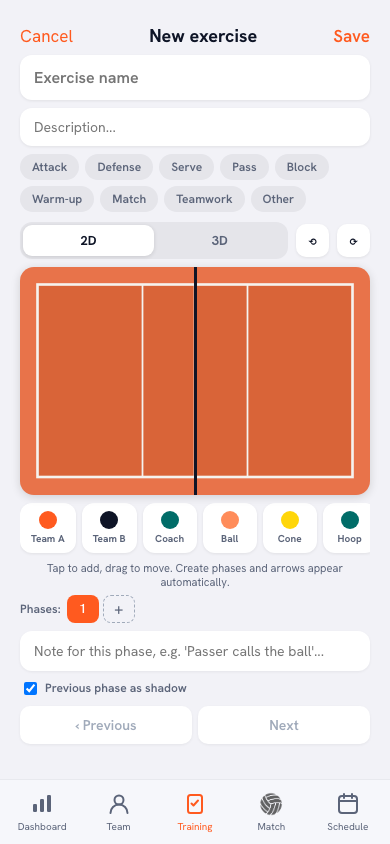
- No animation. A board is a single image. Movement is possible in the drill editor: there you place players, ball and equipment, create phases and play the drill back.
- No color choice. You draw in one color; choosing colors is only possible in the drill editor.
- No chat. Koach has announcements for your team, but no chat in which you discuss a board; Coach Tactic Board does have one.
- No standalone board. The board is not sold separately. If all you need is a board, a free board app is cheaper.
Which volleyball tactics board app fits which coach?
- You want to build animated plays, or discuss tactics in a chat with your coaching staff. Choose Coach Tactic Board: Volley; for animated drills on Android, Volleyball Coach is an option too. Koach is not built for that.
- You want a free volleyball board on your iPhone or iPad, with players you can drag. VolleyBoarder or the free download of Coach Tactic Board.
- You coach a team and want the board, lineup, matches and practices in one place. Then Koach fits, even though its board is simpler.
- You coach beach volleyball. Koach is built for indoor volleyball with six players; look at another app.
For the tactics themselves, from serve pressure to defensive systems, start with the basics of volleyball tactics. What to look for when you choose a coaching app in general is covered in what to look for in a volleyball app for coaches.
How much does a volleyball tactics board app cost?
Coach Tactic Board and VolleyBoarder are free to download; with Coach Tactic Board you pay in the app for the Pro features. You can try Koach free for 14 days, with no credit card and with every feature, the board included. After that you choose Coach for €2.99 per month (one team, two coaches) or Club for €9.99 per month (unlimited teams and coaches). With a yearly plan you pay €2.49 or €8.33 per month. In the App Store and on Google Play you pay the store price in your own currency. The amounts are on the pricing page, and everything else Koach does is on the features page.
Prefer paper? Print a blank court from the volleyball court template as a PDF, full or half, and draw on it with a marker. You can put your six rotations on a printable sheet with the free rotation generator, no account needed. Paper just does not save anything with your team, and it does not rotate along with the match.
Draw your boards before the match, not during it. A few days ahead, set up the two situations you expect in the match, for example serve receive against their strongest server, and save them with that match. In the time-out you then open a board that is already finished, and you talk instead of drawing.
Sources: App Store and Google Play (Coach Tactic Board: Volley), App Store (VolleyBoarder) and Google Play (Volleyball Coach), checked in October 2026. Prices and features can change; check them yourself before you choose.
Frequently asked questions
Is there a free volleyball tactics board app?
Yes. Coach Tactic Board: Volley and VolleyBoarder are free to download; with Coach Tactic Board you pay in the app for the Pro features, and the Android version contains ads. Koach is not a free board app: you try it free for 14 days with every feature and no credit card, and after that Coach costs €2.99 per month for one team. For that you get your lineup, live scoring and practices alongside the board.
Which volleyball whiteboard app can animate plays?
According to their store listings, Coach Tactic Board: Volley lets you create animated plays and drills, and Volleyball Coach by Bart Lamberigts has animated drills you share as a video. The tactics board in Koach does not animate: it is a single image you draw, save and share. In Koach, movement is only possible in the drill editor, where you build a drill in phases and play it back.
Can I use a volleyball tactics board online in my browser?
Yes. Some boards open in the browser without installing anything. Koach also works in the browser, at koachvolleyball.com/app, with the same account as on your phone. A board you draw and save on your laptop is therefore also in the app when you are on the sideline. It works the other way around too: what you drew in the gym, you open at home on your laptop.
Which volleyball coach board app works on iPhone and Android?
Coach Tactic Board: Volley is in the App Store and on Google Play. VolleyBoarder is only in the App Store, for iPhone and iPad. We found Volleyball Coach by Bart Lamberigts only on Google Play. Koach runs on iPhone, iPad, Android and in the browser with one account, so you can switch devices without losing your boards.
Can I put my lineup on the tactics board in Koach?
No, you do not place players on the board itself; you draw. In Koach your lineup lives in the Lineup view on the Team tab: there you choose 5-1, 4-2 or 6-2, tap your players onto their positions and view all six rotations. On match day that lineup is on the live screen. If you want to drag players around on the board itself, Coach Tactic Board: Volley and VolleyBoarder can do that.


Draw your first board tonight
14 days free, no credit card. After one match you know whether the board helps you.
Get started with KoachOr read first what the volleyball coaching app does.