
“A selection is only good if you can show what you did not choose”
How team selection in Koach stays a draft until four people on the technical committee agree — and what happens, irreversibly, after that.
Somewhere in spring the same conversation starts at every club: who plays where next year? Team selection for next season is rarely a one-evening job. It takes weeks of talking, shifting people around and putting them back, usually in a spreadsheet that lives on four laptops and where nobody is quite sure which version is the current one.
Dennis Boekhout built a separate part of Koach for exactly that. A conversation about why a selection stays a draft until the last moment, and why the moment it becomes final is meant to feel heavy.
Why is team selection a separate part of the app? You can already move a player to another team.
“Because selecting isn't an action, it's a period. At a club it starts in May and it still isn't done in August. It gets discussed at a meeting, someone calls a parent, a coach says he can take one more, and two weeks later it all changes again. An app that really moves someone on every tap does not survive a period like that.
“So clubs do it in a spreadsheet. That works right up to the moment three versions are going around and nobody dares say which one is the real one. I wanted that process inside the app, with the certainty a file like that never gives you: that you can try anything without anything actually changing.”
And that is what 'draft' means here.
“Literally. While a selection is a draft, no button in it touches your real teams. You create groups, you drag thirty people back and forth, you throw the whole thing away — nothing changes about your teams, your players or who has access to what. I say so in the question when you delete one: that text promises your real teams and players are untouched, and that this only happens on 'Make final'.
“That is not a detail. Someone who is afraid that one wrong tap moves sixty kids will not dare to shift anyone. And if you don't dare to shift anyone, you may as well go back to your spreadsheet.”
The screen looks different from the rest of the app, I noticed.
“It does — it turns navy instead of orange. That isn't decoration. Every other club tab is about the season that is running now; this one is about next season. The same orange button would mean something different there, and that is exactly how accidents happen.
“So while the selection is a draft, the whole screen goes with it, header and tab bar included. The moment it is final, the season start is over and everything is plain orange again. The colour tells you which season you are in.”
You do this with four people. Are they in the same screen at the same time?
“They can be, and they are. A line at the top tells you who else is viewing — just the name, so you know you are not alone in there. I deliberately did not build floating cursors dancing across your screen. That looks great in a demo and is horrible on a phone in a clubhouse.
“What does happen: if someone else puts the same player somewhere else a second before you, the app says 'Someone else just changed this. Please refresh.' I would rather have that one sentence than two people who both think they are right. And not everyone gets in: selection is for the club admin and the board, not for every coach with an account.”
You start with an empty screen. Does that mean typing out twenty teams?
“No, that is exactly where a board gives up. [laughs] There is a 'Copy teams' button: every team from this season is added as a group in one go, and afterwards you rename or remove whatever you want. A copied group points at the team that already exists, so you won't end up with a second 'Women's 2' in your club.
“And a second draft almost never starts empty. Usually you want the same groups with one player somewhere else. So you make a copy: the teams come along with their division, and everyone already placed is placed again. You can copy a final or a superseded selection too — that is precisely the starting point for next year.”
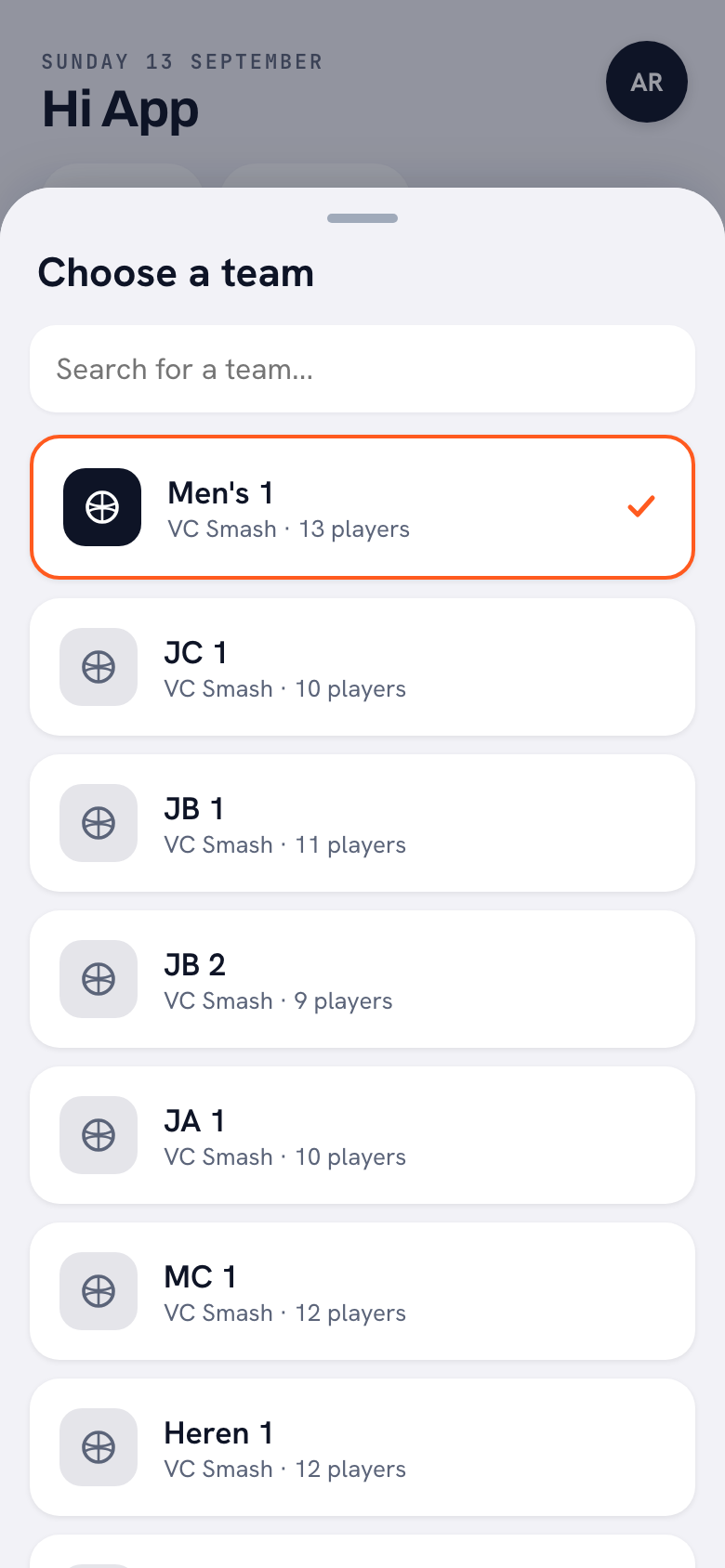
Why would you want several selections side by side?
“Because a selection is only good if you can show what you did not choose. On the evening you explain it, one question always comes: couldn't those two have gone into B1 together? If all you have is the outcome, you are arguing about something nobody can picture. If version B is still there, you simply open it.
“Sharing is deliberately boring, by the way. You get plain text with the names under each group, ready to paste into a group chat or an email. There is no PDF builder in Koach, and a half-working export is worse than none.”
A club has hundreds of members. How do you find one player in there?
“With filters that are about selecting, not about admin. You filter by age category, by the team someone is in right now, by line — women, men or other — and by level, from beginner to top squad. There is a search field for names as well. And the counts you see are about the group you are standing in: '3 × Youth B' says something about that team, not about the whole club.
“Two things in there matter to me. The age category is calculated on 30 September of the season you are planning for — the cut-off the Dutch federation uses — because otherwise your whole selection shifts halfway through the season along with someone's birthday. And anyone without a date of birth gets their own group: 'No date of birth'. Otherwise that person quietly disappears behind a filter and you find out in September.”
What do you see next to a name?
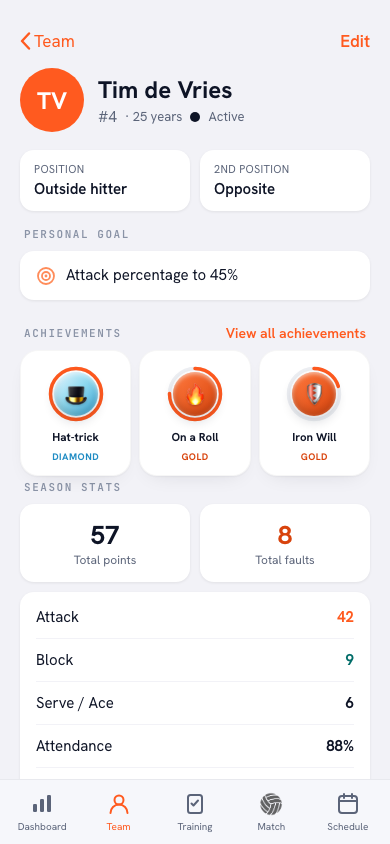
“Age and category, the level if it has been filled in, and where they play right now: 'Now: Women's 2'. The line underneath shows the season that has just ended — which team, what percentage present, how many points. That is the first question anyone asks while selecting, and it used to be nowhere on screen.
“Those numbers don't come from the selection itself, they come from the player. Everything their coach tracked all year is on the table at the moment the committee talks about them.”
Does Koach give a verdict? A grade per player?
“No, and that is a line I drew on purpose. The app shows facts: attendance, points, what a coach wrote down. No report mark rolls out of some formula that a fourteen-year-old is then stuck with for a year.
“The judgement is the committee's work and it belongs in a room with people in it. What the app does do is make sure everyone at that table is looking at the same information, instead of at their own memory of one match in November.”
Then the moment itself: making it final.
“That is the only button in this whole section that really does something, and it asks you properly. Before you confirm it says: after this the players really move to their new team and this selection can no longer be changed. Their figures are kept — the new coach sees them on the player under 'Previously with other teams' — and your notes about a player move along.
“Under that it says how many other drafts will be superseded; they stay readable, but can no longer be edited. And if you never picked a previous season, it warns you that this season's figures will not be archived and cannot be reconstructed later. When it works, one line tells you what happened: so many moved, so many stayed, so many left.”
What does a coach notice the next day?
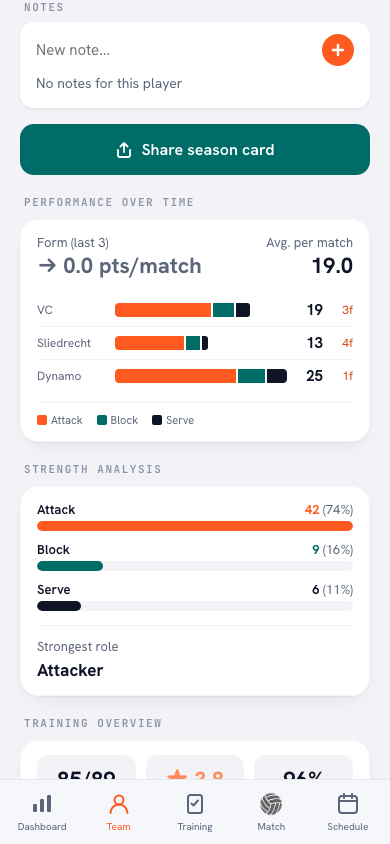
“That he opens his team and the squad is right. Nothing more, and that is the whole point. He sees his players with their number and position, he can schedule a training straight away, and for a player who came from another team the history is simply there.
“For the player that matters more than it sounds. There is little as discouraging as a new team where you start at zero, when you played a full season last year.”
And if you got it wrong?
“Then you cannot click it back. A final selection is history: it can't be edited and it can't be deleted. That is why the question in front of it is so long — that is the last moment I can stop you.
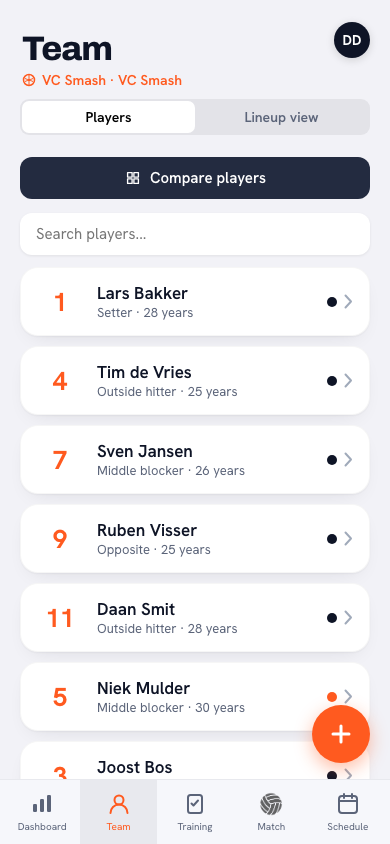
“For the ordinary work afterwards there is something else. If one player moves to another team in November, you move them across without building a whole selection; their figures stay with them there too. And my advice to a committee: copy the teams over in May, keep two drafts side by side, and only press final when the four of you are in the same room.”
Sort out your club without a spreadsheet
Koach is free to try: put your own team in and see how it works. Team selection lives in the club part, for clubs that want all of their teams inside one app.
Try Koach for free