
Best tablet for coaching volleyball: iPad or Android?
The short answer
The best tablet for coaching is big enough to show your team something, lasts a full match on one charge and stays readable under bright gym lights. An iPad and an Android tablet can both do that, so pick the one that matches your phone. Koach runs on the iPad (app and browser) and is available for Android through Google Play.
If you are looking for the best tablet for coaching, what you really want to know is which one holds up next to a volleyball court: in a brightly lit gym, with a battery that lasts the whole match and a screen six players can read at once. Here is what to look for, how an iPad compares with an Android tablet, and what Koach does on one.
Best tablet for coaching: what to look for
A tablet on the sideline has a harder life than a tablet on the couch at home. It sits on the bench, takes the gym lights straight on the screen, stays on for the entire match and has to be readable for six players at once during a timeout. So look at these points:
- Screen size. Around 11 inches is a good middle ground: big enough to show a lineup during a timeout, small enough to hold in one hand and slip into your kit bag. A 13-inch screen is easier to read from a distance, but it is heavier and will not fit in every bag. A small tablet is easy to carry, but then you gain little over a large phone.
- Battery. During a match the screen is on the whole time, often at high brightness. Manufacturers quote battery life for browsing or watching video; with a bright screen that never switches off, you will not always get there. Walk into the gym fully charged and pack a power bank with the right cable, especially on a tournament day.
- Glare. Gyms are full of bright lights, and a glossy screen reflects them. Turn the brightness up, tilt the screen slightly and consider a matte screen protector if you often coach in a bright gym. If you can, look at a tablet under bright light before you buy it.
- A case with a stand. Sooner or later a tablet falls off the bench or takes a ball. Choose a sturdy case with corner protection and a stand, so it stands upright on the bench or a table and you can tap without holding it. A hand strap helps if you walk the sideline.
- Connection. A Wi-Fi-only tablet has no internet in a gym without usable Wi-Fi. A cellular model with a SIM card or eSIM, or your phone's hotspot, solves that. How Koach handles a dropped connection is covered further down.
- Software version. The Koach app needs iPadOS 15 or later on an iPad and Android 7.0 or later on Android. So an older tablet from the drawer can work too, as long as it runs that version; you can check that in the tablet's settings. Whether it is fast enough, you will find out during the trial.
- Storage. Koach does not record video and keeps your data online. For Koach alone, you do not need the model with the most storage.
14 days free, no credit card. Add your team tonight and try Koach on your tablet at your next match.
Try Koach on your tabletiPad or Android tablet: which one suits you?
For coaching from the sideline, the difference between an iPad and an Android tablet is smaller than it looks in the store. The real questions are: which device do you already know, and how much choice do you want?
The iPad. Apple offers four lines: the iPad mini (8.3-inch), the iPad (11-inch), and the iPad Air and iPad Pro, which both come in 11-inch and 13-inch. Apple's comparison page lists battery life of up to 10 hours of surfing the web on Wi-Fi or watching video for all four lines (checked in October 2026). If you already have an iPhone, an iPad is the easy choice: the same Apple Account and the same way of working.
The Android tablet. Android tablets come from many brands, in many sizes and price ranges. That means more choice, and also bigger differences in screen and battery between models. If you have an Android phone, an Android tablet works with the same Google account. With a budget model, pay extra attention to brightness: in a bright gym, a dim screen is the first thing to let you down.
For Koach it makes little difference. You install the same app from the App Store or Google Play, or open Koach in the browser, and you sign in with the same account as on your phone. Because Android tablets come in so many brands and screen sizes, we cannot vouch for every model, so try Koach on your own tablet during the trial. Installing it on Android is covered in the volleyball app for Android.
| What you want to know | iPad | Android tablet |
|---|---|---|
| Install the Koach app | Yes, from the App Store (iPadOS 15 or later) | Yes, from Google Play (Android 7.0 or later), not tested per model |
| Koach in the browser | Yes | Yes |
| Same account as on your phone | Yes | Yes |
| Push notifications from Koach | In the app, not in the browser | In the app, not in the browser |
| Subscribe | Through the App Store or the website | Through Google Play or the website |
| Choice of brands and sizes | One brand, four lines | Many brands and sizes |
| Best fit for | People who already have an iPhone | People who already have an Android phone |
Koach on a tablet: in the app or in the browser
Koach works on the iPad, in the app and in the browser, and it is the same app as on your phone. There is no separate tablet version and you never pay for anything twice: you sign in with your own account and your teams, practices and matches are all there. Whatever you enter on your phone at home is on the tablet on match day. How the app behaves on a bigger screen and what that changes in the gym is covered in detail in Koach on the iPad.
In the browser, you open Koach at koachvolleyball.com/app. If the window is wide enough, like an iPad held in landscape or a laptop, the Dashboard, Team, Training, Match and Schedule tabs sit in a narrow bar on the left instead of along the bottom. On the widest screens the dashboard shows two columns side by side. One difference from the app: the browser does not get push notifications. If you use the tablet in the gym and your phone for everything else, you will hardly miss them.
If the gym Wi-Fi drops, Offline mode appears at the top: changes are stored on the device and synced automatically once you are back online. Do open your match before you walk into the gym, though. More tips are in live scoring without Wi-Fi.
What you do with a tablet on the sideline
Everything in Koach also works on your phone. A tablet adds something at the moments when you want to show your players something, or when you are tapping while watching the court.
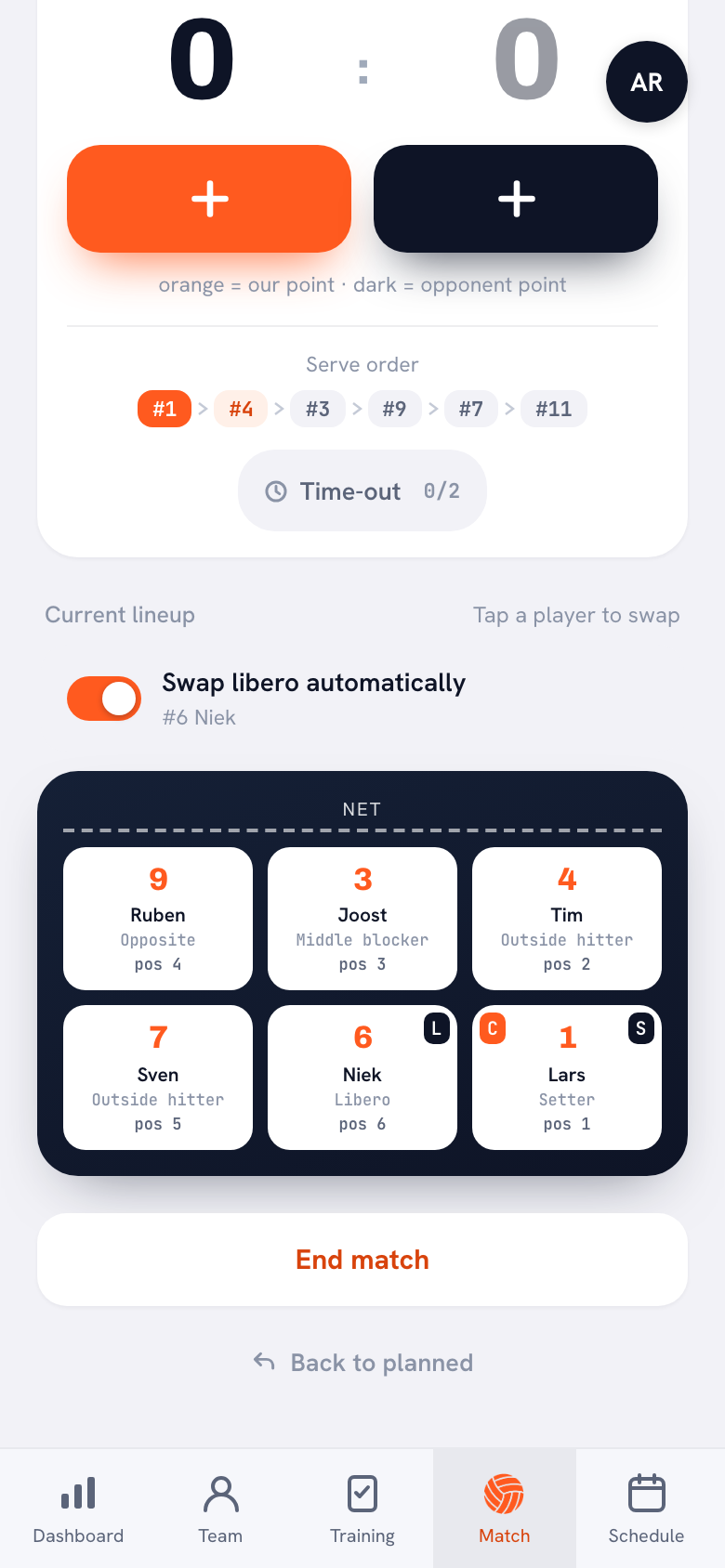
- Live scoring from the bench. Put the tablet on its stand next to you and tap in the points. If you want your hands free to coach, hand off the scoring with Authorize a player to keep score: that player then scores with their own account on their own phone.
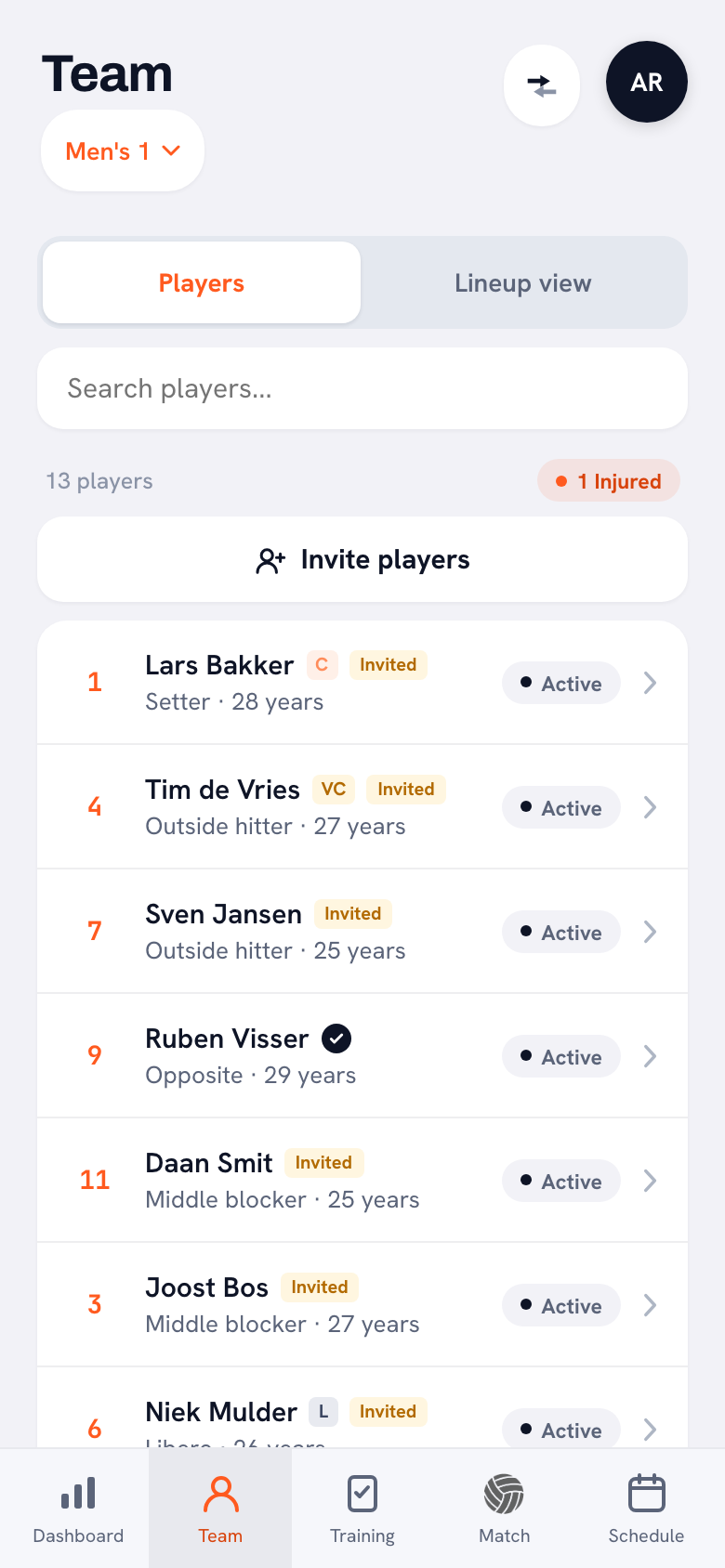
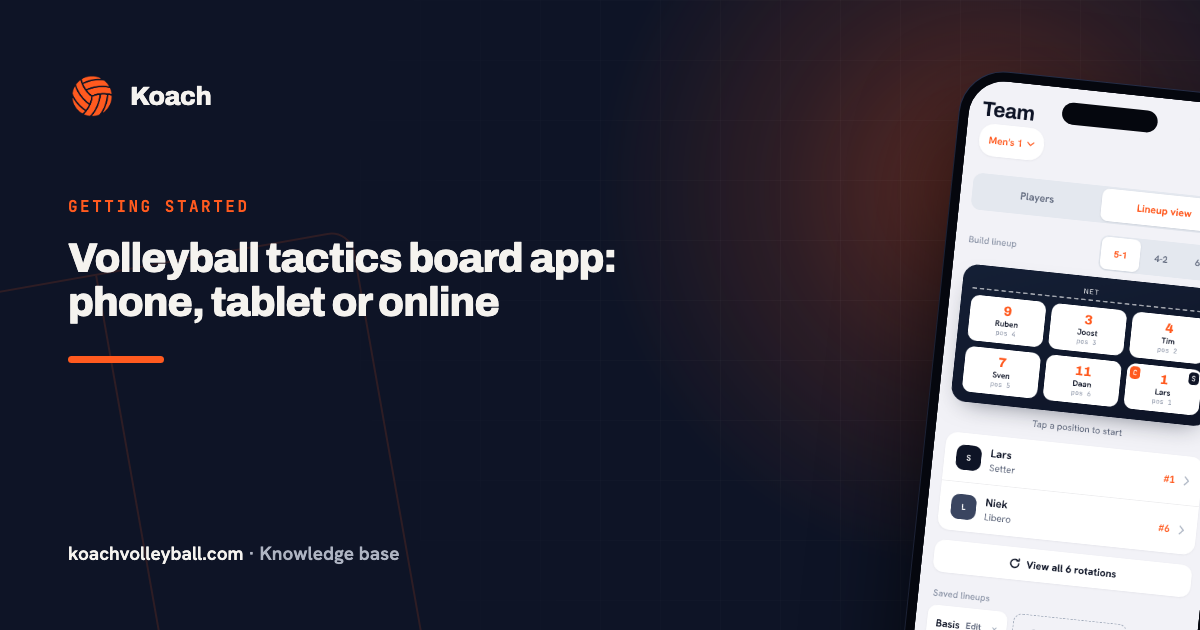
- Showing the lineup. Before the match, turn the lineup overview toward your players, and with View all 6 rotations they also see how the team rotates. Want to draw a situation? Open the Koach Tactics board, on the Training tab or with the match; how it compares with standalone board apps is covered in tactics board apps for phone and tablet.
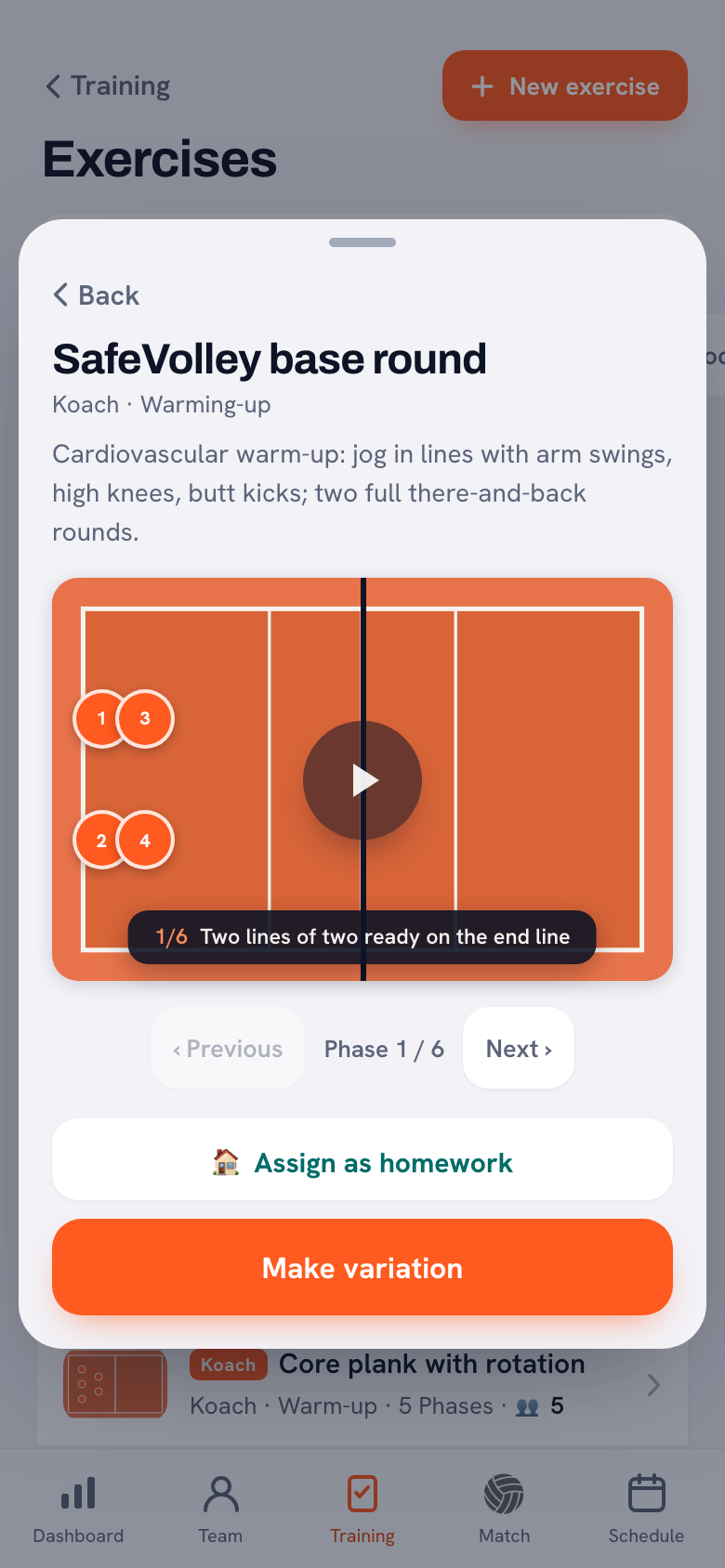
- Demonstrating a drill at practice. When you open a drill, the play button runs the phases as an animation, and with Previous and Next you step through it phase by phase. If the screen is wide enough, like the browser on a tablet, the drill sheet gets more width, so the animation is bigger and your group can follow along.
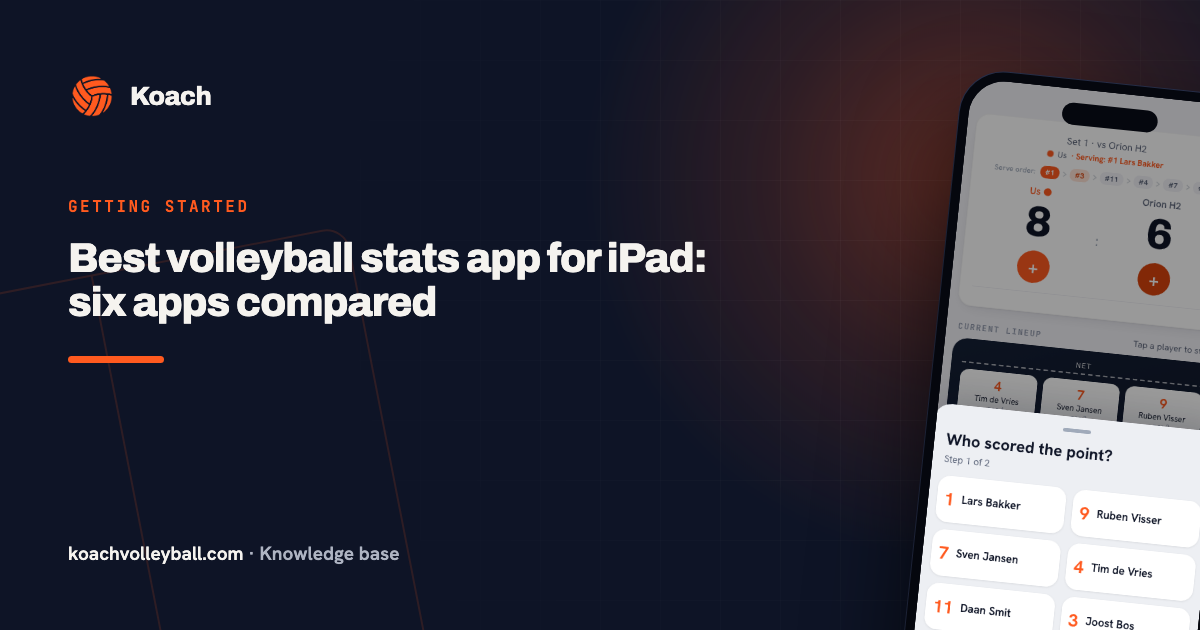
- Tracking stats. If you mainly want an app to collect match stats on an iPad, read the comparison of volleyball stats apps for the iPad.
Who a tablet is worth it for, and who can skip it
A tablet is mostly worth it if you explain a lot, for example to a youth team or when you introduce a new system, if you score live from the bench yourself, or if the club has one tablet for several coaches. If the club shares a tablet, each coach signs in with their own account and signs out afterwards: your teams belong to your account, not to the device.
If you walk the sideline the whole match, or coach with your phone in your hand, a tablet is mostly one more thing to carry. Your phone can do exactly the same in Koach. If you mainly want to film and review matches, keep in mind that Koach does not record video: you will need a different app for that.
Still not sure which app to put on that tablet? Start with the checklist for choosing a volleyball app.
What does Koach cost on a tablet?
You do not pay for Koach per device. You try it free for 14 days, with no credit card, and then choose Coach for €2.99 per month (one team, two coaches) or Club for €9.99 per month (unlimited teams and coaches). On the website, a yearly plan brings that down to €2.49 or €8.33 per month; in the App Store and Google Play you pay the store's price in your own currency. That one subscription covers Koach on your phone, your tablet and in the browser. Players and parents use Koach for free with their own account. All prices are on the pricing page. What the tablet itself costs depends on the brand and model; compare that with the manufacturer or the retailer.
Test it before you buy. If you already have a tablet at home, or can borrow one, put Koach on it during the trial and use it for one practice and one match. Then you will know whether you miss the bigger screen, and which size you really want.
Source for the iPad lines, screen sizes and battery life: Apple, Compare iPad models, checked in October 2026. Models and specs can change; check them yourself before you buy.
Frequently asked questions
What is the best iPad for coaching?
There is no single best one. The Koach app runs on any iPad with iPadOS 15 or later, so an older model can work too. Choose mainly on size: 11-inch is easy to handle and big enough to show your team something, 13-inch is easier to read from a distance but heavier. Koach does not record video, so you do not need an expensive model with lots of storage for it.
Is an iPad or an Android tablet better for coaching volleyball?
For coaching from the sideline it matters less than you might think. Mostly pick what matches your phone: with an iPhone, an iPad is the obvious choice, with an Android phone, an Android tablet. Whatever the model, look for a bright screen, a battery that lasts a full match and a sturdy case with a stand. You install Koach from the App Store or Google Play, or open it in the browser.
Does Koach work on an Android tablet?
Koach is on Google Play for Android 7.0 and later, so you can install it on an Android tablet too and sign in with the same account as on your phone. Because there are so many brands and screen sizes, we cannot vouch for every model. So try it on your own tablet during the 14 free days. Koach also works in the browser at koachvolleyball.com/app.
Do I need internet to use a tablet in the gym?
Not for every tap. If the connection drops, Koach shows Offline mode: changes are stored on the device and synced automatically once you are back online. Do load the app and your match before you walk into the gym, while you still have good signal. If your tablet is Wi-Fi only, your phone's hotspot makes a good backup.
Do I have to pay for Koach separately on my tablet?
No. You pay per subscription, not per device. After a 14-day free trial, with no credit card, you choose Coach for €2.99 per month or Club for €9.99 per month on the website; in the App Store and Google Play you see the price in your own currency. One subscription covers Koach on your phone, your tablet and in the browser with the same account. Players and parents use Koach for free with their own account.
Put Koach on your tablet tonight
14 days free, no credit card. After one match you will know whether the bigger screen is worth keeping.
Get started with KoachOr read first what the volleyball coaching app does.