
Live scoring without wifi in the sports hall
Sports halls are built from concrete and compromises — and somewhere at the bottom of that box, your signal disappears. If you take your match tracking seriously, you have a plan for the gym where the network gives up.
The familiar scenario
At home everything works, in the locker room just about, and in the middle of the court: one bar that comes and goes. The problem is rarely the app and almost always the connection — concrete walls, an overloaded guest network on a Saturday afternoon, or a hall in a basement. So the question is not whether you will run into this, but when.
The thirty-second precaution
- Open the match before you walk into the hall: load the app and the live screen in the parking lot, where the signal is still good. A loaded match screen is half the work.
- Prepare your lineup at home: if your preparation is done, all that is left in the gym is tapping.
- Check your phone settings: turning off the flaky guest wifi can beat being half-connected — a phone shuttling between networks is slower than 4G alone.
During the match
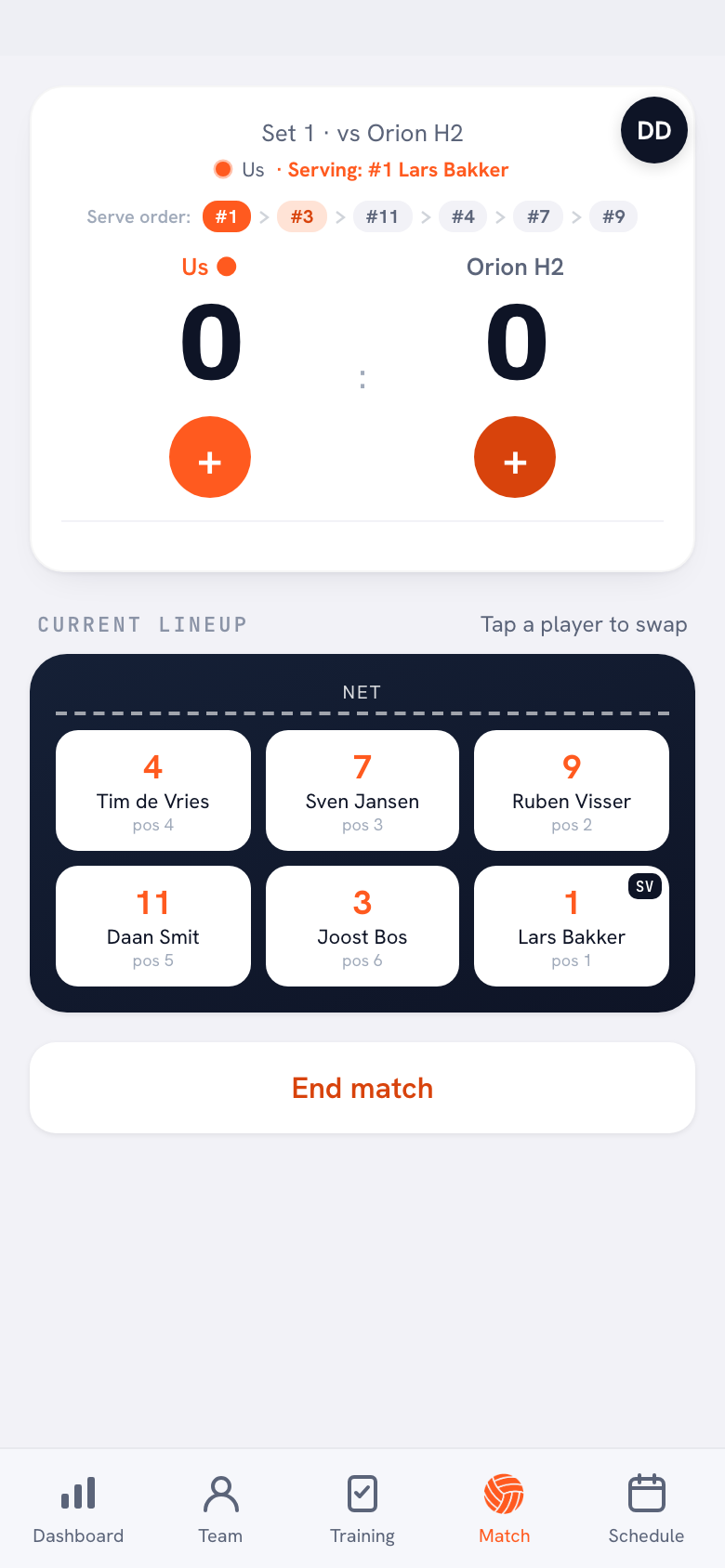
Once in live mode you simply keep tracking: you tap points, substitutions and point types as always, and syncing follows as soon as the connection returns. If you notice the screen lagging, above all keep tracking consistently and do not force reloads mid-set — the classic moment when people wreck their own record. When signal returns (break, set change, canteen), everything catches up.
Power bank in the match bag. The real risk factor in the gym is not the network but the battery: a phone hunting for a connection devours power. A small power bank next to the water bottles is the cheapest insurance for your admin.
Frequently asked questions
Do I lose recorded points when the connection drops?
The tracking on your screen simply carries on; syncing catches up as soon as there is a connection again. The most important thing is that you keep tapping consistently.
Should I use mobile data or the hall wifi?
Usually mobile data: guest networks in sports halls are slow and overloaded on match days. A phone constantly switching between poor wifi and 4G performs worst of all.
What do I do in a hall where truly nothing works?
Just keep tracking in the app — the screen does not need a live connection for the tapping itself. Sync afterwards in the parking lot, then finish the match as always.
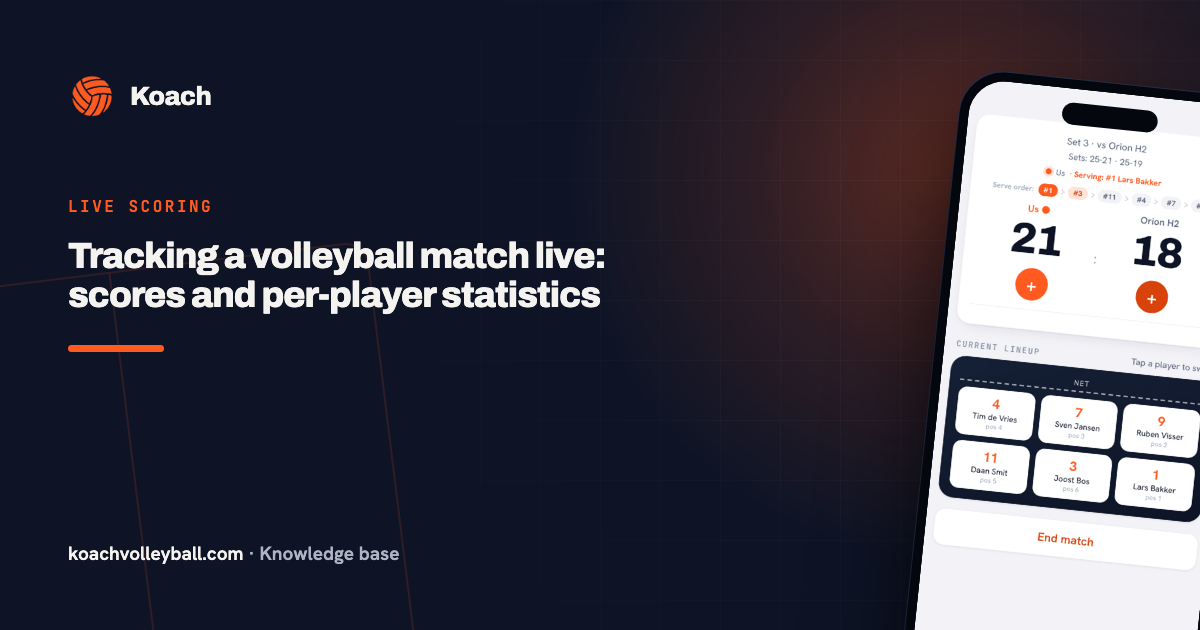 Tracking a volleyball match live: scores and per-player statistics
 Koach on iPhone: installing and setting up the app
 Volleyball app for Android: install it and use it courtside
 Volleyball stats app for Windows and Mac: program or web app?
 Resume live scoring after the app closed or your battery died
Try it yourself in Koach
Less admin, more coaching — starting at your next practice.
Get started with KoachOr read first what the volleyball coaching app does.