
Tracking a volleyball match live: scores and per-player statistics
Every coach knows the feeling: after the match you roughly remember the set scores, but who actually made the points? That memory fades fast. Coaches who track live coach with facts instead of impressions — and it takes less effort than you think.
Why tracking live gives you more than just the score
The set score tells you whether you are winning, not why. When you record who scored each point and how, you get answers to the questions that actually matter in the gym:
- Who is on a roll? An attacker who makes three points in a row is someone you want to feed more often.
- Where are points leaking away? Lots of points from opponent errors is a different story than scoring yourself.
- Is my substitution policy working? Afterwards you see in black and white whether a substitution turned the game.
On top of that, you build a season-long picture per player. That is gold for tracking player development and for honest conversations about playing time.
Recording point by point, without missing your match
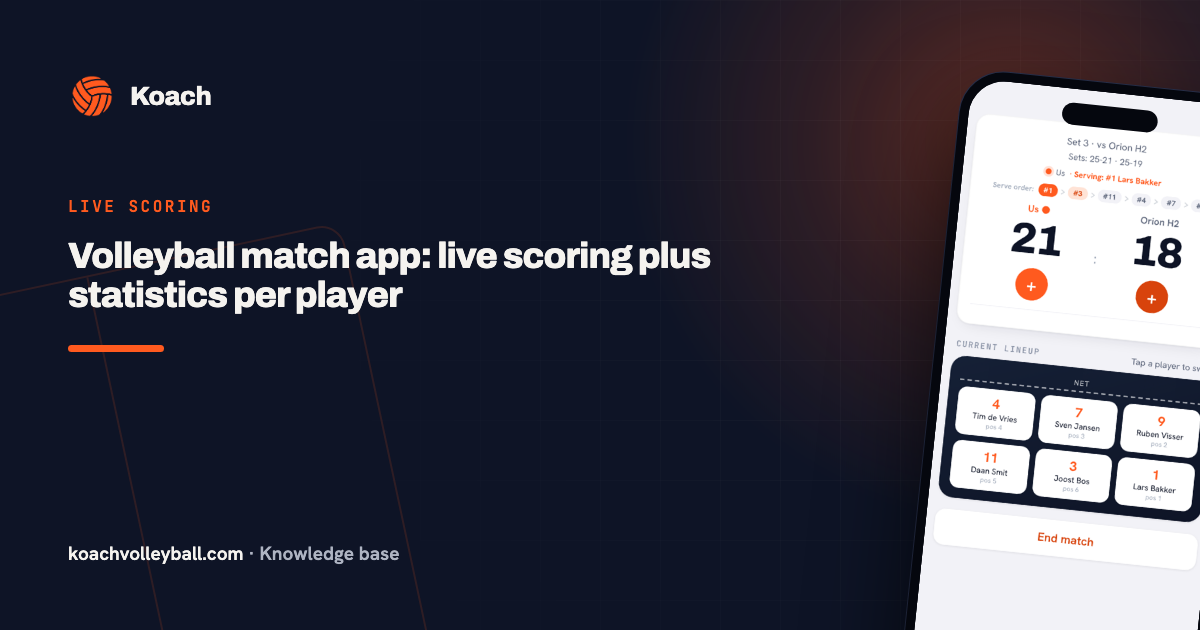
The biggest fear coaches have: that keeping statistics comes at the expense of the coaching itself. Rightly so — with pen and paper you easily lose ten seconds per point. In Koach the score is displayed large and you tap the big button with your team's name or the opponent's. The point counts straight away; the app tracks the set scores, the serving turn and the rotation for you.
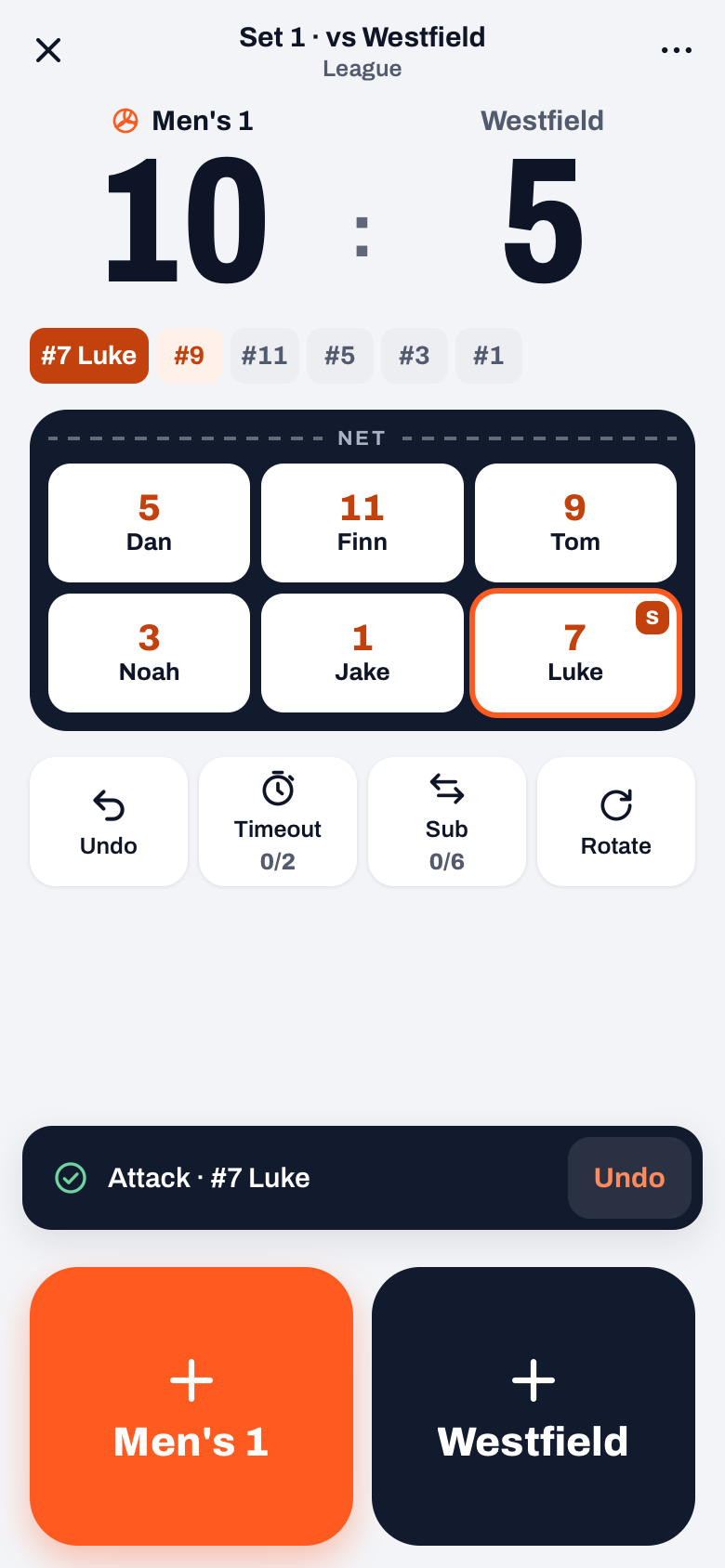
How did we score? One drawer after every point
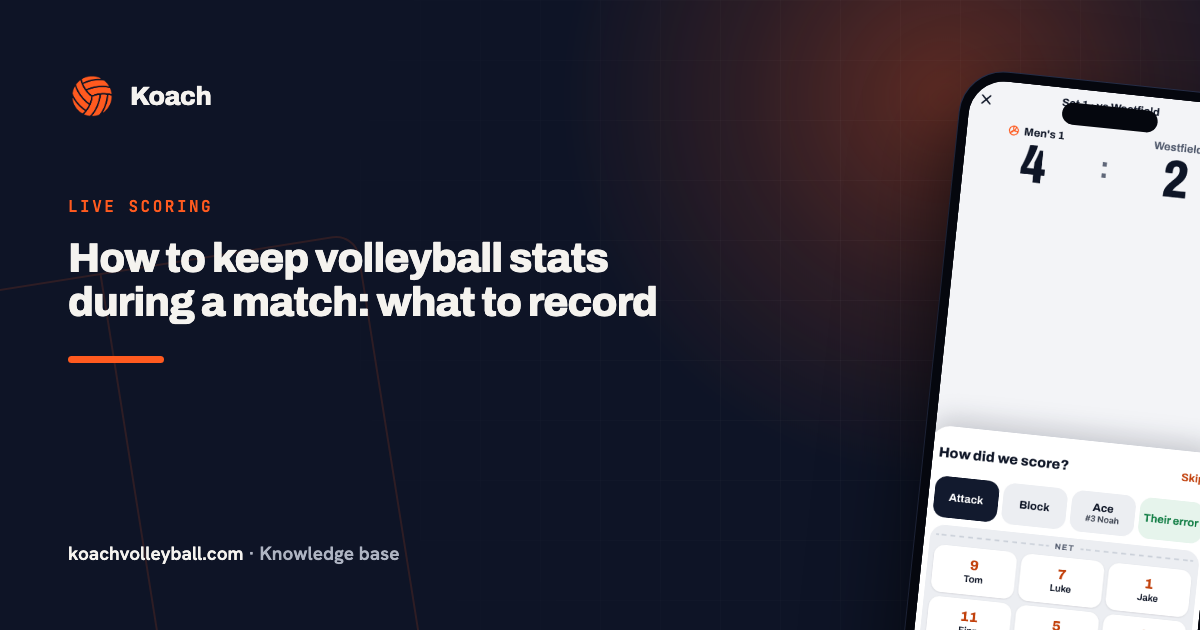
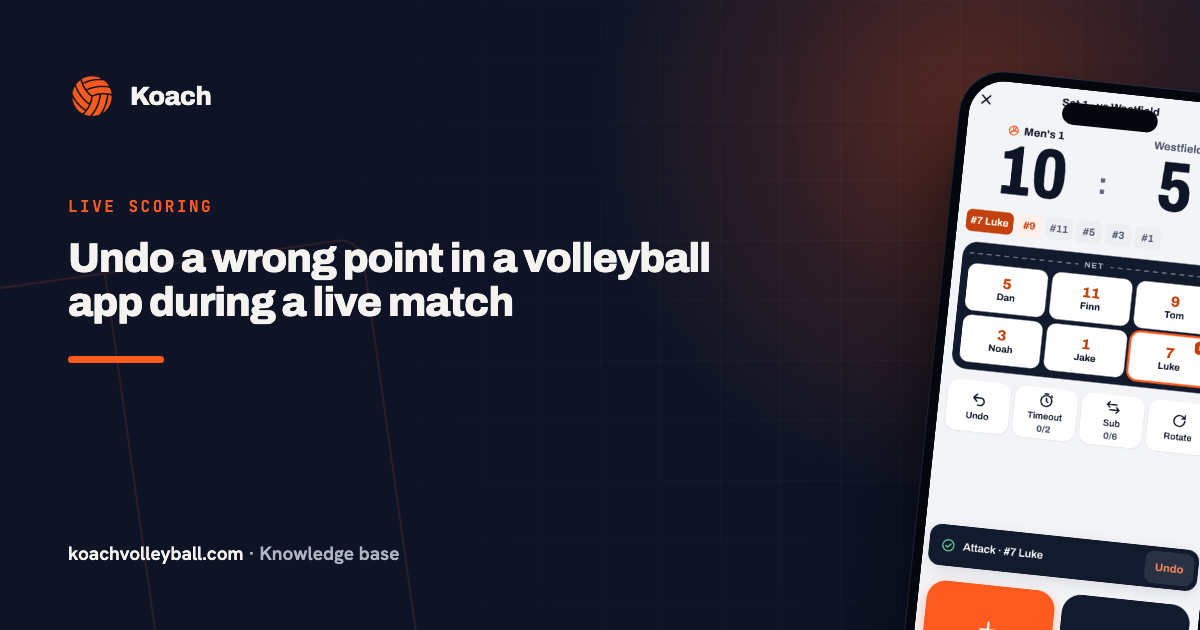
After your tap the point is already on the board and a drawer slides up. For a point for your team it asks How did we score? Attack is preselected, or you pick Block, and then you tap the player. You only see the six players on court at that moment, so choosing takes half a second. Ace records the point straight away for the server, and Their error records an opponent error: that keeps your attack numbers clean. When the opponent scores, the drawer asks Why did they score?: a winner of theirs or an error of your own, and by whom. No time? Skip keeps the point without a type, and Undo point instantly removes a point given to the wrong team. Which type belongs to which point is explained in recording point types.
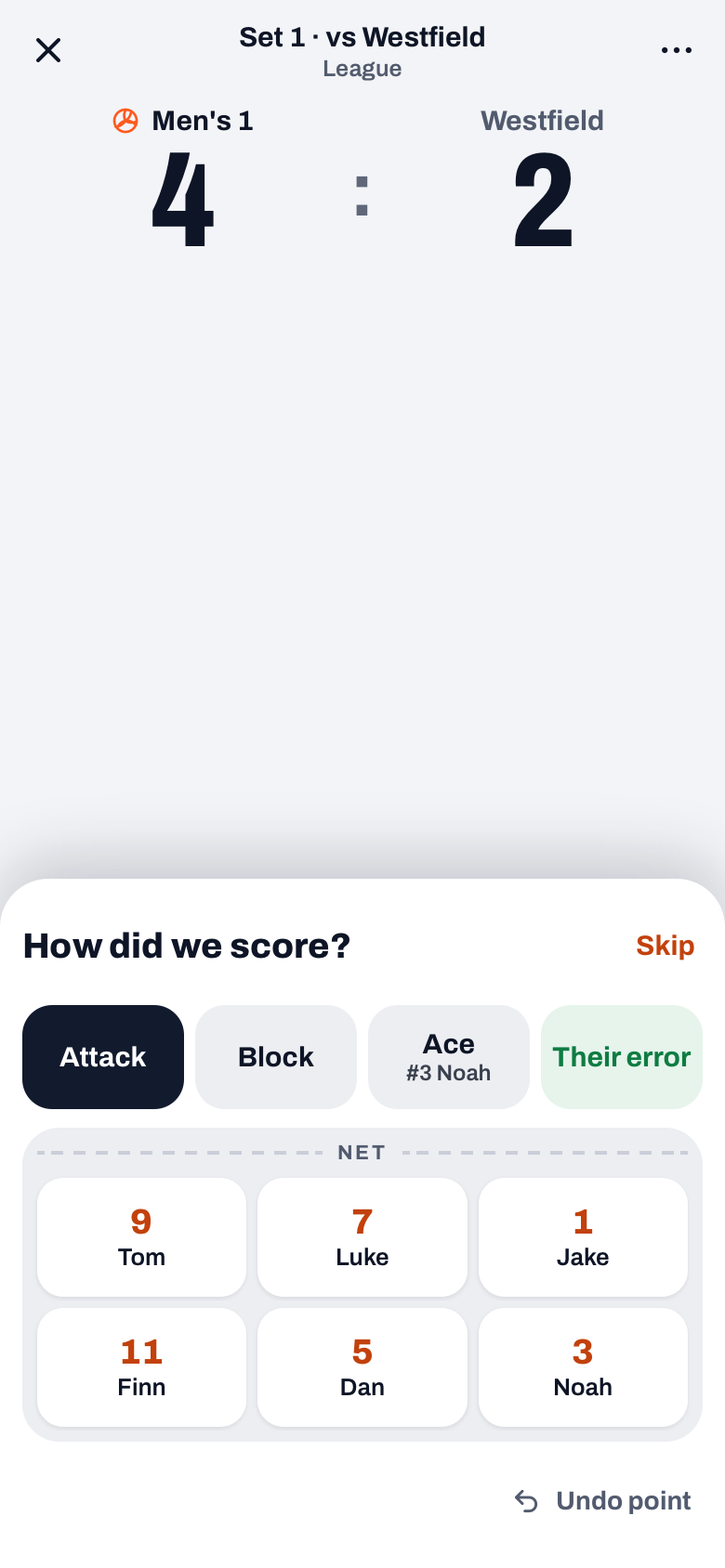
Tip: you do not have to do it yourself. Hand your phone to a substitute or a parent on the sideline. The input is so simple that anyone gets it after one set — and you keep your head in the match.
Simple or Expert: how much you track
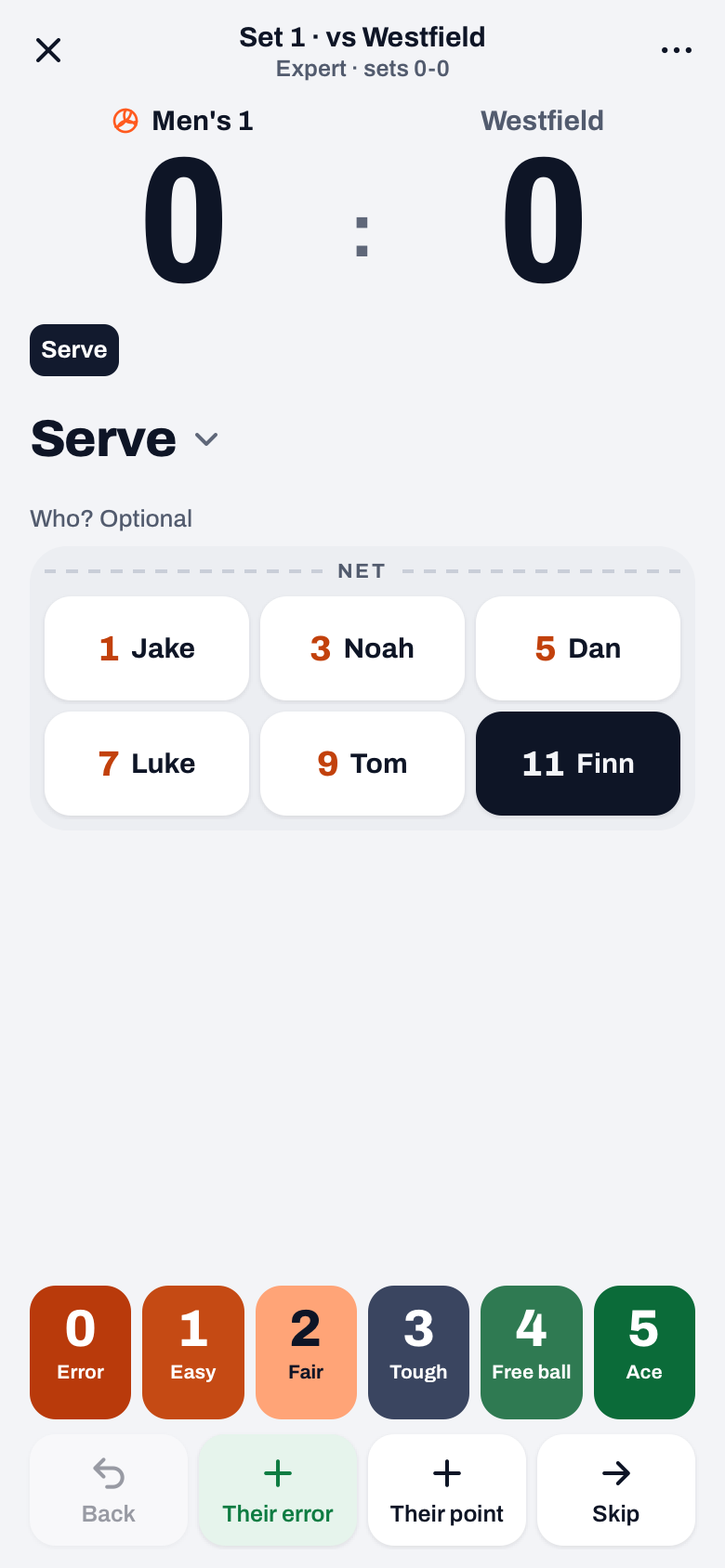
On the match start screen you choose between Simple and Expert under Scoring. Simple is what you read above: who scores and who makes an error, quick enough to do while coaching. Expert is meant for a second coach who only keeps track. They rate every action of your own team from 0 to 5: serve, reception, block, defense, set and attack. The app shows one step of the rally at a time and walks through it with you; you tap who played the ball, or leave it empty. A 0 gives the opponent the point, a 5 on a serve, attack or block is a point for you. Koach does not track anything of the opponent. You can also switch in the middle of a match, via ⋯ (More) at the top right: in Simple that row is called Mode, in Expert Scoring. The score and everything you recorded stay. How a second coach goes about it is explained in scouting your own team.
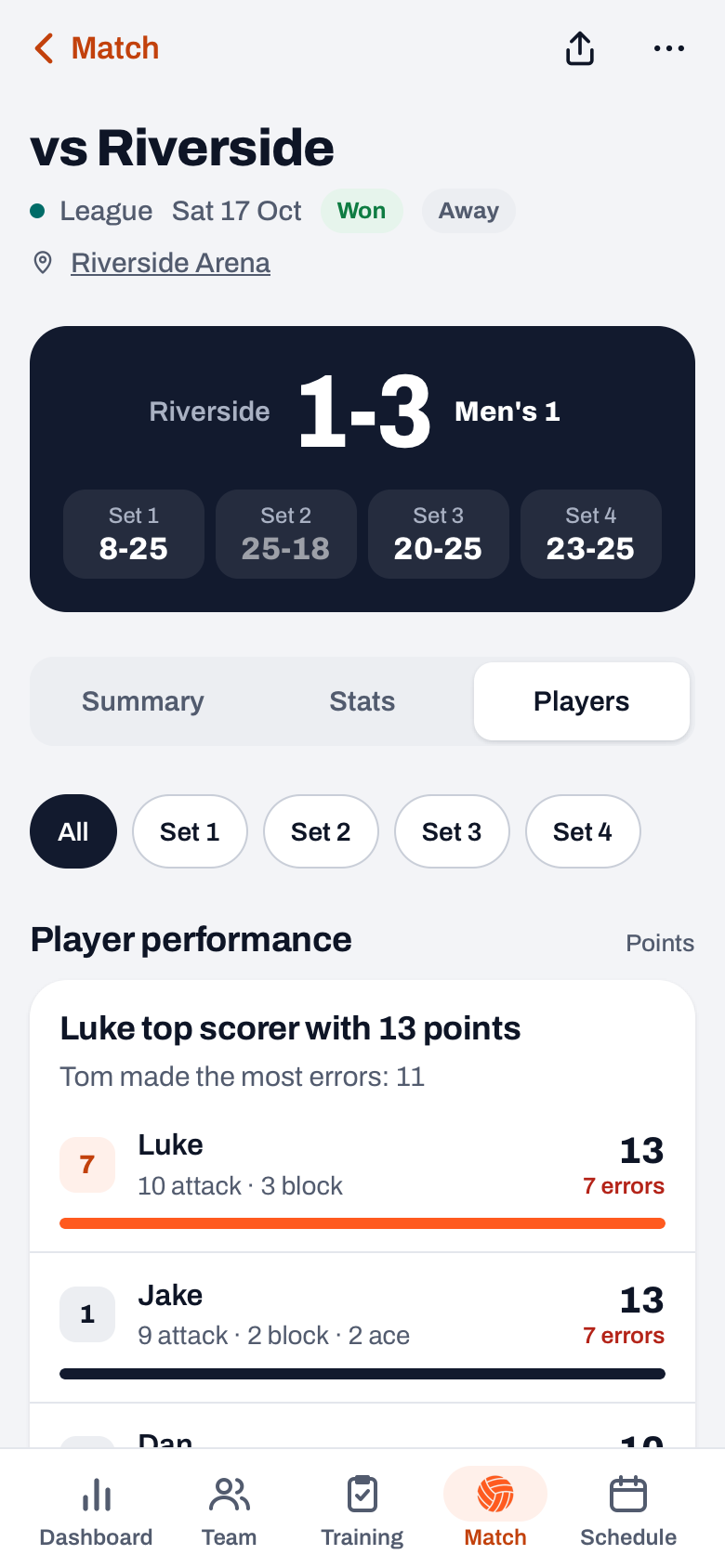
Right after the final point: statistics per player
The moment you close out the match, the overview is ready, split at the top into Summary, Stats and Players. Under Players you see for each player the total number of points, broken down into attack, block and ace, plus their error count. No spreadsheet, no retyping — the debrief can start in the locker room. Every player reads their own numbers back later in their profile.
Analysis: by rotation and by player
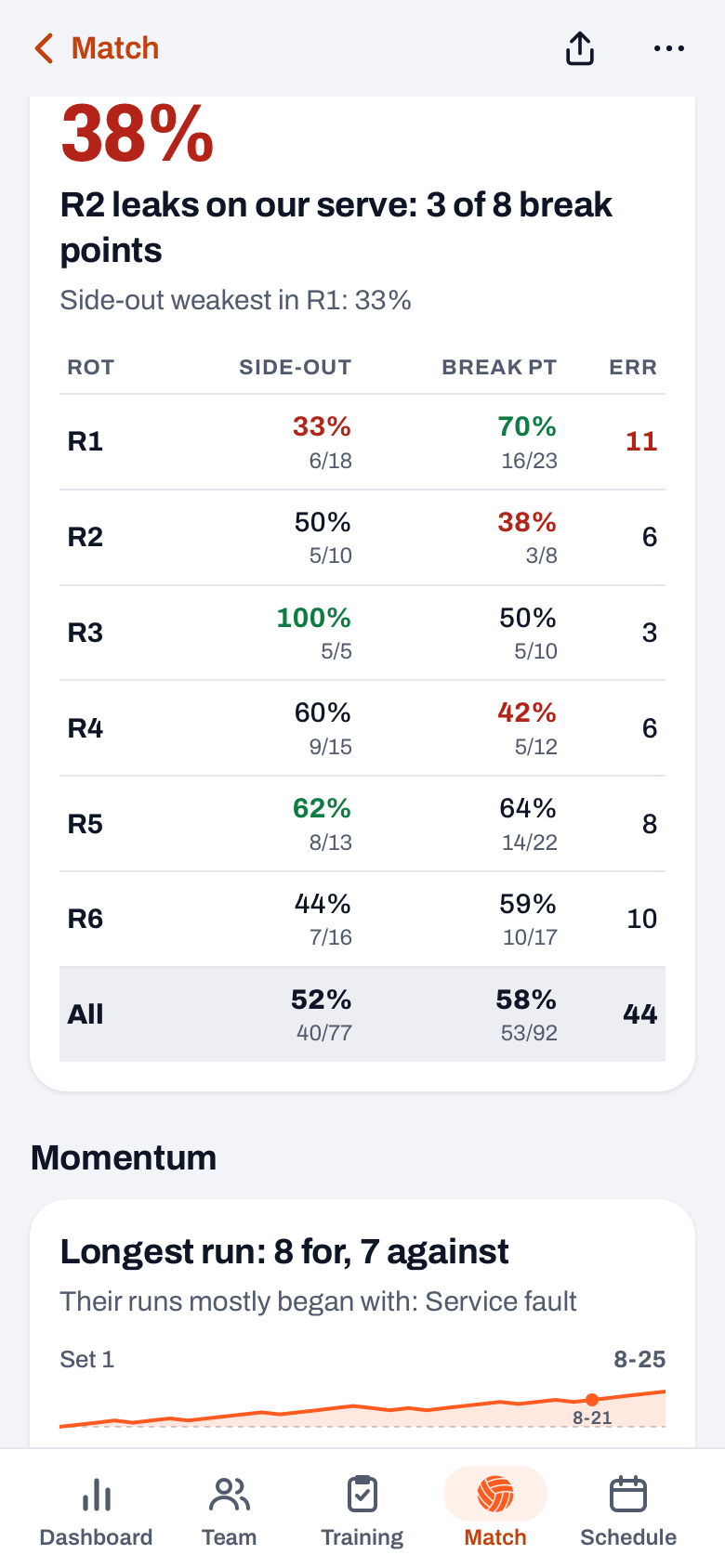
Under Stats you find Rotations, with side-out, break point and errors for each rotation, and Momentum: runs, the effect of a time-out or substitution and the closing phase. Under Players, playing time comes with a plus/minus per player. If you tracked in Expert, Expert figures are added, with things like attack efficiency per player and side-out per pass rating. How to read the rotation table is explained in side-out and break point by rotation.
How to read the numbers as a coach
- Look at the ratio first, not the total. A middle blocker with 17 points, 8 of them from blocks, tells a different story than an opposite with 28 attack points.
- Weigh in the errors. 25 points with 1 error is often worth more than 28 points with a lot of risk.
- Compare across matches, not within one evening. One off night says little; three in a row is a signal.
Frequently asked questions
Can I track a match without a dedicated stats volunteer?
Yes. Because a point counts on the first tap and adding the player takes just one more, it can be done from the sideline by the coach, a substitute or a parent. You will not miss a rally.
Which statistics are the most important to track?
Start simple: points per player broken down into attack, block and serve, plus own errors. That is enough to see who makes the difference and where points leak away. More detail can always come later.
What do I do with the statistics after the match?
Use them as conversation material, not as a report card. Discuss one strength and one development point per player, and focus on the trend across multiple matches.
 Creating a volleyball lineup: the 5-1 and 4-2 systems explained
 Tracking player development in volleyball: from gut feeling to insight
 Volleyball match app: live scoring plus statistics per player
 How to keep volleyball stats during a match: what to record
 Undo a wrong point in a volleyball app during a live match
 Resume live scoring after the app closed or your battery died
Try it yourself in Koach
Less admin, more coaching.
Get started with KoachOr read first what the volleyball coaching app does.