
Recording point types: attack, block or serve
Eighteen points for your opposite — nice. But was that eighteen attacks, or twelve attacks, four blocks and two aces? The point type is the tap after the point that turns a tally sheet into an analysis.
The three types (and why exactly these three)
- Attack: every point from an attacking swing, from the hard cross-court hit to the clever tip. The volume type: for most teams good for 60–75% of their own points.
- Block: the kill block that scores directly. Rarer, but the most honest measure of your net defence — see measuring block points.
- Serve: the ace, including the serve that bounces unplayably off the passer. The return on your serving practice, in black and white.
More detail (direction, tempo, zone) is a trap for amateur tracking: every extra question per point costs speed and therefore consistency. Three types is the balance between insight and input you can sustain.
How to record the point type in Koach
- Tap the orange button with your team name. The point is on the scoreboard straight away; rotation and serve move along by themselves.
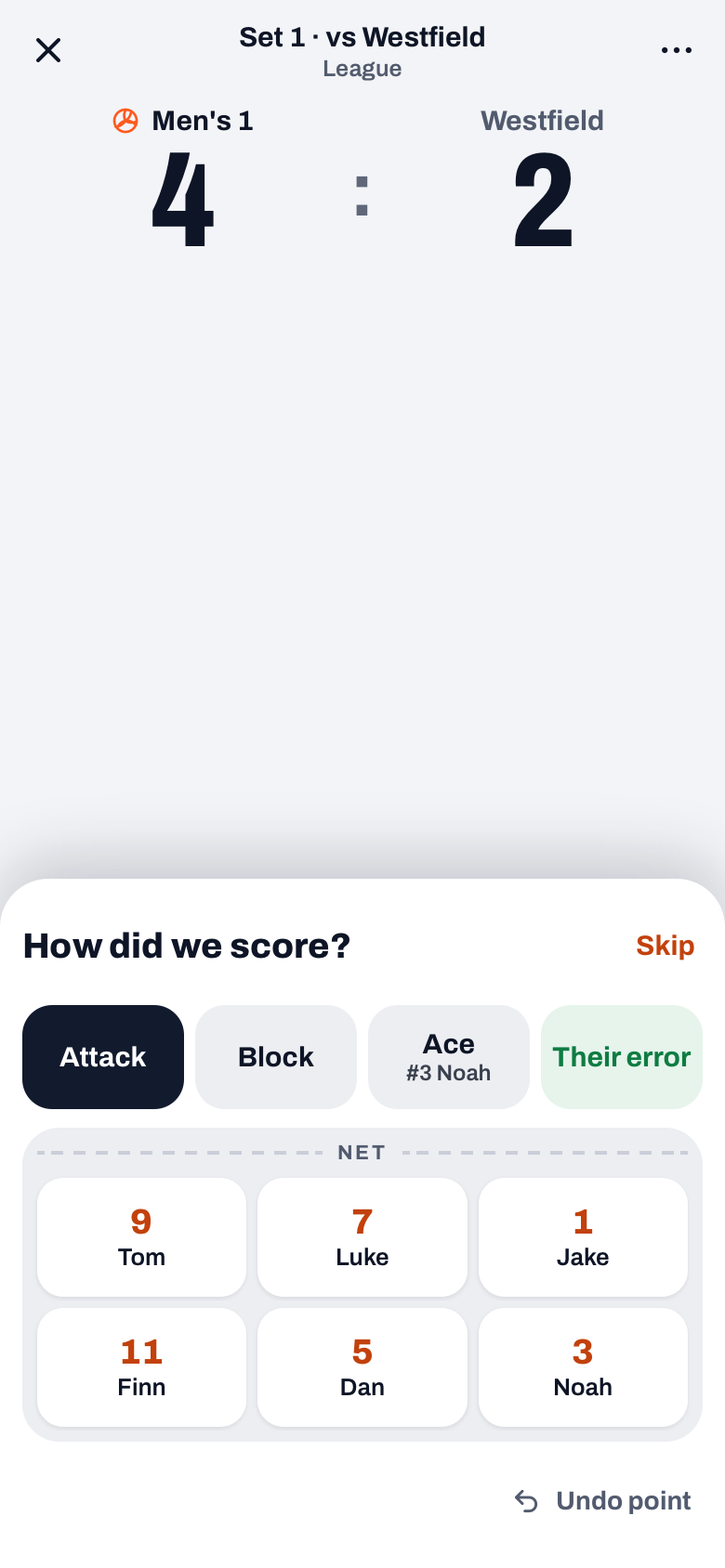
- Pick the type in the How did we score? drawer. Attack is preselected; tap Block for a block point. Ace records the point in one tap for the server, if your team was serving. Their error records it as an opponent error, without a player.
- Tap the player. The drawer shows the six players as they stand on court. That tap completes the point.
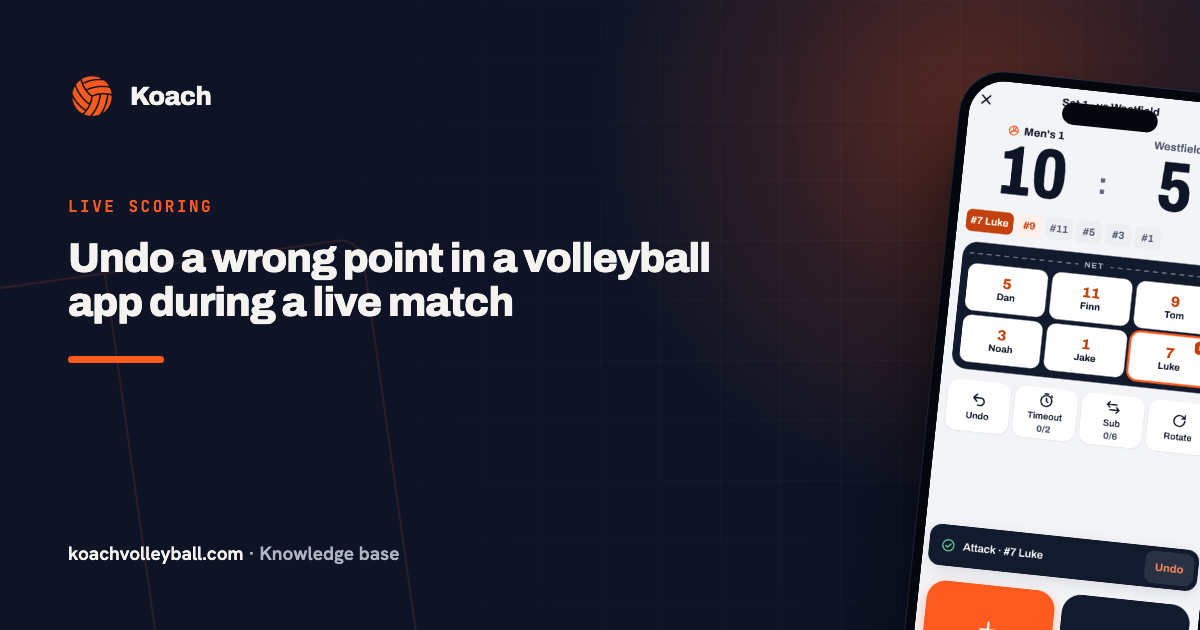
When the opponent scores, the drawer asks Why did they score?: Their winner, a Serve error or another error type with the player who made it (see types of errors in volleyball). In both drawers, Skip keeps the point without a type, and Undo point removes it if you tapped the wrong team. After every point you can still tap Undo in the notification.
If you track the match in Expert mode, you rate every ball contact from 0 to 5 instead. A 5 on Serve, Attack or Block is an ace, a kill or a block point (for Attack and Block you tap the player first); a 0 gives the opponent the point. How that works is explained in scouting your own team.
What the distribution tells you
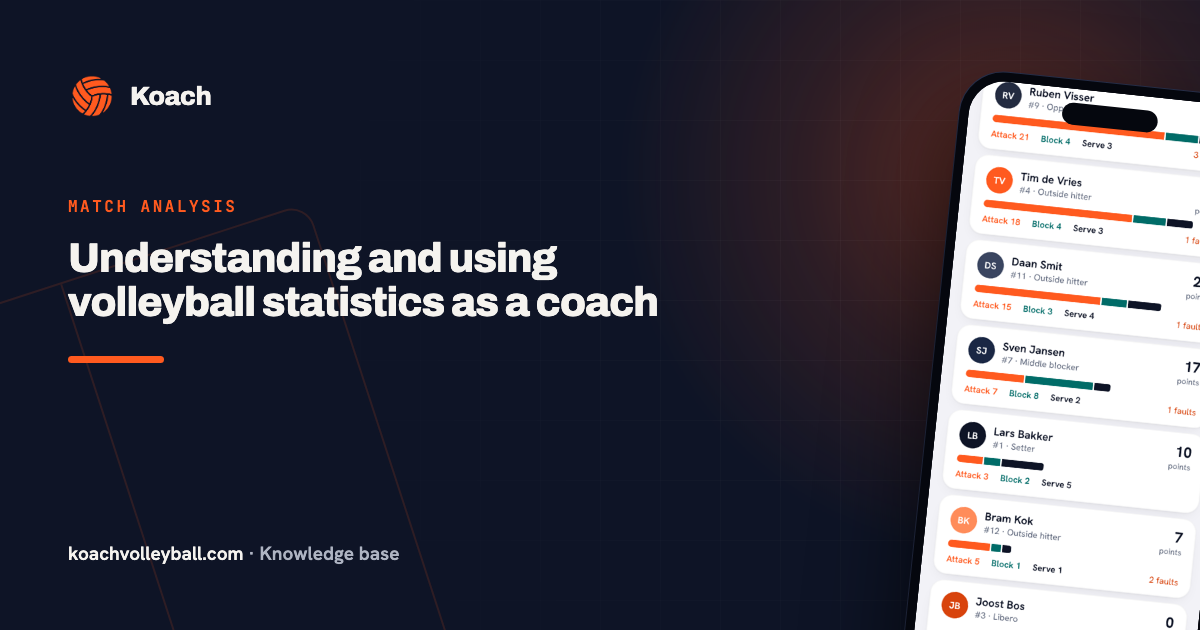
Per player the mix becomes a profile: the middle blocker with plenty of block points is doing his job, the outside hitter who also scores on serve is doubly dangerous. At team level the strength analysis shows where your points come from — and thus what to train when a source dries up. A team that gets 80% from attack and hardly anything from serve is leaving its easiest growth area on the table.
Agree on the edge cases in advance. The attack that goes out off the block is an attack point; the serve the passer still touches but cannot play is an ace. One agreement, always the same tap — that keeps season numbers comparable.
Frequently asked questions
Does a point from an opponent error count as a point type?
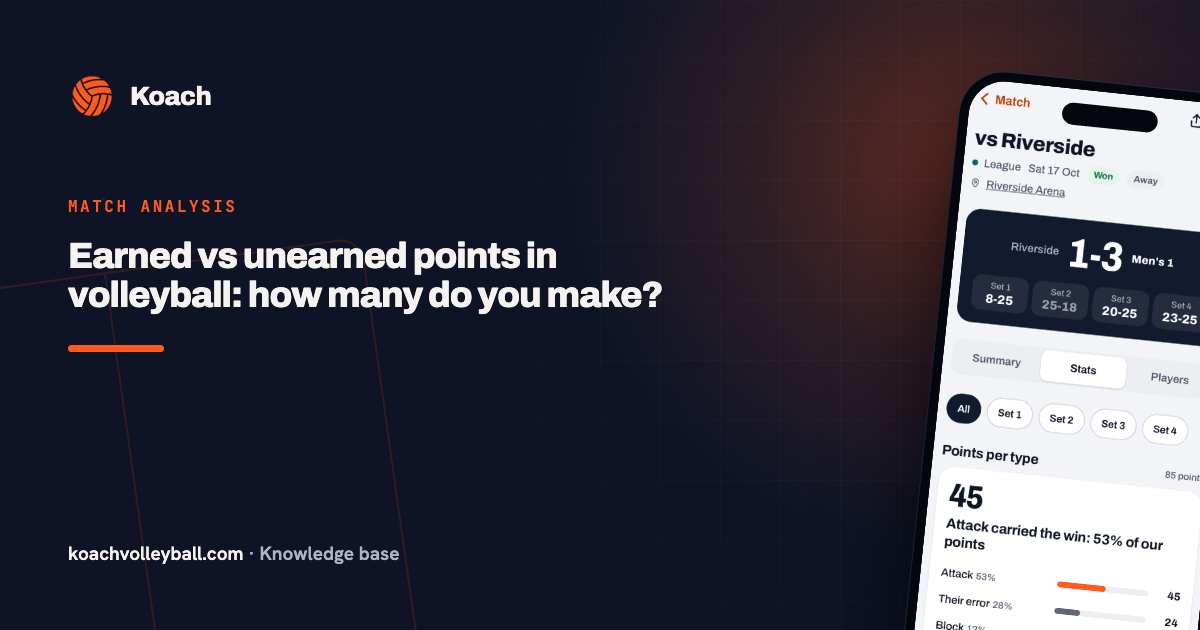
No. You record that in the How did we score? drawer with Their error, without a player. In the statistics it shows up separately as Their error; the three point types are reserved for your own scoring actions.
What is a normal split between attack, block and serve?
As a rough guideline at amateur level: 65–75% attack, 10–15% block, 10–15% serve of your own scoring actions. Big deviations are not wrong, but they are worth a conversation.
Can I also record defensive actions?
Not as a point type, because a dig never scores a point directly: the rally continues. In Expert mode, however, you rate a dig from 0 to 5: the app asks for it during the rally, and you tap who dug the ball or leave it empty. Point tracking stays with the finishers.

Try it yourself in Koach
Less admin, more coaching — starting at your next practice.
Get started with KoachOr read first what the volleyball coaching app does.