
Club announcements: one message to every team in the club
The hall is closed on Saturday because of a fault. That needs to reach twelve teams. You dig up twelve group chats, paste the same text twelve times, and three coaches miss it anyway because their chat was busy with something else that morning.
What a club announcement is
A club announcement is a message you write once that lands with every team in your club. Not in a separate group, but as a push notification to every coach, player and parent who belongs to your club, and afterwards under Club announcements in their profile. Unlike a team message, which stays inside one team.
Typical use: a closed hall, a club tournament, the members' meeting, a change to the key policy, or the call for volunteers at the annual tournament.
Who may send them
Only the club management: the club manager, a board member, the treasurer or the confidential adviser. That is deliberate: a message that reaches everybody should not sit under every coach's thumb. If you have one of those roles, Club announcements under Profile also has the New announcement button. If you do not, you only see the announcements others send.
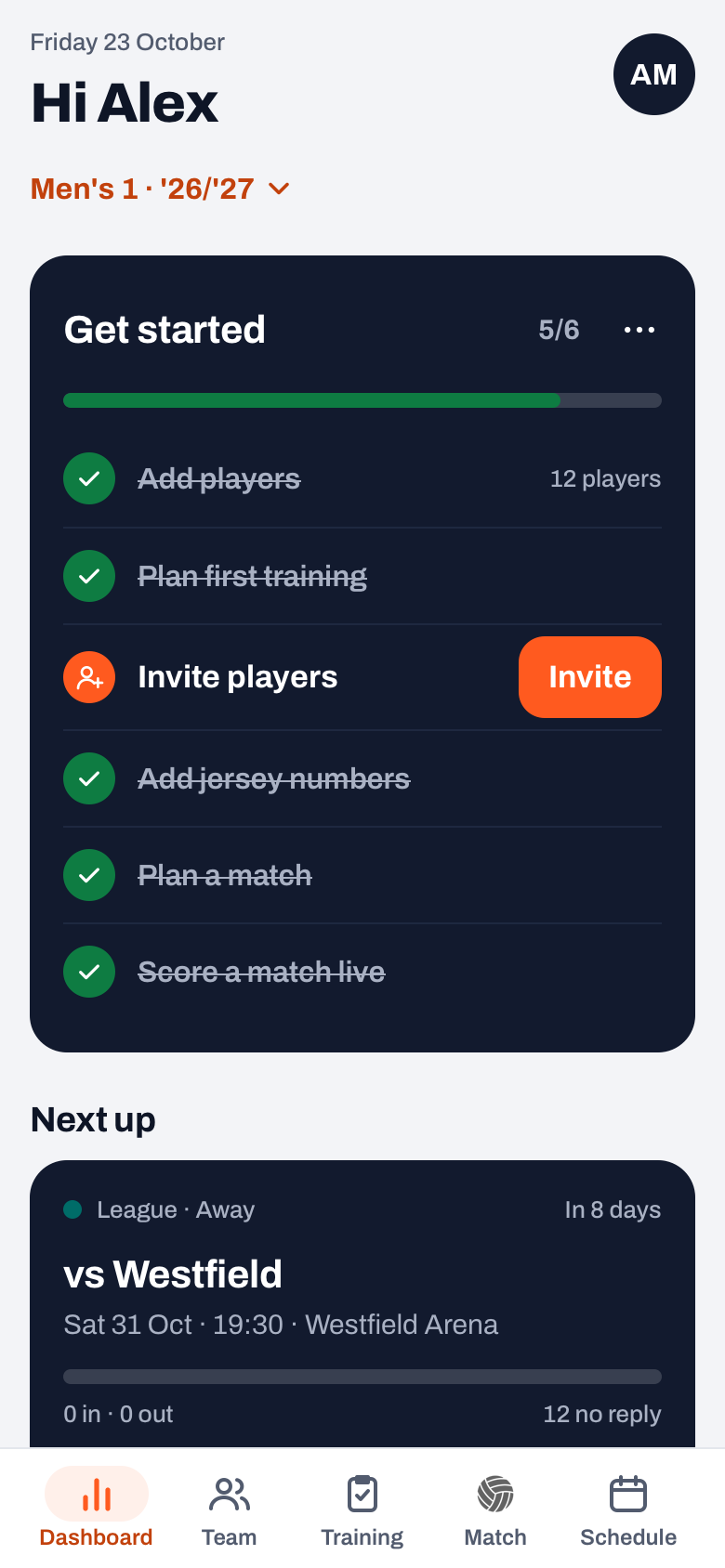
Sending one
- Go to Profile and tap Club announcements.
- Tap New announcement at the bottom.
- Write a subject — short and concrete, for example Hall closed Saturday.
- Write the message and tap Send.
The subject is the first thing people see in the push notification and in the list. So do not write "Important announcement" there — write what is going on.
Editing and deleting
You can change a club announcement after sending it. That sounds like a detail, but it solves a real problem: you send word that the hall is closed, and an hour later the session turns out to be going ahead in a different venue. Without editing you would have to send a second message contradicting the first — and then it depends on which one someone reads first.
Tap ⋯ (More) on the announcement and choose Edit, change the text and tap Save. The message then shows that it was updated, with the date. That way a reader knows what they see is the latest position.
If an announcement no longer applies at all, remove it via ⋯ (More) and Delete. Koach asks for confirmation first, because it disappears for every member at once.
Everyone decides for themselves whether they want club news. In the notification preferences 'Club announcements' is a separate switch. That toggle decides whether a club announcement also lands on the device as a push notification; in the app it is always there.
When a team message is the better choice
If it only concerns one team — Saturday's line-up, who washes the shirts, a poll about the team night — use a team message. A club announcement that is really about one team teaches the rest of the club to ignore them. Which is exactly what you do not want on the day the hall really is closed. Where club announcements sit in the club side of Koach is shown on the page for volleyball clubs.
Frequently asked questions
What is the difference between a club announcement and a team message?
A club announcement reaches every team in your club; a team message stays inside one team. Use the club announcement for things that concern everyone, like a closed hall or a members' meeting.
Who is allowed to send a club announcement?
Only the club management: the club manager, a board member, the treasurer or the confidential adviser. That is deliberate: a message that reaches everybody should not sit under every coach's thumb.
Where do I find club announcements in the app?
Under Profile there is a Club announcements entry. If you have a club role that allows it, you can also send new ones there with the New announcement button at the bottom.
Can I still change an announcement after sending it?
Yes. Tap ⋯ (More) on the announcement, choose Edit, change the text and save. The message then shows that it was updated, with the date, so readers know they are seeing the latest position.
Can I delete a club announcement?
Yes, via ⋯ (More) on the announcement and then Delete. Koach asks for confirmation first, because it disappears for every member at once.
Do members get a notification on their phone?
Yes, in the iPhone and Android app they get a push notification, unless they have switched off 'Club announcements' in their notification preferences. Not in the browser; there the announcement sits in the club feed.
Do parents see club announcements as well?
Yes. A club announcement goes to everyone who belongs to the club: coaches, players and parents.
 Team communication in your volleyball app: announcements, polls & tasks
 Managing your volleyball club: club managers, logo and sponsors
 Notifications in Koach: push notifications and reminders on your device
 Linking your team to the right club: club name, city and club code
 Sports club newsletter: a template and a simple channel plan
Try it yourself in Koach
Less admin, more coaching.
Get started with KoachOr read first what the volleyball coaching app does.