
Ended a match by accident? Here is what you can still fix
The short answer
If you ended a match by accident, you can't keep scoring in that record. Track the rest of the match on paper and correct the set scores afterwards. In Koach you do that with Edit match; the live stats up to that moment simply stay.
Ended a match by accident while the third set still has to start: it happens to every coach who stands on the sideline with a phone. Here is what is locked at that moment, how to track the rest and correct the result afterwards, and how Koach makes the mis-tap harder.
What is locked once you tap End match?
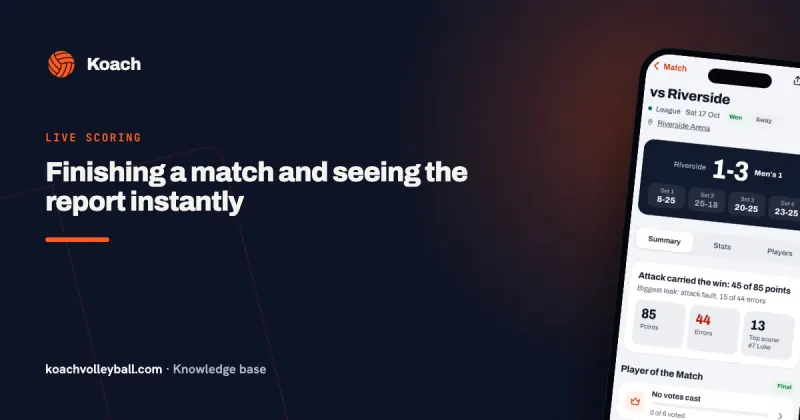
In every scoring app, ending is the step that closes the record. In Koach three things happen at once after you confirm. The match gets the status played, with the result and the set scores. Points and errors per player are calculated from the live count and saved, together with the score flow, the playing time and the stats per rotation. Finally, the live count itself is cleared. A regular match then opens straight away, with the result and the stats; after a tournament match, the tournament opens.
That has one consequence you need to know: you can't reopen a match once it has ended. There is no button to keep scoring, not even if you spot your mistake a second later. The buttons that take back a point only work while the match is running; they are covered in undoing a wrong point during a live match. If the app dropped out without you ending anything, nothing is lost: read resuming a live match.
14 days free, no credit card. Start a practice match and see at home how ending works, before it counts on Saturday.
Try Koach with your teamFirst, in the gym: track the rest on paper
The match itself carries on, so the first thing you do is put your phone away and coach. The official result is on the scoresheet of the referee and the scorer, not in your app. Your record is for your own stats, and you will fill those in later.
- Write down the score of the set in progress, or take a photo of the scoreboard in the gym.
- For the sets still to come, record at least the final score. If you want more, put a tally mark per player on a sheet of paper for every point, or ask a substitute to do it.
- Don't start a new match in the app for the last sets. The same match would then appear twice in your overview, with two results that are both wrong.
Afterwards: correcting the set scores with Edit match
After the match you put the result right. Only a coach of the team can do this.
- In the Match tab, open the played match and tap ⋯ (More).
- Choose Edit match. Under Set scores every set has two boxes.
- Adjust the score of the set that was still running, and add the sets you tracked on paper with + Add set (up to five sets). Remove a set that doesn't belong there with the cross.
- Tap Save. The result in your overview and in your season stats is now correct.
For a tournament match, the same sheet sits behind the pencil next to the match in the tournament.
Ended in the middle of a set?
If you tapped End match while a set was still running, the question gave you two buttons. End match with the score after it counts the open set at the score of that moment; correct that set score afterwards. End without set with the set number leaves the open set out, and then the points of that set don't count in the stats per player either; add the set afterwards. If the open set was tied, it didn't count anyway.
And the stats per player?
Those only cover the points you counted live. Sets you add afterwards get a score but no points per player. You can fill that gap with Edit stats in the same ⋯ sheet, but weigh it up first. The app asks Replace live stats?. If you choose Replace and then save the sheet, the momentum, the playing time and the stats per rotation of this match disappear, among other things. An honest gap is usually better: write in the Match note, which only coaches see, which sets were not scored live.
When is a match really over?
Many mis-taps start with the question of whether it's already over. That depends on the competition. Under the FIVB Official Volleyball Rules (rule 6.3.1) the team that wins three sets first wins the match, but some competitions always play four sets, and tournaments often choose best of three or shorter sets. What applies where is explained in how many sets a volleyball match has.
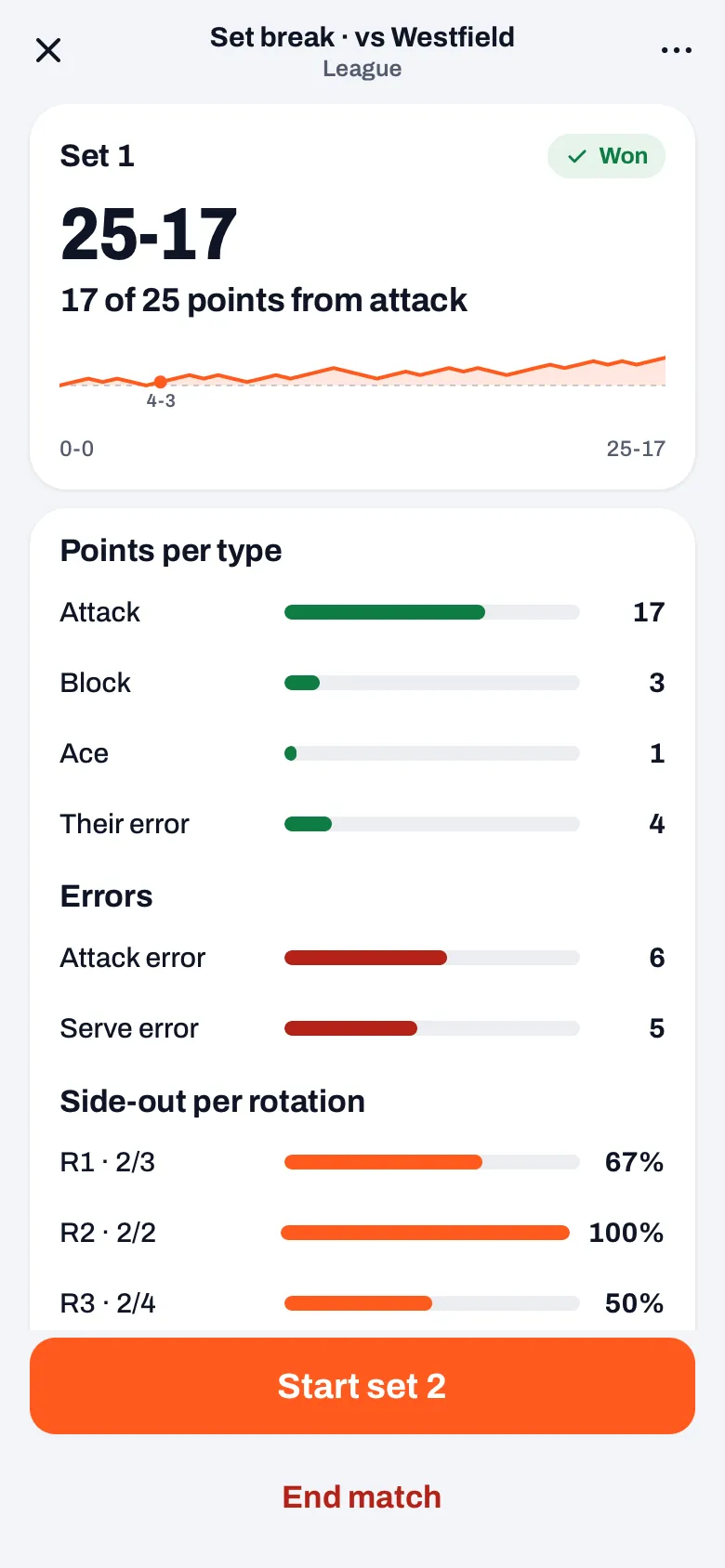
That is why Koach doesn't ask beforehand how many sets you play. After every set you choose yourself in the set break: the next set or stop. The app only gives advice, and you can see that in the buttons. After a fourth set that doesn't end at 2-2, after a deciding set to 15 and after the fifth set, End match is the big orange button; where another set is still possible, the other button is then called, for example, Play set 5 anyway. In all other cases the button for the next set is the big one: Start set with the number, or for a deciding set to 15 the toss with Us and Them. End match then sits below it, small and red. So if you play best of five and lead 3-0, or win a tournament match 2-0, you tap that small red button on purpose: the app doesn't know how many sets you play. What else the set break shows is covered in the set break in your volleyball app.
How does Koach stop you from ending a match by accident?
The set break opens by itself as soon as a set is over, at the moment your thumb is still tapping the screen for the last point. Until the end of October 2026, End match sat there as a button of the same width right below the button for the next set, and one tap too many was enough. Since version 3.0.1 there are three hurdles:
- A small button. As long as the app doesn't consider the match finished, End match is a red text button with space above it.
- No tap in the first 0.8 seconds. A tap just after the set break opens was meant for the scoring screen and doesn't count.
- Always a question. The title shows the score, for example End match at 3-1?, with the sentence The match is saved and scoring stops. You can't continue scoring afterwards. The button to stop is red, and the way back is called Keep scoring. From the set break it takes you back to the set break, not to the scoreboard.
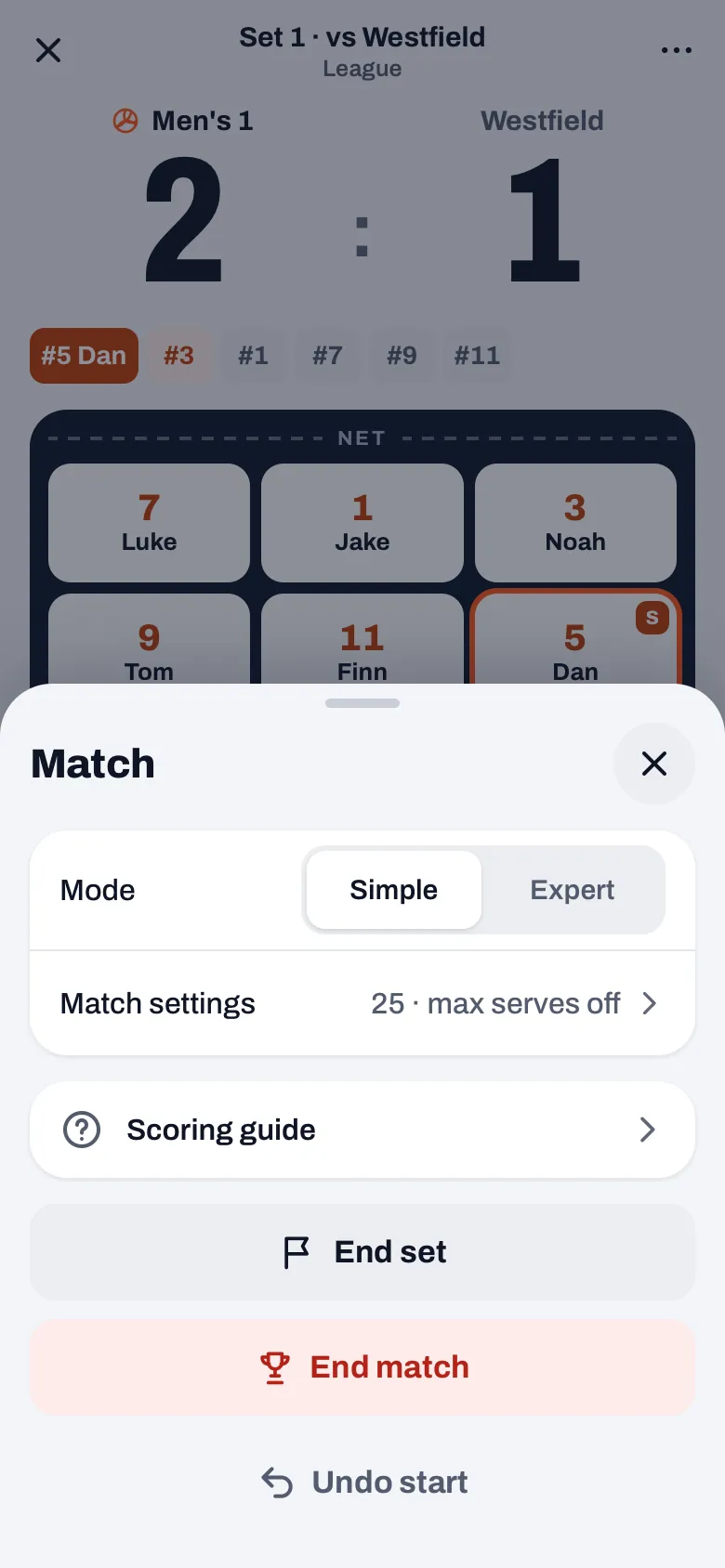
If you end via ⋯ on the live screen or on the screen of an authorized scorer, that question with Keep scoring comes first too. If you close the set break with the cross, nothing happens to the match. Don't see the buttons like this yet? Update the app through the App Store or Google Play. How live tracking works otherwise is explained in tracking a volleyball match live, and what Koach costs after the trial is on the pricing page.
Read the score in the question. If it says End match at 2-1? while the scoreboard in the gym shows 2-2, tap Keep scoring. That one glance is your last chance to keep scoring in the same match.
Frequently asked questions
Can I reopen a match after ending it?
No. After End match the live count is closed, and there is no button to keep scoring or to reopen the match. You can adjust the set scores and add sets via ⋯ and Edit match. You can update the stats per player by hand with Edit stats, but that replaces the live-scored stats of that match.
What is the difference between End set and End match?
End set closes only the set in progress, at the score of that moment, for example when a set is not played to the end. You then start the next set. End match closes and saves the whole match. Undo start is something else again: it throws away the count, and a planned match is then back to planned.
My scorer ended the match. What now?
An authorized scorer gets the same question with Keep scoring, plus the line that the coach sees the result and stats right away. If they ended it anyway, you as the coach correct the set scores with Edit match on the played match. Only the coach has that sheet; the scorer can't change anything there anymore.
Can I practice this without risk?
Yes. You can try Koach free for 14 days, with no credit card and with every feature. Start a practice match in the Match tab, play one set and in the set break tap End match and then Keep scoring. Finally choose Undo start via ⋯, so the practice run doesn't end up among your real matches.
Try live scoring without the worry
14 days free, no credit card. A mis-tap gets a question first.
Get started with KoachOr read first what the volleyball coaching app does.