
How to Get Your Team to Actually Use the Team App
You spent an evening entering everything, invited the whole squad and explained neatly how it works. Two weeks later four out of twelve have filled in their availability and the question is back in the group chat anyway. That is rarely down to unwillingness.
Four reasons people do not respond
Before you start grumbling, run through these four, because in nine out of ten teams the answer is in here.
- They never logged in. The invitation arrived during work hours, got swiped away and was never found again. Check your roster for who actually has an account — that number is usually lower than you think.
- Notifications are off. They tapped 'not now' at install and nothing has reached them since. They miss everything and assume nothing is happening.
- There are two channels. As long as the important things also land in the group chat, ignoring the app is completely rational behaviour. This is by far the biggest cause.
- Nothing hangs on it. Whoever does not respond notices no consequence, and their coach will ask them personally at some point anyway.
The rule that pays off most
One channel per type of message, and that is not up for debate. Anything with a date, a list or an answer in it goes to the app: practices, matches, availability, the carpool schedule, duties, polls. Anything without a date can stay in the group chat: congratulations, who has my shirt, photos after the match.
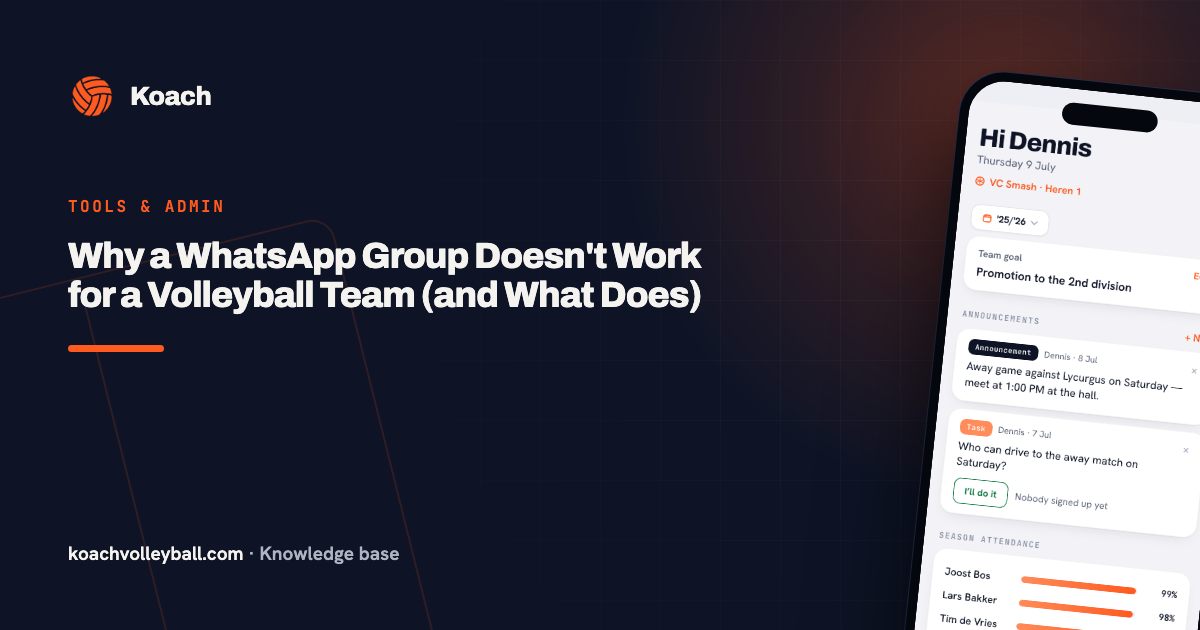
The hard part is that you have to be the first to obey it. If a question about availability arrives in the group chat, the reply is not the answer but: 'can you put that in the app?' Hold the line three times and it is solved. Give in once and you are back to square one. How to get that split clear is worked out in why the group chat breaks down.
The eight-minute kickoff
The biggest jump does not come from explaining, it comes from being there. Take eight minutes after a practice, phones on the table, and do it together:
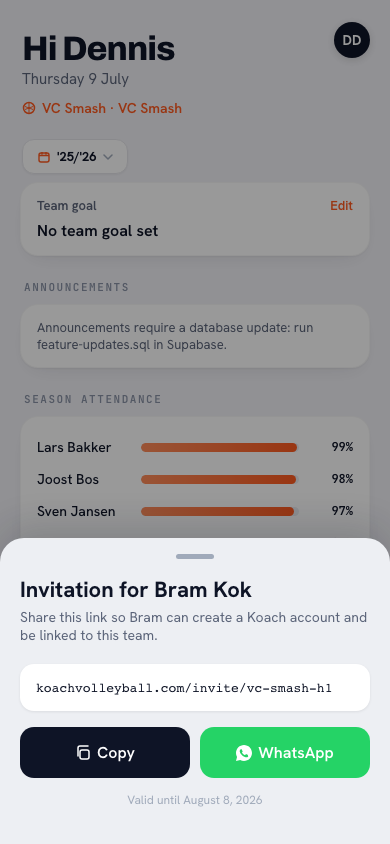
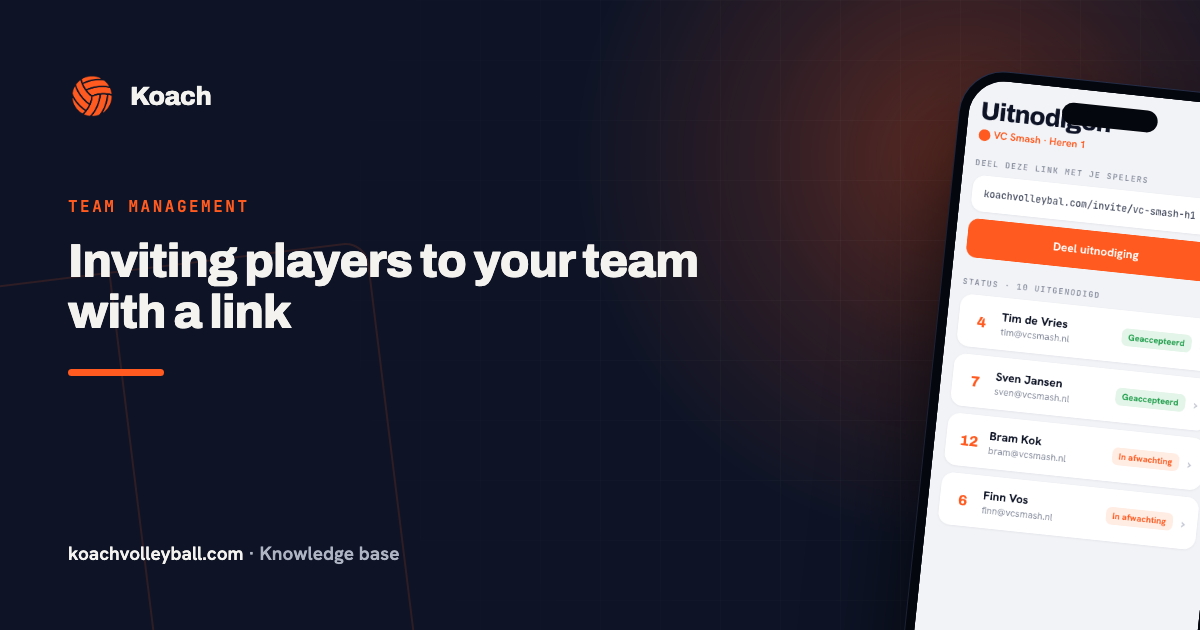
- Install the app and accept the invitation — with a personal link, as in inviting players with a link, that is two taps.
- Turn on notifications. Walk through the settings and watch along; this is the step that otherwise never happens for half the squad.
- Everyone fills in their availability for the next three weeks right there.
After those eight minutes your entire team has done it once, and the second time is always easier than the first. With youth teams you do exactly the same thing, but with the parents present for a short moment after practice.
Seven nudges that do work
- Put a deadline on availability: Thursday 8pm. Whoever is not in by then is not in the starting six. Enforcing it once is enough.
- Let the captain ask, not you. People take it better from a teammate than from the coach.
- Let notifications do the work. In Koach, push notifications for polls and calls to respond do most of the nudging for you.
- Publish the lineup in the app only. If you want to know whether you are starting, you open it. That is the strongest reason to look that exists.
- Never ask something you already know. Polls about things that are already settled teach people that responding is pointless.
- Respond visibly to what comes in. Anyone who fills things in and never sees anything come back stops filling things in.
- Keep the message count low. Three relevant notifications a week is fine; ten is the reason people turn them off.
Measure it, briefly. Two numbers tell you everything: what percentage of your team has an active account, and what percentage fills in availability within 48 hours. If that first number is under eighty percent you do not have a motivation problem, you have an installation problem — and that gets solved with eight minutes after practice, not with another reminder.
The one player who keeps ignoring it
There is always one, and it is almost never the same reason twice. With an older player it is usually the technology: help them personally, once, and it is done. With a teenager it is usually notifications buried under thirty other apps. With a parent it is usually that they were never invited, only their child was. And with the occasional person it is a matter of principle — in which case you agree that the captain messages them directly, and nothing else about the system changes for the other eleven.
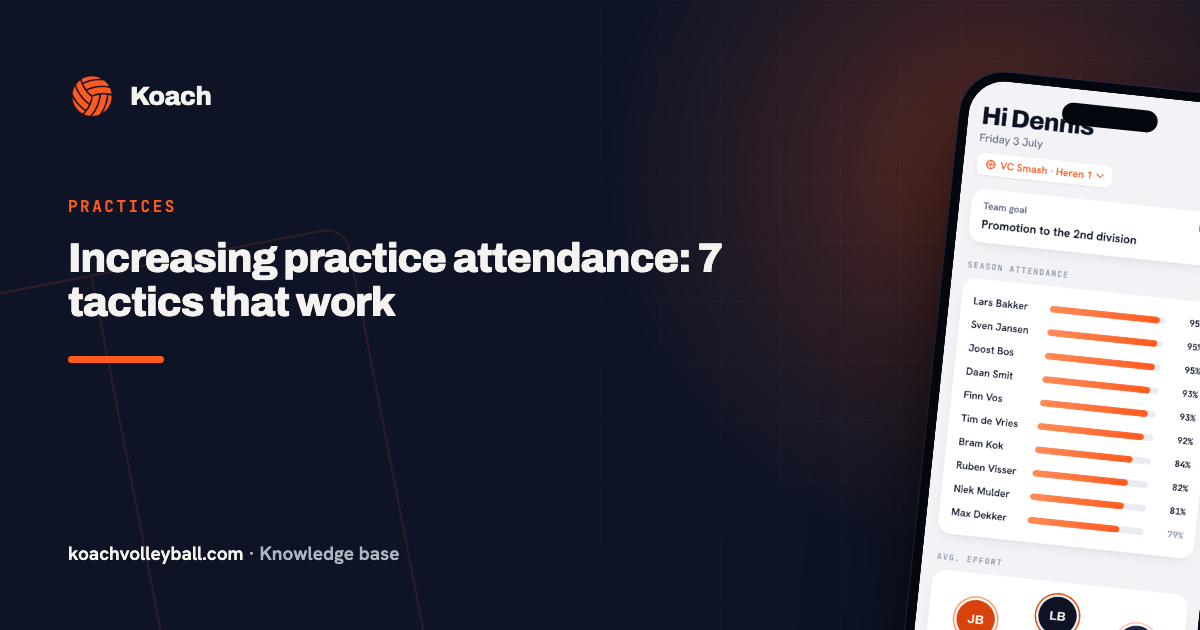
What you must not do is rebuild the system around the exception. A team that knows the coach will call in the end stops filling anything in. More about that mechanism, applied to turnout, is in improving practice attendance.
When to let it go
Honestly: not every team needs an app. Eight regular adults, one practice a week, always the same gym and never a carpool schedule — a well-run group chat simply wins there. The gains from a team app come with numbers: more than ten players, parents involved, away matches, changing lineups. If you are below that and it is running smoothly, leave it as it is.
Frequently asked questions
How do I get parents to use the app?
Invite them with their own account instead of through their child, and attach something they actually need: the carpool schedule and start times. Parents who only receive messages but cannot arrange anything drop out.
Should I shut down the WhatsApp group?
No. Keep the group for banter and loose questions, but move everything with a date or an answer to the app. The problem is not the group chat itself, it is the same information living in two places.
How many notifications are too many?
More than a couple a week without anything being asked of you. Once people mute notifications you have lost them for everything — including the one call that mattered.
What do I do with a player who never fills anything in?
Speak to them personally and find the cause: no account, notifications off, or no interest. Do not adjust the system for that one player, because then the rest drop off too.
Try it yourself in Koach
Less admin, more coaching.
Get started with KoachOr read first what the volleyball coaching app does.