
Viewing your own volleyball stats as a player
You played on Saturday — but how many points was it, exactly? With a player account you can view your own volleyball stats whenever you like: your points, your errors and your attendance, in black and white instead of from memory.
Where can you view your own volleyball stats?
In two places. Log in with your player account and the dashboard shows you the "Your season" and "Your stats" blocks: your attendance percentage for the season and your points, split into attack, block and serve. That is the quick glance. For the full story, open your own player profile (tap "All" next to Your stats, or your own name in the Team tab). The profile has three tabs: Overview with your season, your personal goal and your badges, Stats with your points, errors and your development per match, and History with your matches and your practice attendance. Both places show the same numbers; the dashboard is the summary, your profile is the full file.
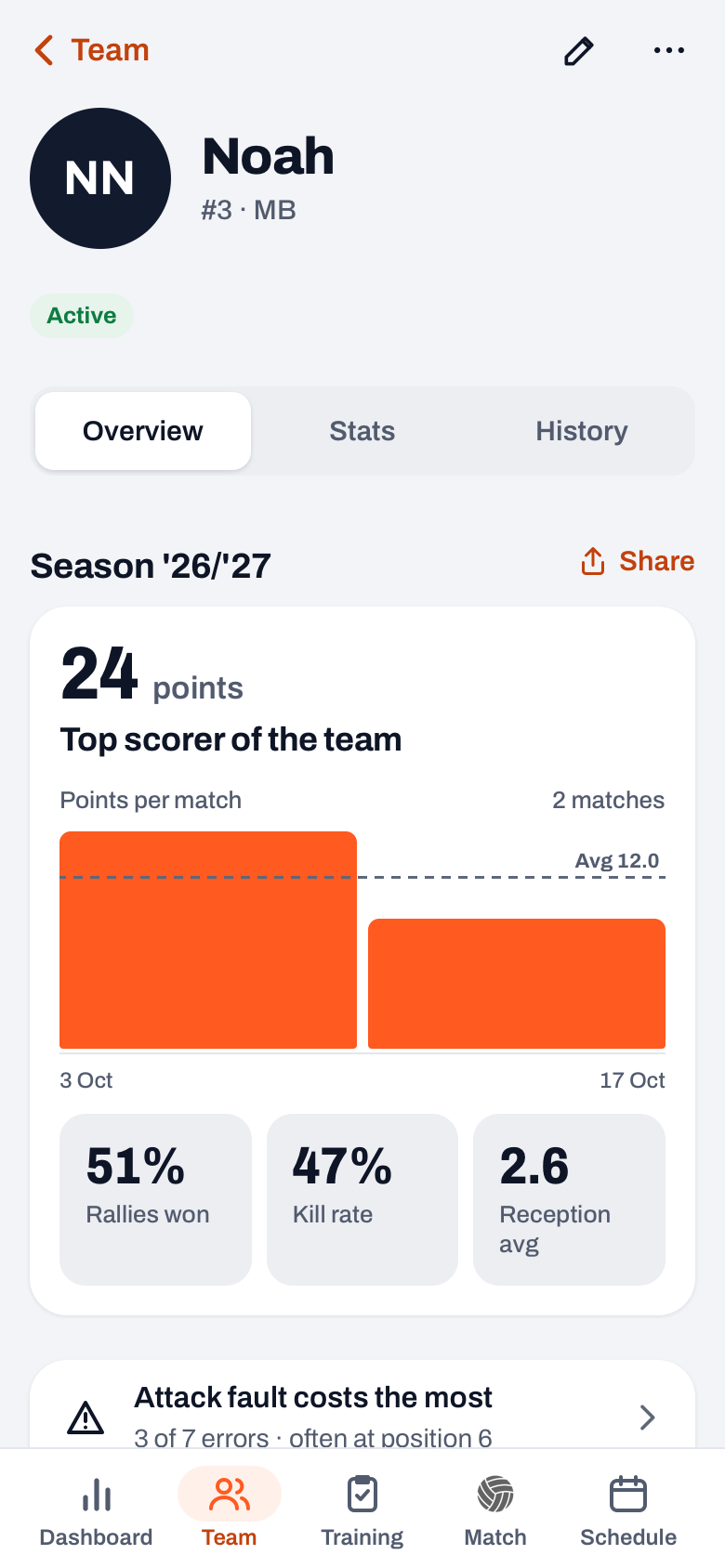
What does each number mean?
Koach records points by type, so you can see exactly where your points come from:
- Attack points: every attack that scores directly.
- Block points: every block that wins the rally outright.
- Service aces: every serve the opponent cannot return.
Errors are tracked by type too: service error, attack error, bad pass, net fault, too late and other, and in Expert mode also double contact, four hits and rotation fault. That may sound confronting, but it is exactly where the value is — three attack errors tell a very different story than three service errors. Your coach can also choose to hide players' own errors from them (the team setting "Players see own errors"); then they do not appear in your profile, but your coach still sees them. There is also a "free point": a point not attributed to any specific player — it counts for the team, but not in your personal numbers. Want to get better at interpreting numbers like these? Read how to read player statistics.
Where do the numbers come from?
Everything flows from live scoring: during the match, your coach taps every point and every error against the player who made it. Your profile is simply the sum of all that — no estimates, no opinions. Your practice attendance comes from the check-off at each session; your attendance percentage is the number of times present (arriving late still counts as present) divided by all the sessions you were registered for. Want to revisit a specific match? You can look back at your match statistics per game. The match tab also shows the team's match overview, with results and set scores — so you can always put your own contribution next to the team result.
Why can you only see your own numbers?
In the roster you see teammates' names, jersey numbers and positions — nothing more. Their detailed numbers and ratings stay hidden, and coach notes are only ever visible to the coaching staff. That is deliberate: your statistics exist to help you grow, not to feed a locker-room leaderboard. Still want to know how you stack up? Look at the team result — that is the only ranking that counts. Your coach uses the same numbers to track player development — and you can put them to work yourself by tracking your own progress.
Tip: after a match, look at your errors by type before you look at your points. That is where you spot your next step the fastest — and it instantly makes the conversation with your coach more concrete.
Frequently asked questions
How can I see my own volleyball statistics in Koach?
You need a player account: your coach sends you a personal invitation link. After that, your dashboard shows your season overview and your player profile shows all your points, errors, attendance and badges.
Can I also view my teammates' statistics?
No. The roster only shows names, jersey numbers and positions; detailed numbers and ratings are visible only to the player themselves and the coaching staff. That keeps statistics a tool for your own development.
Why don't my numbers match what I counted myself?
The numbers come straight from your coach's live scoring during the match. Points that were not assigned to a player (a free point) do not count towards anyone — if something looks off, just talk it through with your coach.
 What does a player see in Koach? The player account explained
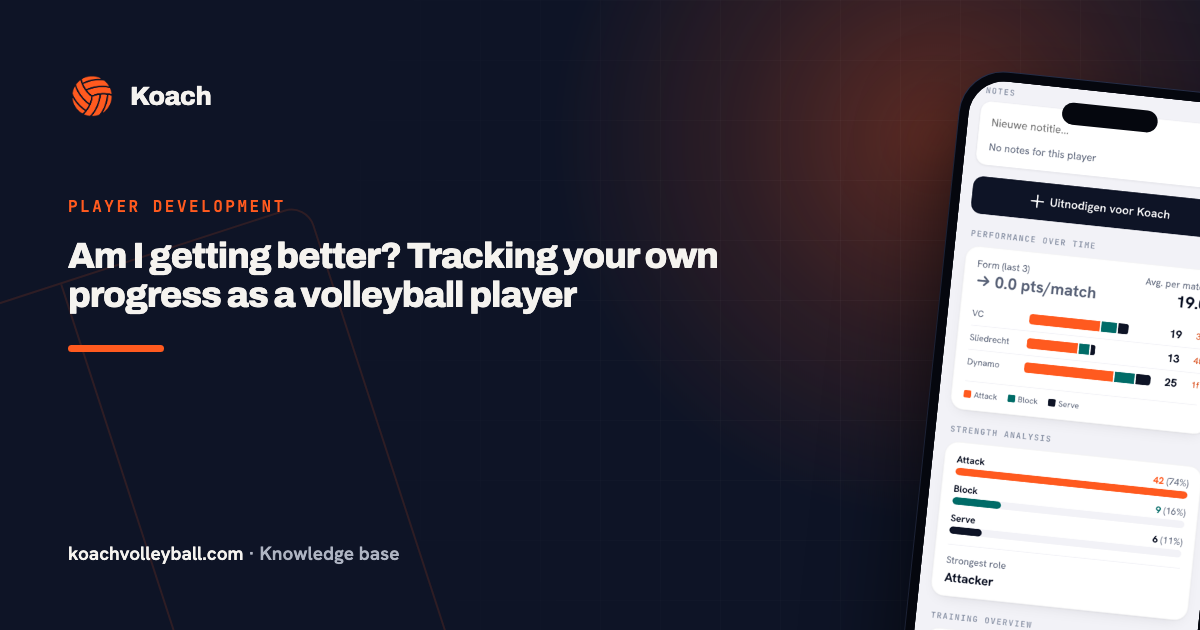 Am I getting better? Tracking your own progress as a volleyball player
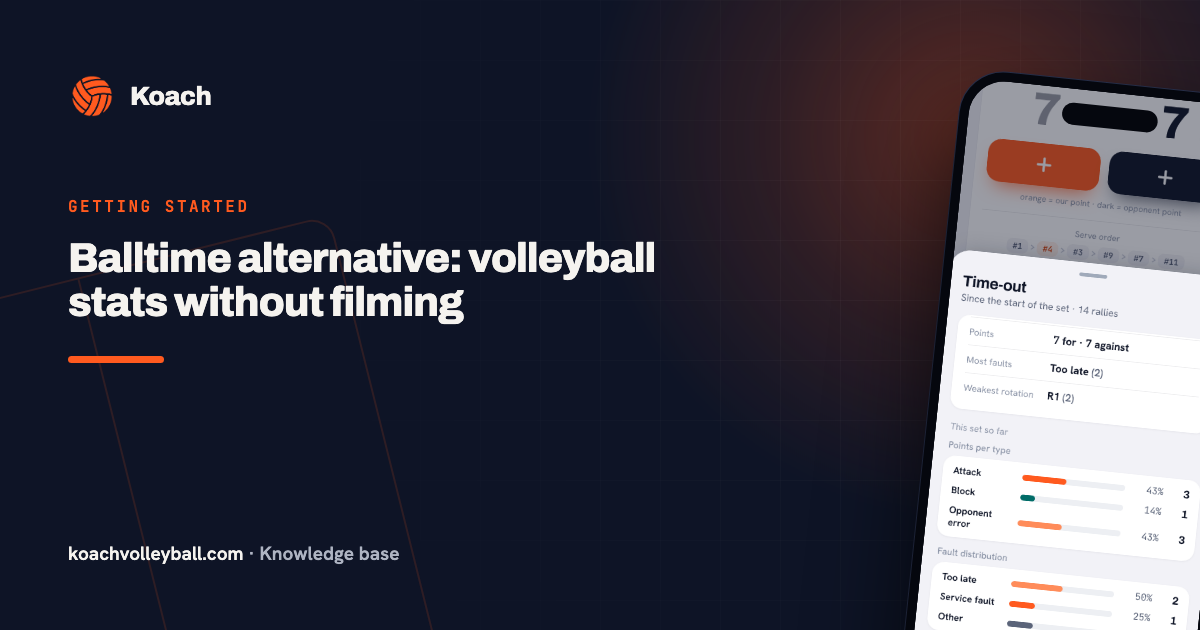 Balltime alternative: volleyball stats without filming
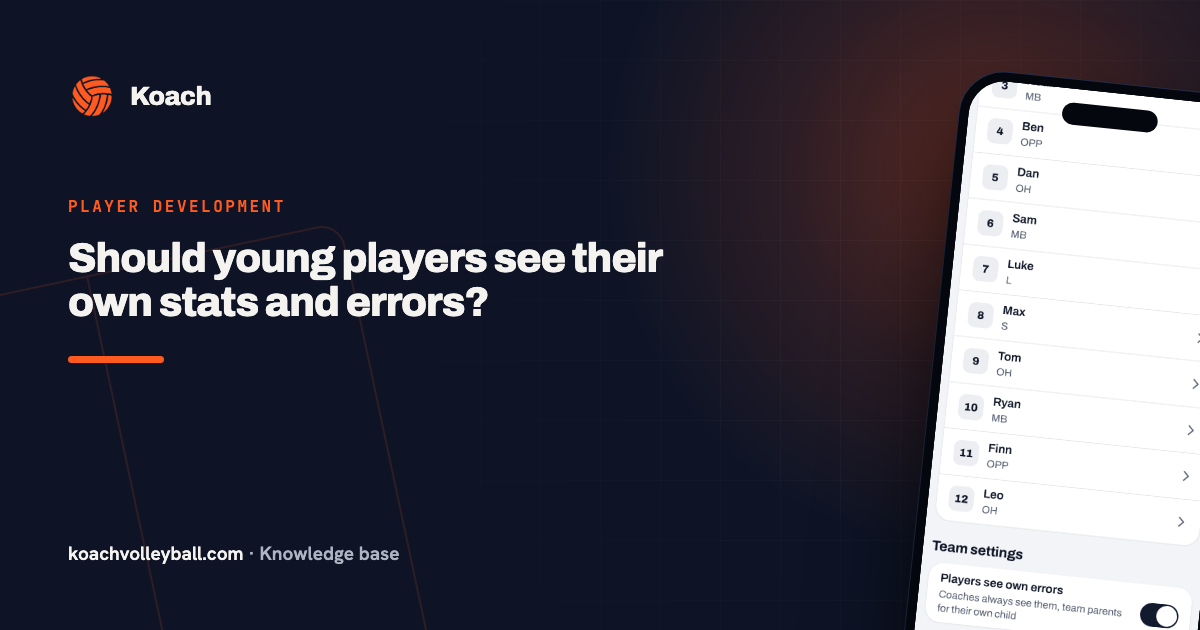 Should young players see their own stats and errors?
 See your child's volleyball stats: what parents can and can't see
See your own numbers in Koach
Ask your coach for an invitation and see exactly what you showed after every match.
Get started with KoachOr read first what the volleyball coaching app does.