
Copy a volleyball practice plan from an earlier session or team
The short answer
To copy a volleyball practice plan in Koach, open the Plan of a practice, tap Copy plan and choose an earlier practice or a template. If your team belongs to a club, the Club templates of other teams are there too. The sections are added after what is already there, and then you adjust them.
Copying a volleyball practice plan is faster than starting over every week. Last week's structure worked, or the coach of another team built a strong serving evening. Instead of retyping everything, you pull the plan into your own practice with one tap and only adjust what needs to be different.
When do you copy a plan, and when do you start over?
Copying a plan pays off when the structure is right and only the details differ: the same warm-up, the same theme a week later, or a strong evening from a colleague that you want to run with your own group. Start over if the theme is different or your group is clearly at a different point. After copying, always check three things: the number of players you have that evening, the level of your group and the space in the gym. How to build a practice in blocks is in building your practice in blocks.
How to copy a practice plan in Koach
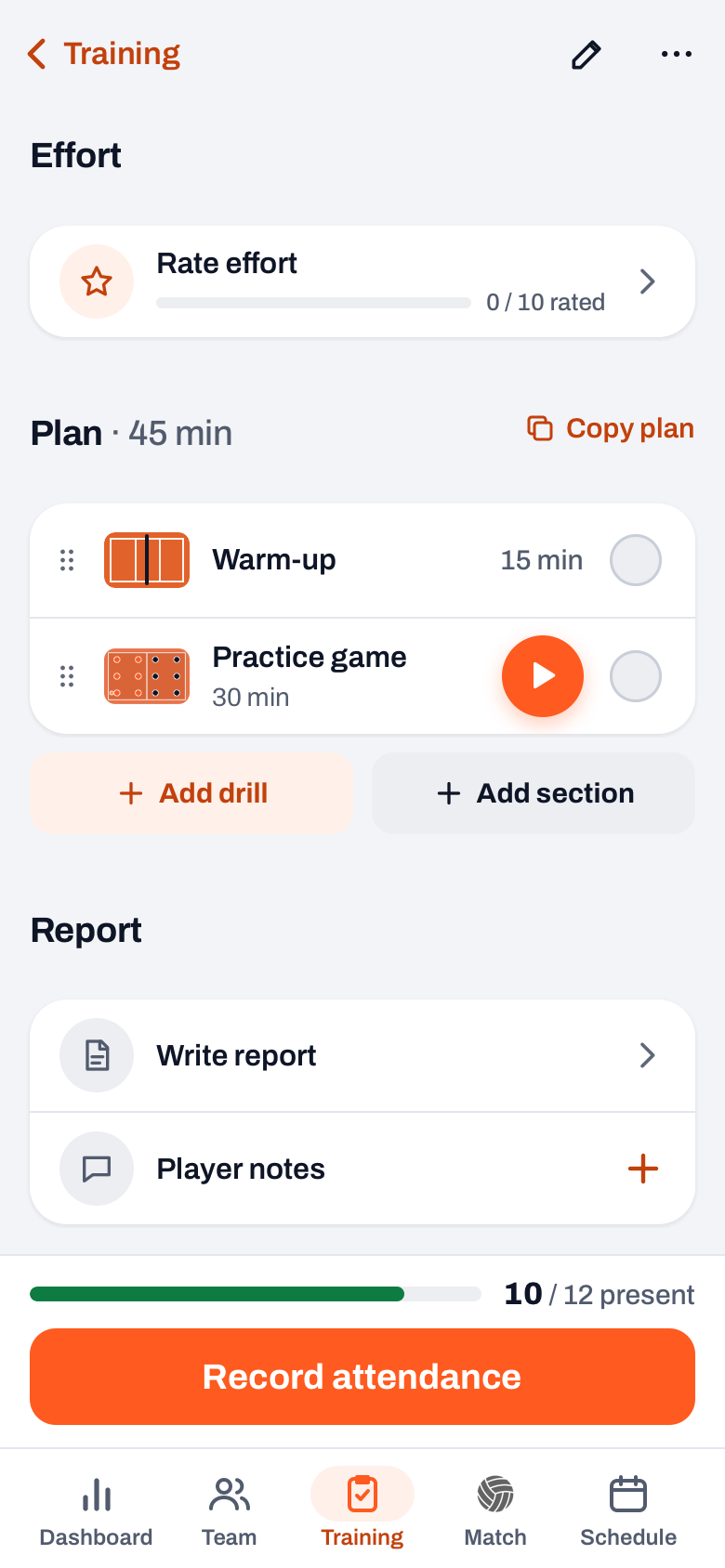
- Open the practice. Go to Training > Sessions and tap the practice you want to fill. The plan is below attendance and effort, with the total minutes in the heading, for example Plan · 45 min.
- Tap Copy plan. That link is to the right of the heading. A sheet opens with two lists. The templates are at the top. If your team belongs to a club, that list is called Club templates and holds your own templates together with those of other teams, each with the team name; otherwise it is called Templates. Below are your team's Earlier trainings with a plan, newest first. Each row shows the number of sections and the minutes.
- Choose what you want to take over. One tap copies the whole plan. The sections are added after what is already in your plan, so nothing is lost. If your practice had no title yet, the title comes along. The message names the number, for example 5 sections copied, with Undo to remove exactly those sections again.
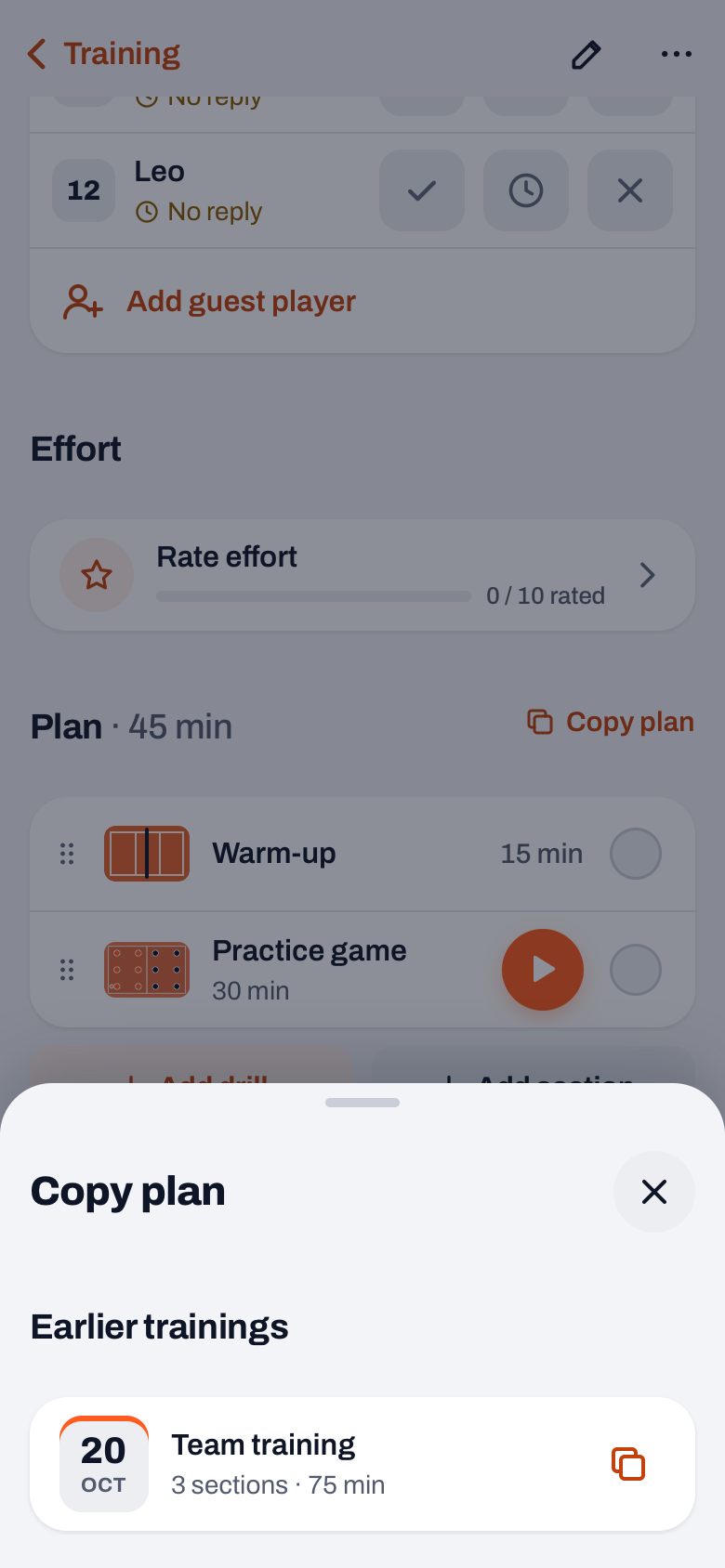
Earlier trainings shows at most 20 practices from before the date of the practice you have open. If you have used the same plan more than once, it appears only once.
Club templates: plans from other teams in your club
Koach has no central drill or club library. What it does have: Club templates. Those are the templates that coaches in the same club have saved, from your own team and from other teams. You see them in the Copy plan sheet with the team's name, and you copy them as easily as your own plans. You cannot edit or remove other teams' templates; each team does that itself. You delete your own templates in the same sheet with the trash can, with Undo if you make a mistake.
Sharing a plan yourself works like this:
- Open a practice with a plan and tap More at the top right.
- Choose Save as template. That option only appears if the plan has sections.
- The name is already filled in with the title of the practice. Below it you read who sees the template: Visible to all club trainers, or Visible to the trainers of this team if your team does not belong to a club. Tap Save template.
Templates are working material for coaches: players and parents do not see them. More about working with fixed setups is in reusing your practice plan with templates.
14 days free, no credit card. Save your best practice as a template and copy it next week with one tap.
Try Koach with your teamAdjusting the copied plan
A copied plan is a starting point, not an end point. Anything you change afterwards only applies to this practice.
- Time per section. Tap a section. Under Duration you set the time lower or higher with minus and plus, in steps of five minutes. The heading of the plan adds up the total.
- Order. Drag a section by the handle on the left to another spot.
- More drills. Add drill opens the drills. You pick several at once with the round plus and add them in one go with, for example, Add 3 drills. They go to the end, still without a duration: they get the No time badge until you give them minutes.
- Your own section. Add section creates a block without a fixed drill, such as a warm-up or a game, with a name, a duration and an optional description.
- Removing. In a section's sheet you find Delete section. With Undo it goes back to the same spot.
One plan for a whole series of practices
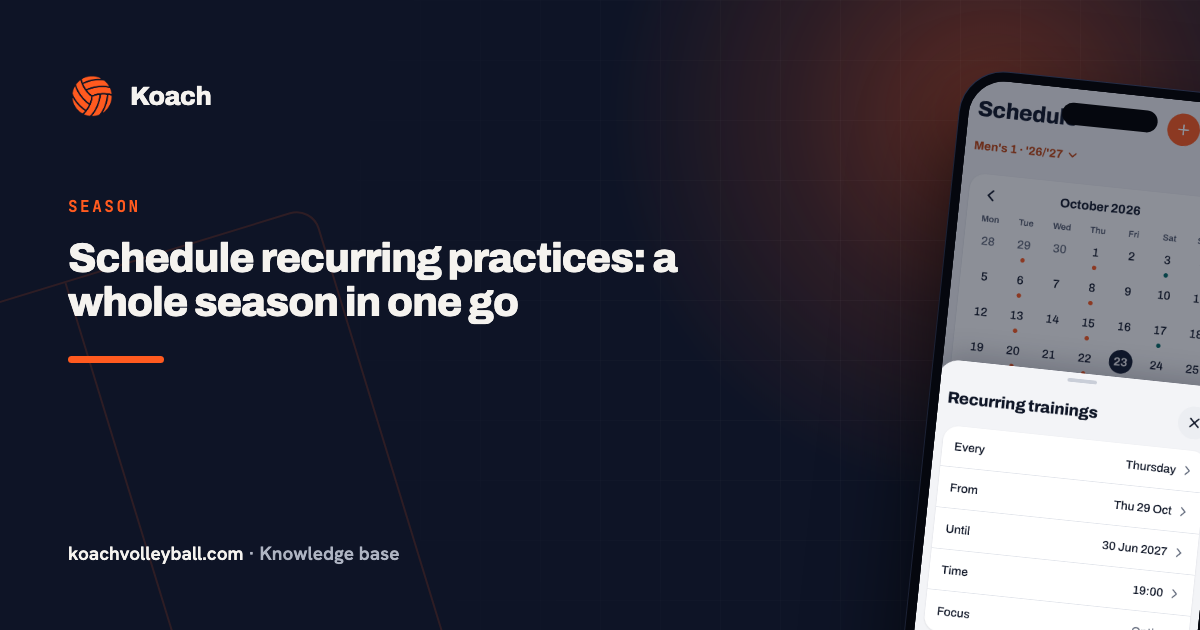
If you want every Tuesday of the season to start with the same plan, choose a Template when you schedule a series. Every new practice then gets that plan right away. There you choose from your own team's templates. If you want to use another team's club template for your series, first copy it into one practice and save it there as your own template. How to set up such a series is in scheduling recurring practices. Looking for a plan to start with? Have a look at the free practice plans of 8 to 28 weeks. And more about the whole evening, from preparation to evaluation, is in running a volleyball practice. What Koach costs after the 14 free days is on the pricing page.
Give a template a name that says what it is for. 'Serve and pass, 12 players, 90 min' tells a colleague in the club more than 'Tuesday'. Under Club templates they only see the name, the team, the number of sections and the minutes.
Frequently asked questions
Can I copy a practice plan from another team?
Yes, if your teams belong to the same club and the other coach saved their plan as a template. You find it in Copy plan under Club templates, with the team's name. You do not see another team's individual practices, only the templates that team saved.
Does copying overwrite the plan that is already there?
No. The copied sections are added after what is already in your plan. If you want to start over, remove the old sections first. If you make a mistake when copying, tap Undo right away: that removes exactly the sections you just copied.
Does Koach have a central drill library for the club?
There is no central club library. Each team saves its own templates, and coaches in the same club see each other's templates under Club templates. Koach also comes with more than 200 drills with animated phases, which you can put in any plan.
What does Koach cost if I want to reuse plans?
You can try Koach free for 14 days, with every feature and no credit card. After that you choose Coach for one team with two coaches or Club for unlimited teams and coaches. Copy plan and templates are in both; whether you see club templates depends on whether your team belongs to a club.
Save your best practice as a template
14 days free, no credit card. Next week your plan is ready in one tap.
Get started with KoachOr read first what the volleyball coaching app does.