
From Excel to Koach: migrating your team administration
Somewhere it's sitting there: 'Team_2024_FINAL_v3.xlsx', with tabs for attendance, a half-filled statistics matrix and formulas only you understand. Excel has carried you a long way — and this is the moment, and the method, to make the switch.
Why the spreadsheet eventually loses
Excel can do anything — which is precisely the problem: you have to do all of it. A row for every practice, every formula maintained by hand, every match retyped from your notes. And the spreadsheet lives on one laptop: it's useless courtside, your assistant can't get to it, and players never see anything back. The comparison isn't Excel versus app — it's 'you do the work' versus 'the work does itself': the rotation, the percentages, the match report.
The switch in three steps (one evening)
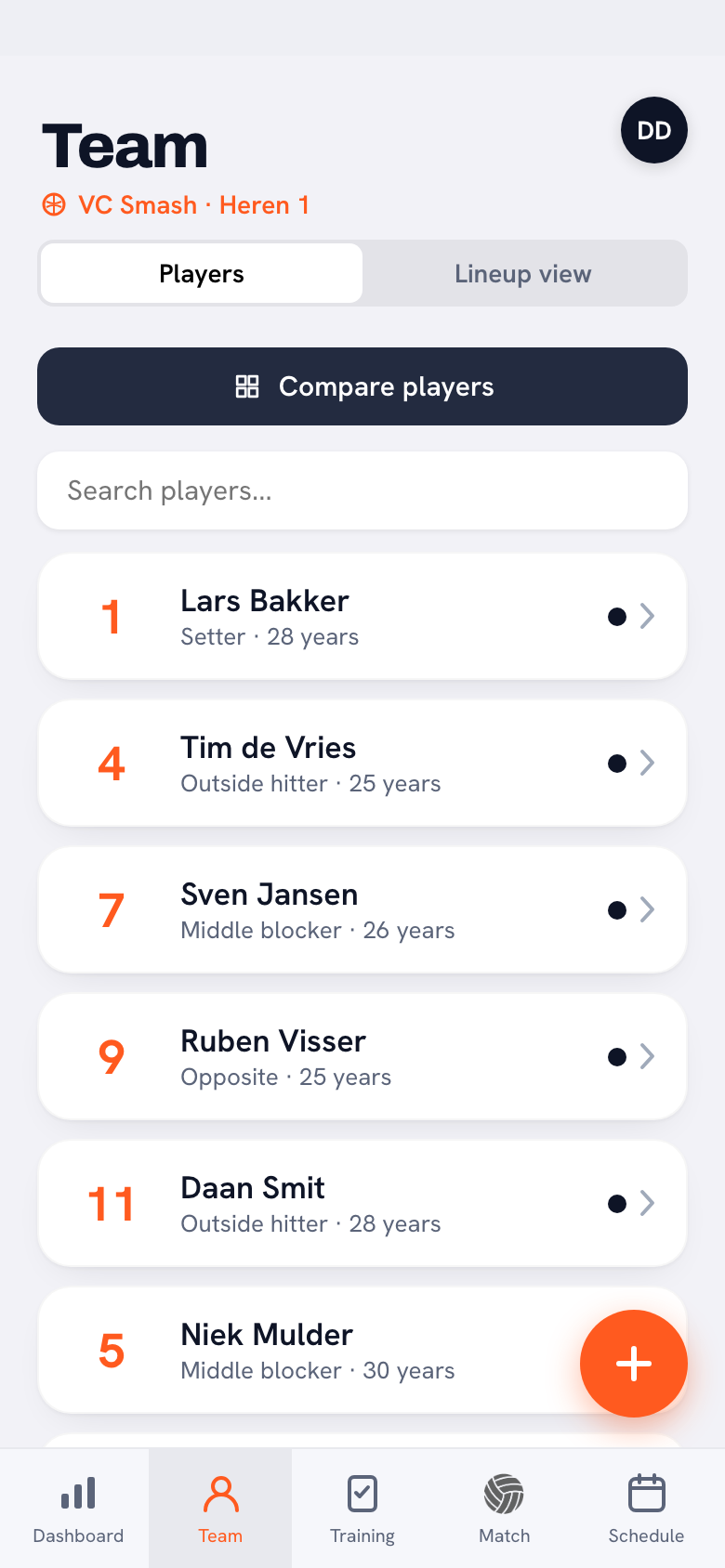
- Bring only the present: the current roster with jersey numbers and positions — nothing more. Enter them in Koach or let players do it themselves via the invite link.
- Leave the history in Excel: archive the file (keeping it is fine!) but do not enter old seasons. Historical data is rarely complete, and the value is in what you track consistently from now on — see also the switch to digital team management.
- Replace the habits one at a time: this week attendance (exit tab 1), next week the first live match (exit statistics matrix), then the calendar (exit planning tab).
What you get back for your formulas
Everything you built yourself in Excel already exists: attendance percentages (dashboard), statistics per player (automatically from match tracking), season trends (growth charts). Plus what Excel never could: live tracking courtside, players who see their own development, and an administration you share with your assistant instead of emailing back and forth.
Keep the spreadsheet in the drawer for one more month. Not to use — to keep. Knowing you could go back makes the switch relaxed. After four weeks of Koach, no coach has ever reached for it again; then it can go into the archive.
Frequently asked questions
Can I import my Excel data?
The roster itself is so small (ten names, numbers, positions) that entering it by hand is faster than any import. Historical statistics you deliberately leave behind — starting clean is the advice.
What if I tracked something Koach doesn't have?
For team-specific observations there are the notes; for the rest, the honest question is: did you really use that tab, or were you maintaining it out of habit? Most custom columns turn out to be redundant at the switch.
I actually quite like Excel — why should I?
If your system works and you genuinely use the data: by all means stay. The switch pays off on three points Excel fundamentally lacks: tracking courtside, automatic processing and shared access for staff and players. Weigh those three — that's the whole decision.


Try it yourself in Koach
Less admin, more coaching — starting at your next practice.
Get started with Koach