
Volleyball coach introduction letter to parents: 5 free templates
The short answer
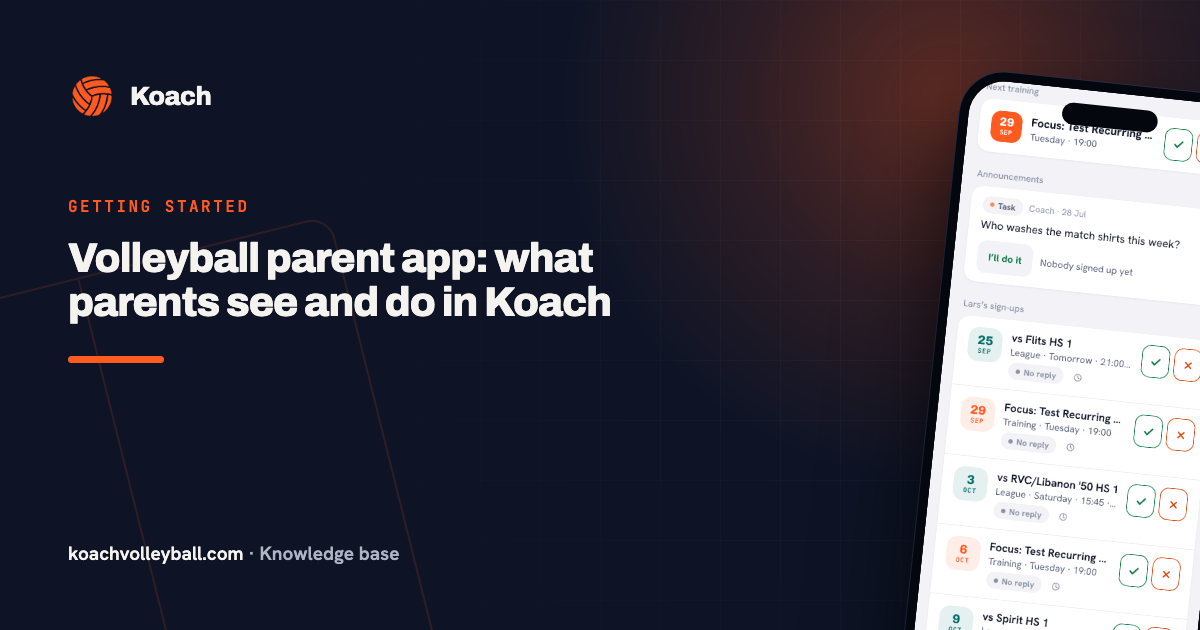
A volleyball coach introduction letter to parents is short. It says who you are, when and where the team practices and plays, what you need from parents and by when. Below are five templates for the season. In Koach you post the text as an Announcement, and it lands on the dashboard of every parent on your team.
Most coaches write to parents a handful of times a season: at the start, before the first away match, when you need drivers and at the end. Here are five ready-to-copy templates for a volleyball team, starting with the introduction letter, plus a way to get each one to every parent in one go.
What goes in a volleyball coach introduction letter to parents?
Parents usually read a message from the coach in between two other things. Whatever isn't in the first few lines often never lands. So a good letter or announcement to parents answers four questions, and no more:
- Who are you and how do they reach you? Your name, your role on the team and the easiest way for parents to get hold of you.
- When and where? The practice day and time, the gym, and what time players need to be there.
- What does a parent need to do? Report an absence, drive, wash jerseys, bring something. One ask per message works better than five in one letter.
- By when? A request without a date gets ignored. Say when you need the answer.
What you can leave out: your full philosophy on playing time or an explanation of the rules. Those land better in person, for example at a preseason parent meeting. A letter is for the arrangements and the practical questions.
Five parent letter templates for the volleyball season
Below are five messages a youth volleyball coach sends every season. Replace whatever is in [brackets] and cut anything that doesn't fit your team. They are short on purpose, because parents read them on their phones.
1. Introduction letter at the start of the season
Dear [team name] parents, my name is [name] and I'll be coaching your child this season. [One sentence about your volleyball background.] We practice on [day] from [time] to [time] at [gym]. Every practice, match and change is in the Koach app, and that is also where you let me know whether your child is coming. You will get an invite link from me; the app is free for parents. Questions? Catch me after practice or message me at [phone or email]. I'm looking forward to a great season!
2. Team expectations: absences, being on time, what to bring
A few expectations for this season. If [child's name] cannot make a practice or a match, please update it in the app by [deadline], under [child's name]'s sign-ups. Players who arrive late warm up on their own and then join in. Please bring court shoes and a water bottle. If your child is sick or injured, let me know so I can plan practice around it.
This is not a full team handbook, and it doesn't need to be. Stick to the three or four expectations that actually matter week to week.
3. Match day: meeting time, gym, uniform
On [day, date] we play [home/away] against [opponent]. We meet at [time] at [place]; the match starts at [time] at [gym, address]. Players come in their match jersey and court shoes. Not signed up yet? Please do that in the app before [day], so I know in time whether we have enough players. Family and friends are welcome to come and cheer!
If a match gets moved, you don't have to rewrite this message. Tap Reschedule and pick a new date; the sign-ups stay in place and the team gets a notification automatically.
4. Carpools and helpers: send it as a Task
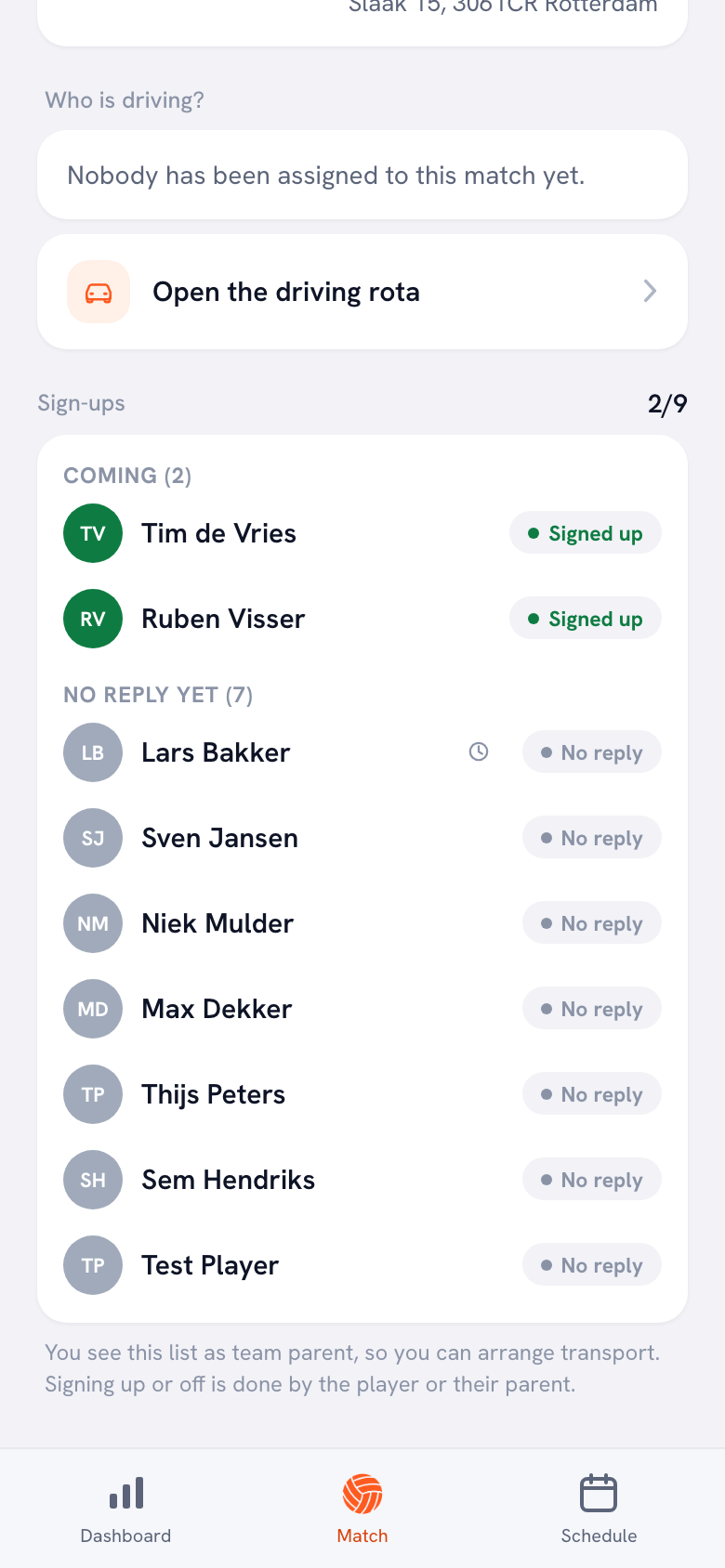
Who can drive to [opponent] on [day]? We need [number] seats and we leave at [time] from [place].
This template works best as a Task rather than a regular message. Every parent who can drive taps I’ll do it, and their first name appears next to the button. So you never have to scroll back to see who already said yes. The same works for washing the team jerseys or bringing snacks. Want to split the driving fairly for the whole season in one go? Use the driving rota for away matches. You can also hand that job to a parent you make your team parent.
5. End of the season: thank-you and wrap-up
Which date works best for [activity] to wrap up the season? Vote below. That's a wrap on the season: thank you for all the driving, the jersey washing and the cheering from the sideline. [One sentence about what the team learned or achieved this year.] You will hear about next season from [name or the club] before [date].
Send this one as a Poll with two or three dates as options. Everyone sees the running tally, and you don't have to count replies. The question comes first on purpose: that way it also shows up in the notification on parents' phones.
How to send a template to every parent at once
A letter by email needs an address list you keep up to date yourself, and a message in the group chat gets buried under the replies. In Koach, a message appears on the dashboard of everyone linked to the team: coaches, players and parents. Here is how to post it:
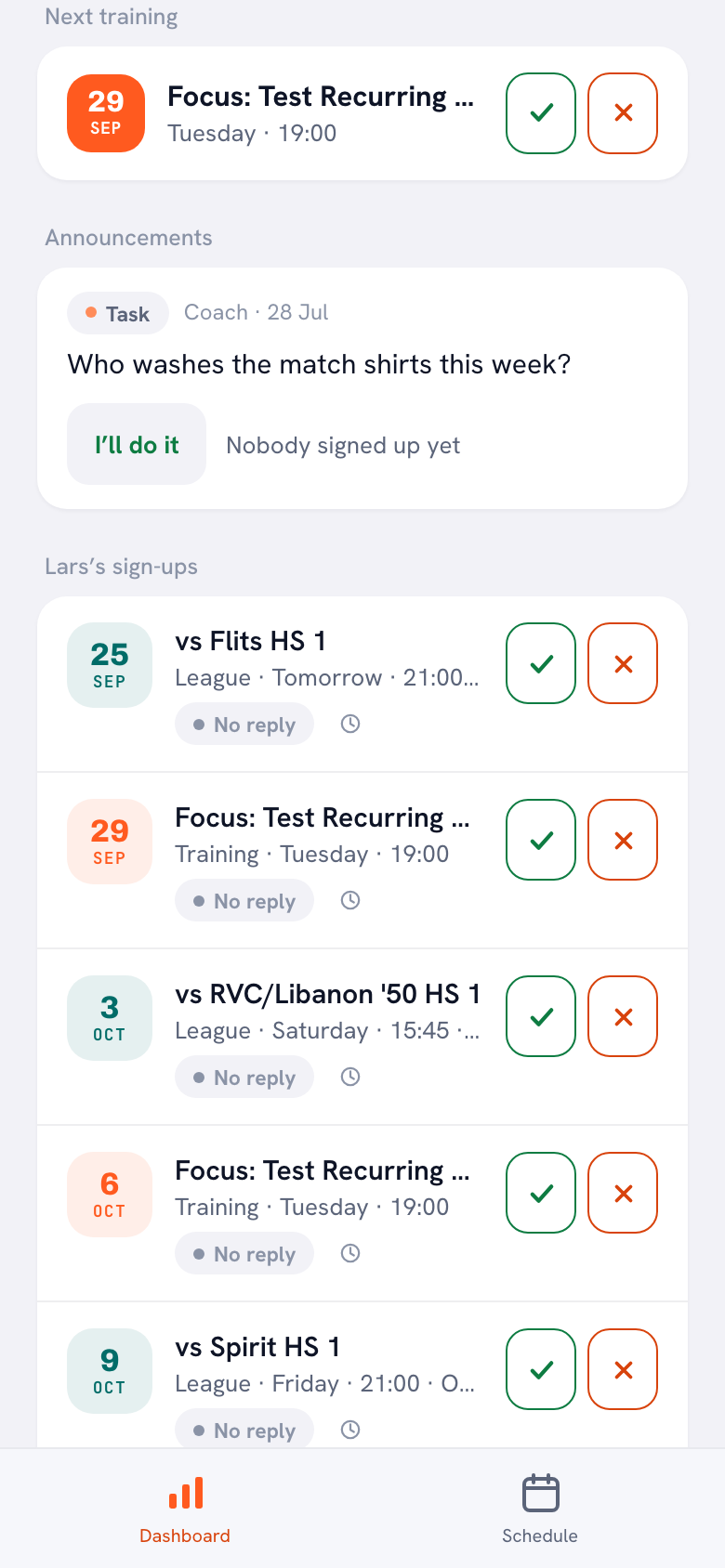
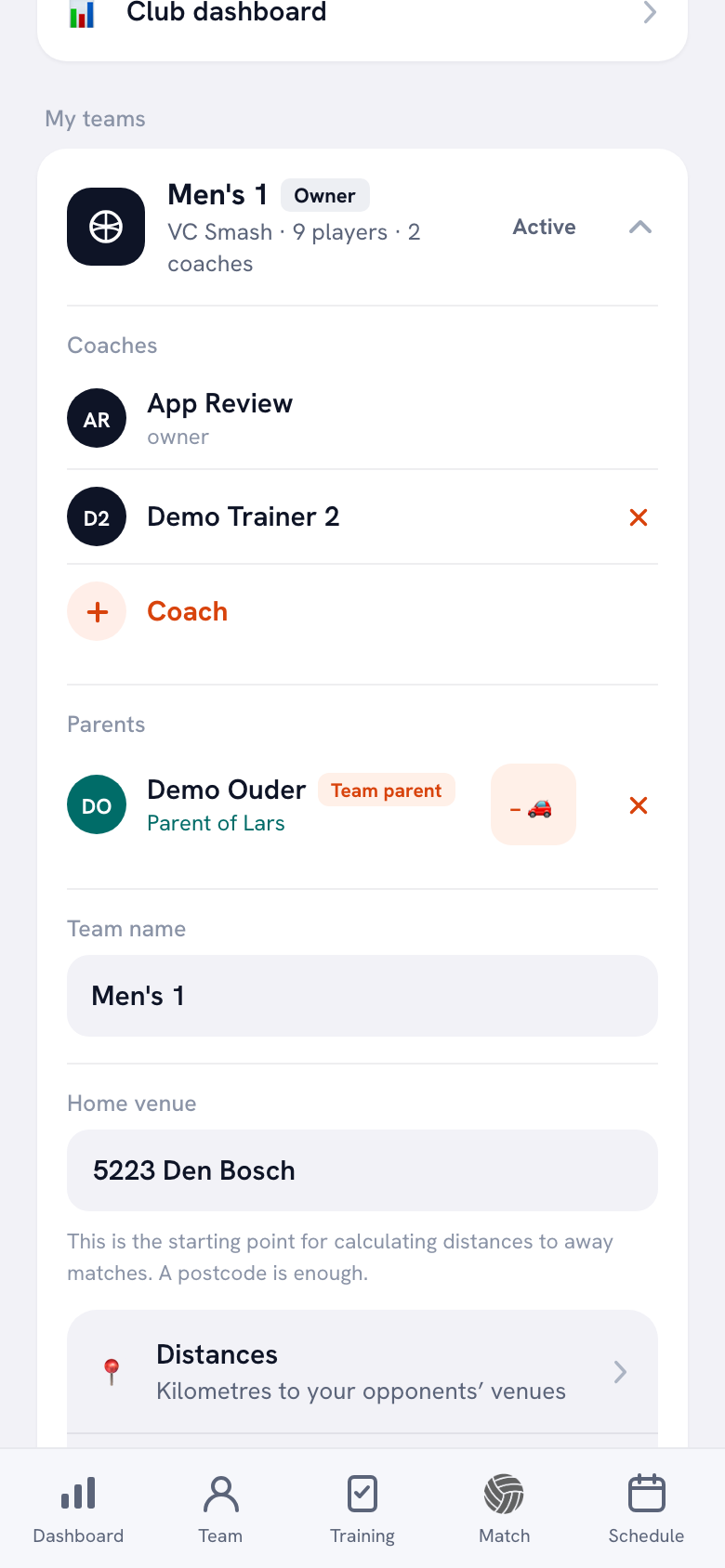
- Get the parents on the team. On a player's page, tap Invite a parent and share the link. The parent creates their own account linked to their child, and it is free for parents. How that works, including with two parents per child, is explained in adding parents to your team.
- Open Announcements on your dashboard. Tap + New and choose Announcement, Poll or Task. Under the heading you see the name of the team the message goes to.
- Paste the template and tap Post. Line breaks are kept, so a longer letter stays easy to read. The message shows up on the whole team's dashboard right away, and anyone with the app on an iPhone or Android phone gets a notification, unless they have switched off Team messages in their notification settings.
14 days free, no credit card. Add your team, invite the parents and post your first message tonight.
Try Koach with your teamSpotted a typo? Tap Edit to fix a message without posting it again. No new notification goes out, though, so if something important changes, like a time or an address, post a new message instead. More on polls and tasks is in team communication with announcements, polls and tasks, and what else parents see and manage in the app is in the app for sports team parents.
Email, group chat or announcement: which one when?
Each channel has its own strength. Email is the best place for a long letter with an attachment, the group chat for quick back and forth. An announcement in Koach is for anything that needs to stay easy to find, and for the questions where you want to know who is doing what.
| What you want | Group chat | Koach | |
|---|---|---|---|
| Reach every parent | With every address | If everyone is in it | If parents are linked |
| Message stays easy to find | In everyone's inbox | Gets buried | On the dashboard |
| See who takes on a job | From separate replies | By scrolling back | Yes, with I’ll do it |
| Vote on a date | Count replies yourself | Depends on the app | Yes, with a poll |
| Attach a file or photo | Yes | Yes | No |
| Reply to each other | Yes | Yes | No, there is no chat |
So you can easily use them side by side: the group chat for the fun stuff and quick questions, the announcement for everything official.
What Koach doesn't do for parent messages
- No attachments. An announcement is text only. Send a flyer or a club form by email.
- No chat. Parents can't reply to an announcement and do not message each other in Koach. They can vote in a poll and volunteer for a task.
- No read receipts. You can't see who has read an announcement. If you need to know that everyone has seen it, make it a poll or a task.
- No scheduling for later. The message goes out as soon as you tap Post.
- No notifications in the browser. Anyone who only uses Koach in a browser sees the message when they next open Koach.
- No parents without an account. A parent who is not linked to the team can't be reached in Koach.
Who is this a good fit for, and who not?
Parent messages in Koach suit a youth team coach whose parents drive, help out and cheer, and who sends the same messages every season. The biggest win is with the questions that need an answer: who is driving, which date, who brings the jerseys. They are no longer scattered across email, the group chat and one-off texts. And it ties in with the rest of managing your volleyball team: the same app also holds the schedule, the sign-ups and the lineup.
It's less of a fit if you mostly send long newsletters with attachments, or if some parents simply won't use an app. Then email remains the better choice. And if you coach an adult team, you write to the players themselves: they see the same announcements.
What does it cost?
Koach is free for parents and players. As a coach you can try Koach free for 14 days, with no credit card and every feature. After that you choose Coach for €2.99 per month (one team, two coaches) or Club for €9.99 per month (unlimited teams and coaches). On a yearly plan you pay €2.49 or €8.33 per month. In the App Store and on Google Play you see the price in your own currency. All prices are on the pricing page.
Put the key point in the first sentence. The notification on a phone shows only the start of your message. If it's about a question or a date, put that up front and let the greeting and the explanation follow.
Frequently asked questions
How do you introduce yourself to parents as a new volleyball coach?
With a short introduction letter at the start of the season. Open with your name and your role on the team. Add when and where the first practice is, how parents report an absence and how they can reach you. Save your views on playing time or the rules for a conversation or the parent meeting. The shorter the letter, the more likely parents are to read all of it.
When should a coach send a message to parents?
At fixed moments: at the start of the season, before the first match, when you need drivers or helpers and at the end of the season. Plus every time something changes that affects parents. If you move a match in Koach with Reschedule, the team is notified automatically, so you don't have to write that message yourself.
Do parents have to pay for the app?
No. Parents and players use Koach for free with their own account. Only the coach or the club pays: after a 14-day free trial, with no credit card, you choose Coach for €2.99 per month for one team or Club for €9.99 per month for unlimited teams.
Can parents reply to an announcement?
Not with a message of their own: Koach has no chat. Parents can vote in a poll and volunteer for a task with I’ll do it. That is why it makes sense to send any question you need an answer to as a poll or a task, rather than as a plain announcement.
Can I attach a file or a photo?
No, an announcement in Koach is text only. To share a flyer, a form or a photo, send it by email or in the group chat. You don't need to attach the practice and match schedule: it is already in the calendar in the app, for parents too.

Post your first message to parents tonight
14 days free, no credit card. Parents and players use Koach for free.
Get started with KoachOr read first what the volleyball coaching app does.