
Referee scheduling app: spreadsheet, software or club app
The short answer
A good referee scheduling app pulls in your home matches by itself, only lets you pick people who are allowed to referee, and shares out the duties fairly. In Koach Club, the Match day tab does that for the referee, the scorer and hall duty. A spreadsheet can do the job too, but then you do all of that by hand.
Every home match needs a referee, a scorer and someone on hall duty, and at a lot of clubs that schedule lives in one person's spreadsheet. If you are looking for a referee scheduling app to take it over, you have three routes. We make Koach, so read this as the maker's comparison, with the strengths of the other two routes included.
What should a referee scheduling app do?
Filling in the names is rarely the hard part. The work is everything around it: collecting the matches of every team, remembering who is allowed to referee, keeping track of who has already done a lot of shifts, and letting everyone know when it is their turn. How many people the home club has to supply for each match depends on the league: sometimes just a scorer, sometimes a referee as well and someone to open up the hall. So look for five things:
- The matches show up on their own. You don't retype every team's match schedule, and away matches stay out of it: there, the other club looks after the hall.
- Only qualified people appear in the pick list. A good scorer is not automatically a referee. The app has to know what each person can do.
- Fair shares. Whoever has done the fewest shifts goes first. That way it is not the same three parents who never say no, week after week.
- Nobody twice on the same day. A match day with five games back to back is exactly where a schedule goes wrong.
- People see their own duty. The shift sits in their own calendar, and if they can't make it, they withdraw and the spot opens up again.
If your club requires members to do volunteer shifts, there is a sixth: do the shifts people work count toward your members' volunteer duty requirement?
We set up Koach Club together with you. Leave your name, your email address and your club, and we will get in touch, walk through what you need and set up the teams and coaches for you. Club has no free trial; if you coach a team yourself, you can try the app with that team free for 14 days.
Book an intro call Start with your own teamRoute 1: an Excel or online spreadsheet
Most referee schedules start here, and for good reason. A spreadsheet costs nothing extra, anyone can open it and you decide the columns. For a club with two or three teams playing at home and a steady group of scorers, that is often enough.
It starts to pinch once the club grows. Every season you retype the matches of every team, and every rescheduled match means another manual edit. Who is allowed to referee lives in your head, or in a column nobody keeps up to date. Sharing the work fairly turns into keeping tally: who has done three already, and who hasn't done any? The person you assign only sees their duty when they open the file or when you message them. And after a few weeks there are two versions: the one on the coordinator's laptop and the one in the group chat.
If you stick with a spreadsheet, don't start from a blank sheet: the free volunteer rota template for your club puts the bar, the referee, the scorer and hall duty in one template, as Excel and as PDF. Either way, keep one tab per season, one column per role and a tally per person at the bottom. And write down the agreement behind it: does every member have to work shifts, and can they buy their way out? The options are laid out in dividing volunteer jobs at a sports club.
Route 2: standalone scheduling software for officials
There is software built purely for assigning referees and other officials. We have not tested those packages, so we name no products and no prices: they differ from one another, and what we don't know about them, we don't write down.
What is clear is who such a package suits better. If your job is bigger than one club's home matches, because you assign referees for several clubs as a league organizer or referee coordinator, you need software built for exactly that. Koach only schedules your own club's home matches.
If all your club wants is to run its own home match days, ask these four questions of any standalone package:
- How do the matches get in: through an import, an integration or by hand?
- Do your scorers and hall duty volunteers have to create an account in yet another system, on top of their team's app?
- Do you pay per official, per match or per club?
- Does it also handle bar duty and volunteer duty requirements, or do you need something else for those?
Route 3: scheduling referees in your club's app
In Koach Club, scheduling happens in the same app your coaches already use to run their teams. The Match day tab sits in the Club dashboard, which you open from your profile. Only the club manager and the board can open it; coaches, members and the other club roles don't see it.
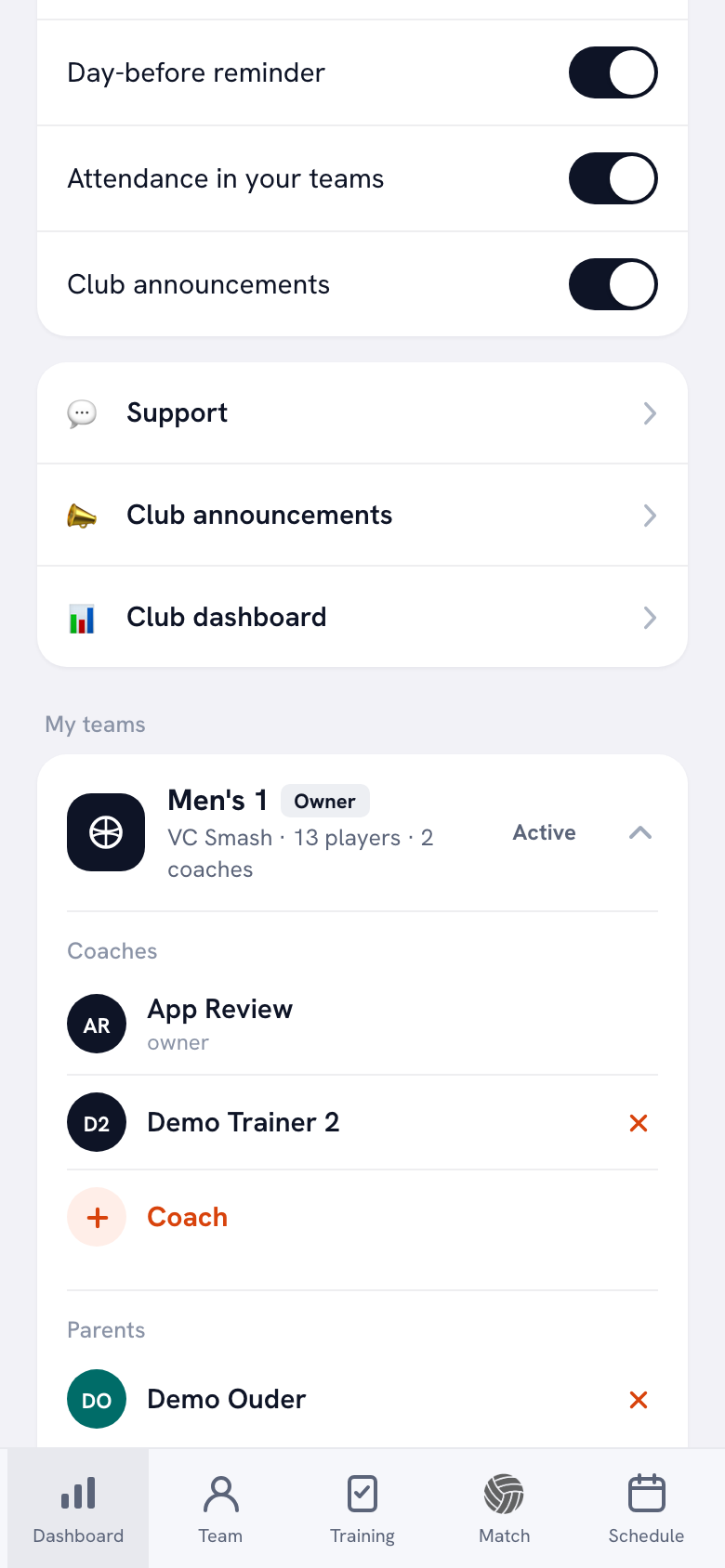
What the tab does, in short:
- Every team's home matches in one list. Match day pulls them from the team calendars and lists them by date, with the time and the venue. Away matches and cancelled matches are left out. At the top you choose the period: 4 weeks, 12 weeks or Whole season.
- Only the roles each match needs. You add a Referee, a Scorer and Hall duty, or just what that match calls for. If the league appoints the referee itself, you only add a scorer.
- A list of who can referee or score. Each person gets a level and the switches Can referee and Can score, which are both on when you add someone new: switch off what a person doesn't do. When you tap Assign on a referee spot, you only see the people with Can referee switched on; if nobody on the list has it on yet, you see everyone.
- Assign automatically. The button fills the open spots. The app explains it right there: whoever has done the least goes first. Nobody gets two match day duties on the same day, and names that are already filled in stay put.
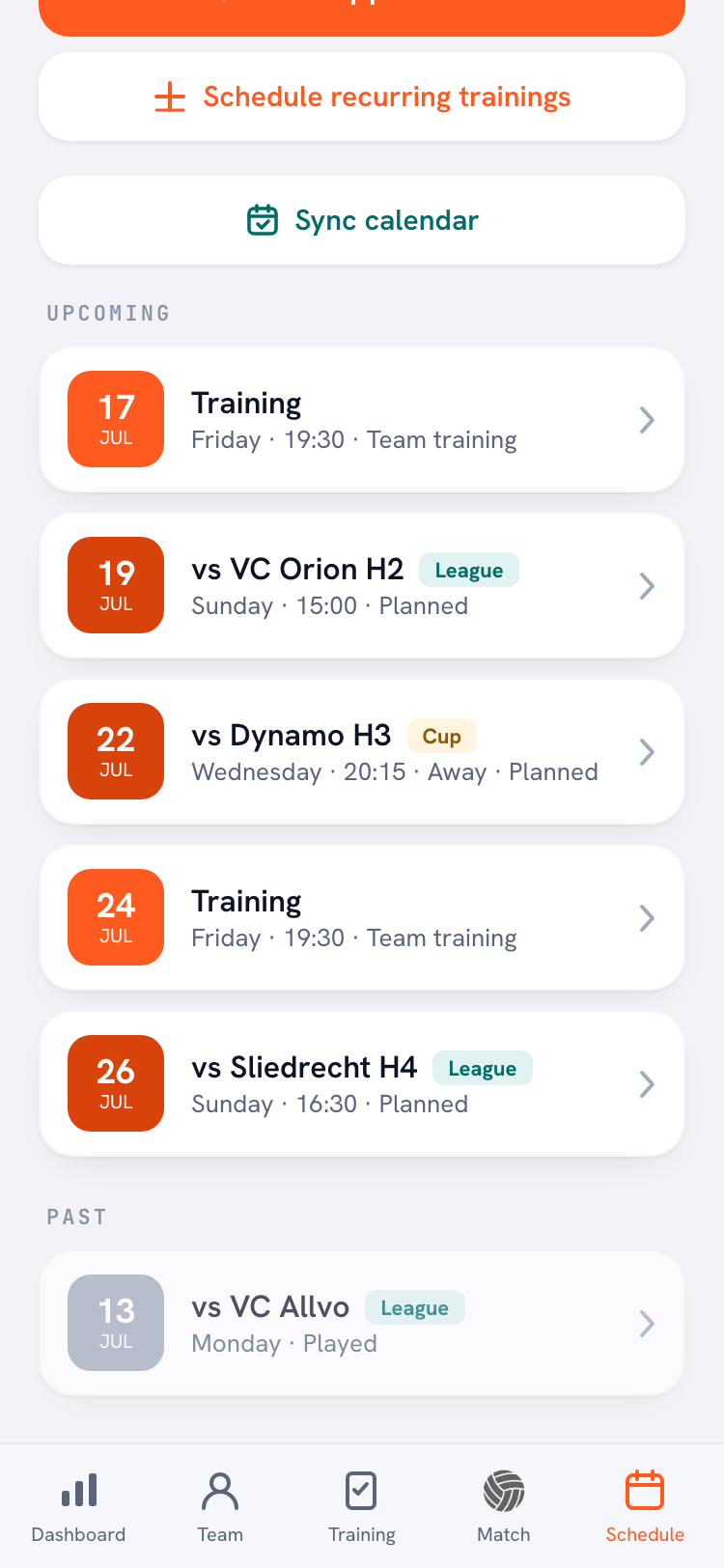
- The duty in the calendar. Everyone assigned sees their duty in the app's Schedule, just like a bar duty, and can sign up or withdraw there.
How to set it up step by step, from the list of officials to your first round of automatic assignments, is in the guide assigning a referee and scorer for every home match.
The biggest difference from the other two routes is what comes with it. In the same club environment you create a full year of bar duties with one button, and with Club duties Koach keeps count of who has worked their shifts. How much a match day duty counts toward that is up to the club, per type of duty.
Referee scheduling in a spreadsheet or an app: the differences
Checked in the Koach app in October 2026. Standalone packages are not in the table: we have not tested them and they vary too much for one column. Hold the four questions from route 2 up against them.
| What you want | Spreadsheet | Koach Club |
|---|---|---|
| Home matches appear on their own | No, retype them | Yes, from the team calendars |
| Only qualified referees in the pick list | No | Yes |
| Share out open spots fairly | By hand | Yes, with one button |
| Nobody on two duties in one day | Check it yourself | Yes, when assigning automatically |
| Duty in the assigned person's calendar | No | Yes, with the option to withdraw |
| Officials for several clubs or a whole league | Yes, with handwork | No, only your own club |
| Bar duty and volunteer duties included | Separate tab | Yes |
| Cost | No extra cost | Club: €9.99 per month |
What Koach does not do
- No assigning on behalf of the federation or the league. Koach only schedules what the club supplies itself for its own home matches. Referees appointed by the league organization are arranged there, and Koach sends nothing to the federation.
- No import of an existing list. You add the people who can referee or score once yourself with Add person; reading in an Excel or CSV file is not possible.
- Only matches that are in Koach. If a team doesn't keep its matches in the app, they won't be on Match day either.
- No referee fees. Koach does not track what a referee is paid and does not process payments.
- Not for several clubs at once. One club, its own teams and its own list of officials.
Which clubs is it right for, and which not?
Koach Club suits a volleyball club with several teams playing at home whose coaches already run their team in the app, or want to. Then match day staffing, bar duties, volunteer duties and the overview of every team sit in one place, and nobody retypes matches anymore. It is a weaker fit if all you want is a schedule for officials and your coaches use a different app: then the matches aren't in Koach and automatic assignment won't do much for you. A club with two or three teams playing at home and a steady group of scorers often does perfectly well with a spreadsheet. What else Koach Club does for a club, from one team to the whole organization, is covered in the app for your volleyball club.
If the spots stay empty because too few people are qualified to referee, no app will fix that. Training members helps more; read how to become a volleyball referee and pass it on to your older youth players and your recreational members.
What does a referee scheduling app cost?
Match day is part of the Koach Club plan: €9.99 per month, or €8.33 per month if you pay yearly. For that you get unlimited teams and coaches and the whole club environment; players and parents use the app for free. The Coach plan at €2.99 per month is for one team and has no club environment. Club has no free trial: use the form on the clubs page to book an intro call, and the subscription only starts once you decide to go ahead. All prices are on the pricing page; in the App Store and on Google Play you pay the store price in your own currency.
Start with the list, not with the matches. First add everyone who can referee or score to the list, with the right switches. Without that list there is nothing to assign automatically, and with a sloppy list the app assigns the wrong people. Then put it on your new season checklist, so the schedule is in place before the first home match.
Frequently asked questions
Is there free referee scheduling software?
Koach is not free: Match day is part of the Club plan at €9.99 per month, or €8.33 per month on a yearly plan, and Club has no free trial. A free option is a spreadsheet in Excel or an online spreadsheet, but then you collect the matches and share out the duties yourself. The people you assign pay nothing: players and parents use Koach for free.
Can Koach assign referees on behalf of the league or federation?
No. Koach only schedules what the club supplies itself for its own home matches: a referee, a scorer and hall duty. If the league or federation appoints a referee for a match, you only add a scorer or hall duty to that match. Koach does not send anything to the federation either.
How does the app share out duties fairly?
The Assign automatically button only fills open spots in roles you have added yourself. Whoever has the fewest match day duties goes first; the app counts everything scheduled from today onward, including weeks outside the period on your screen. Nobody gets two match day duties on the same day, and for a referee spot the app only picks people with Can referee switched on. Names that are already filled in stay put.
Do people see their own referee or scorer duty?
Yes, if they use the app. The duty appears in their Schedule, just like a bar duty, on the day and at the time of the match. If they can't make it, they withdraw there; in the schedule their name then shows with a cross, so you know you need to assign someone else. A heads-up after each round of assignments is still a good idea, for example with a club announcement.
Can I import our referee schedule from Excel into Koach?
Not automatically: Koach does not read Excel or CSV files. You don't need to move the matches either, because they are already in the team calendars. Only the list of who can referee or score is something you set up once yourself with Add person, with a level and the switches Can referee and Can score.


Run your club's match days in one app
We set up Koach Club together with you: book an intro call through the clubs page. Coach a team yourself? Start a 14-day free trial below.
Get started with KoachOr read first what the volleyball coaching app does.