Editing without detours: matches, tournaments and calendar items
The hall has moved and the start time shifts by an hour. That shouldn't turn into a treasure hunt where you nearly start a match just to change the time. Everything in your calendar now simply opens and can be changed — and the calendar itself reads faster thanks to a colour per type.
A scheduled match: the detail first, then Edit
Tap a scheduled match in the calendar or on the Match tab and you land on the detail screen: date, time, home or away and the location one under the other, with the venue as a tappable map link. Top right sits Edit (coaches only). It opens the calendar sheet where you change the opponent — with its suggestion — the date, the time, home/away, the location and the match type. The delete button sits at the bottom of that same sheet.
Want to get going instead? The Start button is still at the bottom of the detail screen. Editing and starting have become two separate routes, rather than having to go through the start screen to change a time.
What else you can edit
- Tournament — Edit in the top right of the tournament detail changes the name, the date and the location. The app says so itself: the matches stay as they are, because results and statistics are attached to them. Only their date moves with the tournament date, because a tournament is a single day. Editing an individual played tournament match was already possible — that runs through the edit button on that match.
- Announcement — every message in the team feed now has Edit to put the text right. On a poll the options stay as they are: people have already answered them.
- Bar duty — the bar duty sheet has Edit for the club account or a club manager. You change the title, the date, the time and the number of People needed. Coaches can't: bar duties have one owner.
- Practice — the practice detail has an Edit button for the date, the time and the focus or note.
- One-off appointment — a team evening or any other calendar item you simply tap in the calendar; it opens straight into edit mode. Coaches only; players and parents do see the item but can't open it.
The calendar reads faster
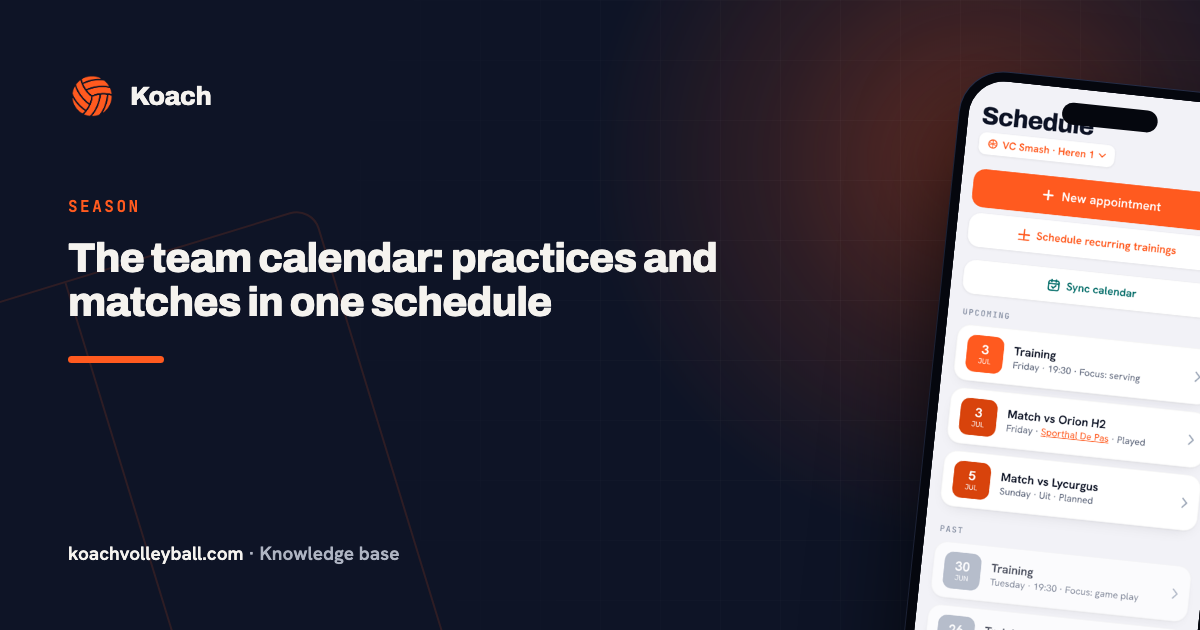
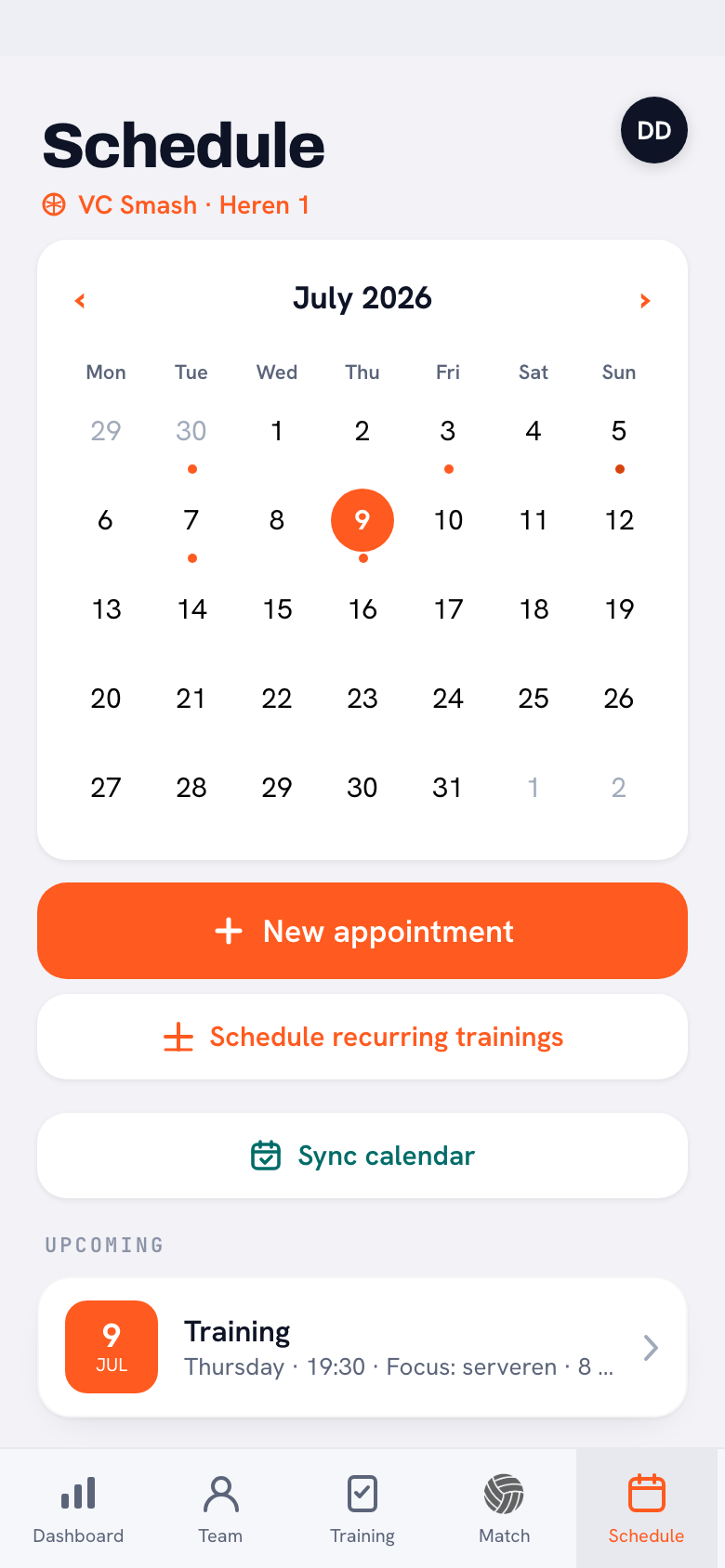
Every type now has its own colour on the date block: practices orange, league matches teal, cup matches brown, tournaments purple, bar duties amber and one-off appointments slate blue. So you recognise the kind of day by its colour before you even read the title.
A text label next to the title only goes to the items whose title doesn't say it already: Training for practices and League, Cup or Tournament for matches and tournaments. Bar duties and one-off appointments deliberately get no label — their title is the description, and a label would just repeat the same word. Driving to an away match yourself? Then the blue 🚗 You drive sits next to it; how that works is covered separately.
Change it in the calendar, not in the group chat. Adjust the item and send a “check the calendar” message at most. That keeps one version of the truth — which is exactly what a team calendar is for.
Frequently asked questions
Do I still have to tap start to edit a match?
No. A scheduled match opens on a detail screen with an Edit button in the top right. Start is still there below it, but it has become a separate action.
Do I lose results or statistics if I edit a tournament?
No. Editing only touches the tournament's header: name, date and location. The matches underneath keep their results and statistics; only their date moves with the new tournament date.
Who may edit a bar duty?
The club account or an assigned club manager. Coaches can't change bar duties, so there stays one roster with one owner.
Can a player change something in the calendar?
No. Players and parents see the calendar and can sign up or off where that's possible, but changing practices, matches and appointments is for coaches.