
Set up club teams in one go, even teams without a coach
The short answer
To set up club teams, do it in one go: one list with every team name, including groups that do not have a coach yet. In Koach a club manager or board member does this under Club dashboard > Team log > Add teams: up to 60 teams at once, without coaches or players, which you link later.
Set up club teams for the whole club before every coach is known: that is what you want at the start of the season, or as soon as the youth committee starts a new group. This article shows how to set up all your teams in Koach at once, including empty youth teams, and how they then get a coach and players.
Why set up all club teams at once?
A club is more than the teams whose coach happens to have an account already. The hall schedule, next season's team selection and the board's overview need every team, including the new girls' group you are still looking for a coach for. If you wait until each coach creates their own team, you end up with three spellings of the same team, and the teams that still need a coach are exactly the ones that are missing.
That is why the board sets up the teams itself: one list of names, in one go. It is part of preparing the season, together with gym times and coaches; the order is in the checklist for organising the volleyball season.
How to set up all your club's teams
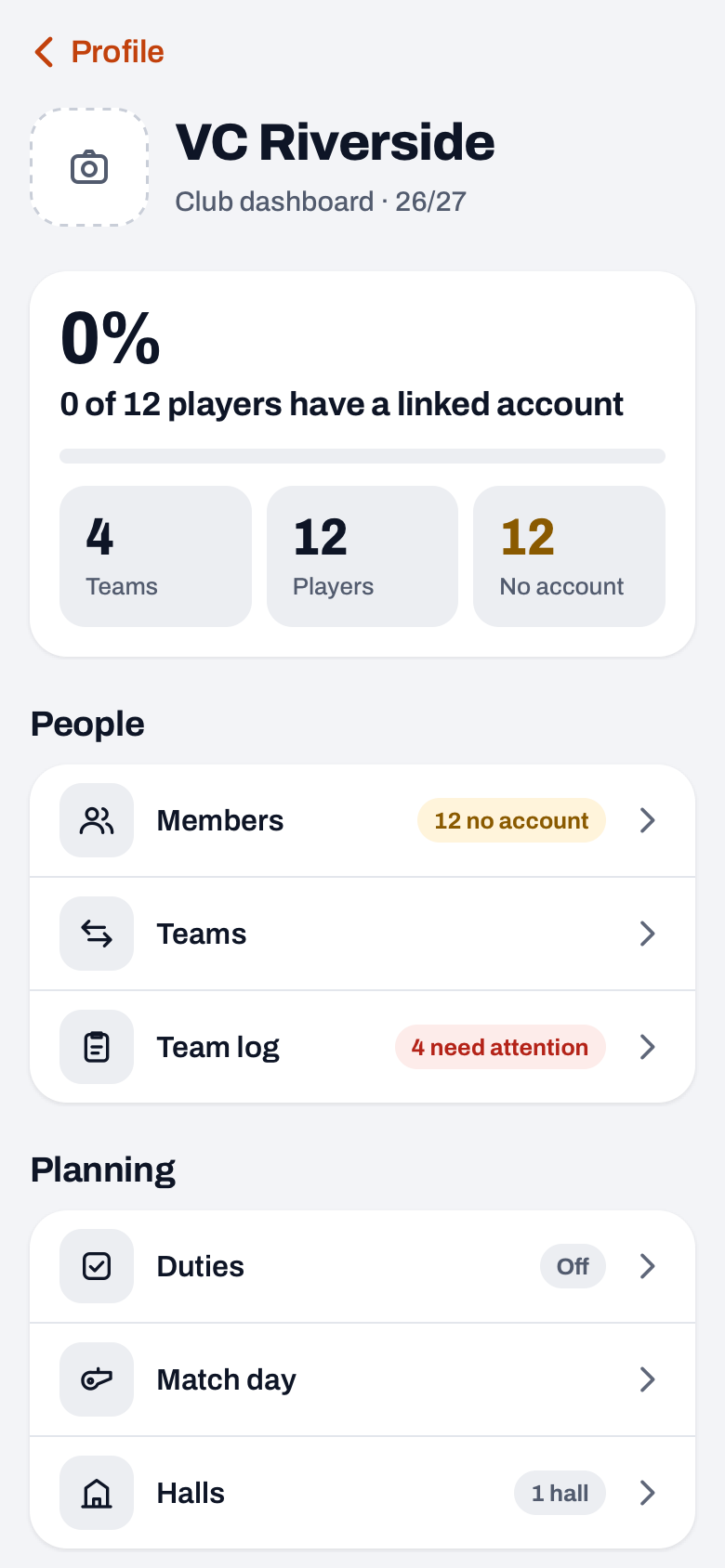
Add teams sits in the club dashboard, which comes with the Club plan. You need the role Club manager or Board member; a Technical manager, Treasurer or Confidential adviser does not see the button. Which role can do what is explained in club admins and their roles.
- Open the Team log. Go to Profile, tap Club dashboard under Club and choose Team log in the People group. The Teams tile at the top takes you there too.
- Tap the plus in the header. The Add teams sheet opens. If the Team log has no teams yet, the Add teams button sits in the middle of the screen.
- Type or paste the names. The field is called Team names, one per line: put each name on its own line, for example Men's 1, Women's 2 and U16 Girls. Below the field the app counts how many teams are new, and names that already exist are listed after Already exists.
- Create them. The button shows the number, for example Create 4 teams. A message then tells you how many teams were created, and they appear in the Team log.
A few rules worth knowing:
- At most 60 teams at a time. Empty lines and duplicate names are dropped.
- Capitals and extra spaces do not count when names are compared. A name that already exists as a team in the club is skipped.
- It is all or nothing: if it fails for one team, no team is added at all. If the club owner's plan does not allow more teams, the app says so. With Club, teams are unlimited.
- The teams are created in the club owner's name, without a coach and without players. The club owner is the person whose name the Club plan is in.
Want to start with your own team first? As a coach you can try Koach free for 14 days with one team, no credit card. Club has no trial: for the whole club, get in touch through the page for clubs.
Try Koach with your teamHow does an empty team get a coach and players?
A new team is an empty shell until a coach joins it. There are two ways to get one in:
- Through the team itself. The club owner opens Profile, My teams, taps the team and taps Add next to Coaches. In the Add coach sheet they pick someone from their other teams, or send the new coach a link with Share invite link. That coach is covered by the club plan and does not need a plan of their own.
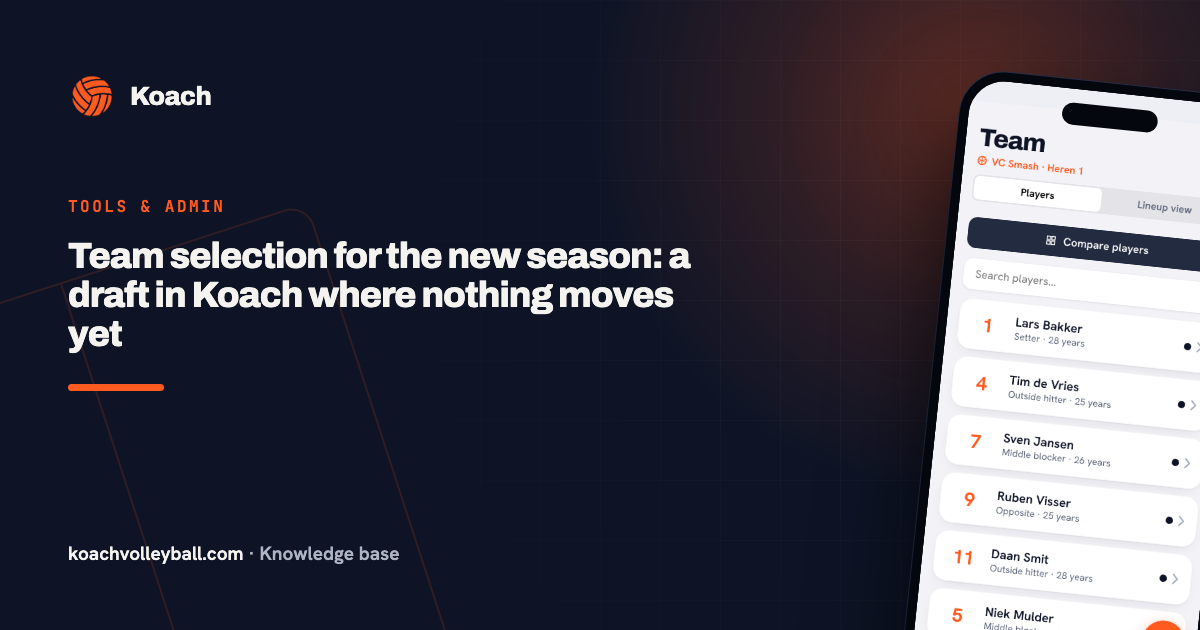
- Through the team selection. When you divide your members over next season's teams (in the club dashboard this screen is called Teams), you pick a coach for each team from the coaches who already belong to the club. Once the selection is final, that person becomes the team's coach. How that works is in team selection for the new season.
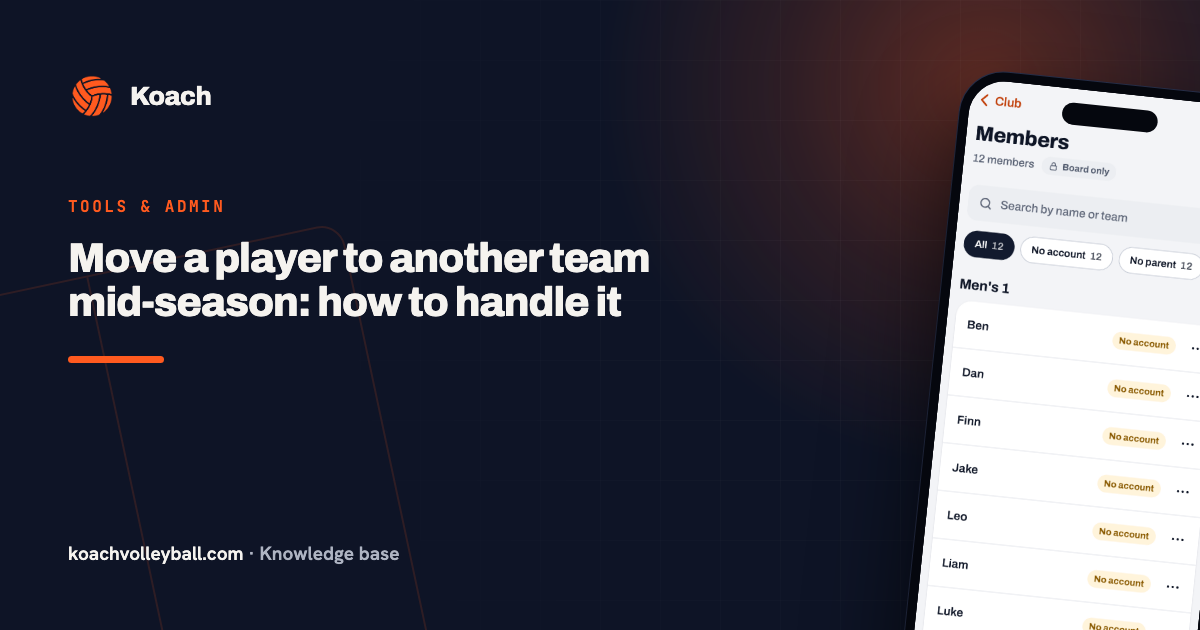
Players get in when the coach adds and invites them, when a final team selection moves them, or when the board moves a single player across, as described in moving a player to another team.

Seasons: what happens automatically and what does not
Since Koach 3.0, club seasons exist automatically. A club season runs from 1 August to 31 July and is called, for example, 2026/2027. As soon as you open the team selection or Duties, Koach makes sure there is a previous, a current and a next season. If the current club season already exists, a new team gets its dates straight away.
The season of a team on the coach's dashboard does not start by itself. When that season is over, the coach closes it and starts a new one via Manage season and Start new season. That keeps their matches and practices separate per season.
Several teams in one hall slot
Youth teams often train together: two teams on one court, or a group session in the whole hall. That is why in Halls you can put up to twelve teams in one slot, and you can also type the name of a group that is not in Koach yet. If you later create a team with exactly that name through Add teams, Koach links the slot to the new team straight away. So you can build the hall schedule before every team exists. How to share out the hours fairly is in making a practice schedule for your club, and how two teams can share a court and still learn in two teams on one court. A tour of every part is in the club dashboard for your volleyball club.
Pick one spelling and stick to it. Use the same names in Add teams, the hall schedule and the team selection, for example the names your teams are entered under in the league. Then Koach links loose names in the schedule to the right team by itself.
Frequently asked questions
Can I create a team without a coach?
Yes. With Add teams in the Team log you create teams without a coach and without players. They are in the club owner's name and show up in the club dashboard straight away, so you can already use them in the hall schedule and the team selection. You link a coach later through the team itself, or through the team selection once it is final.
Who pays for a team the board creates?
The team falls under the club owner's plan. With Club, teams and coaches are unlimited, so an extra team costs nothing extra. A coach you link to such a team does not need a plan of their own. If the owner's plan does not allow more teams, the app tells you and nothing is created.
Can a coach create a team themselves?
Yes. Under Profile and My teams a coach creates a new team with the plus at the top right. With Coach you have one team of your own; a second team of your own needs Club. A team a coach creates is in their name and on their plan. With the club's club code they connect it to the club, so it appears in the club dashboard.
What does Koach cost for a whole club?
For a club there is the Club plan: one plan for the whole club, with unlimited teams and coaches. The amounts are on the pricing page. Club has no trial: you get in touch through the page for clubs, and then you set up the teams and coaches. A coach can still try Koach free for 14 days with one team of their own. Players and parents use the app for free.

Put your club in Koach
Get in touch about Club, or try Koach free for 14 days with your own team first.
Get started with KoachOr read first what the volleyball coaching app does.