Adding parents to your team: how parent accounts work in Koach
In youth teams the parents matter at least as much as the players: they drive, wash the kit and run the bar duties. That's why you can now give parents their own account in your team app — linked to their child, with the calendar to sign up, but without access to statistics or team communication.
Inviting parents in two taps
As a coach you'll see an Invite parent button with every player. It uses the same link flow as inviting players: copy the link or share it straight via WhatsApp. The parent creates their own account and is linked as the parent of that child — the player profile stays the child's own. Multiple parents per child works too: once a link has been used, you simply create a new one.
What a parent sees
Parent accounts are deliberately kept compact. Parents see the Dashboard (a welcome plus the next match or practice) and the calendar with all practices, matches and bar duties they can sign up for. If the team belongs to a club, club announcements reach the parents too. Exactly enough to stay involved — what Koach means for parents beyond that is covered in its own article.
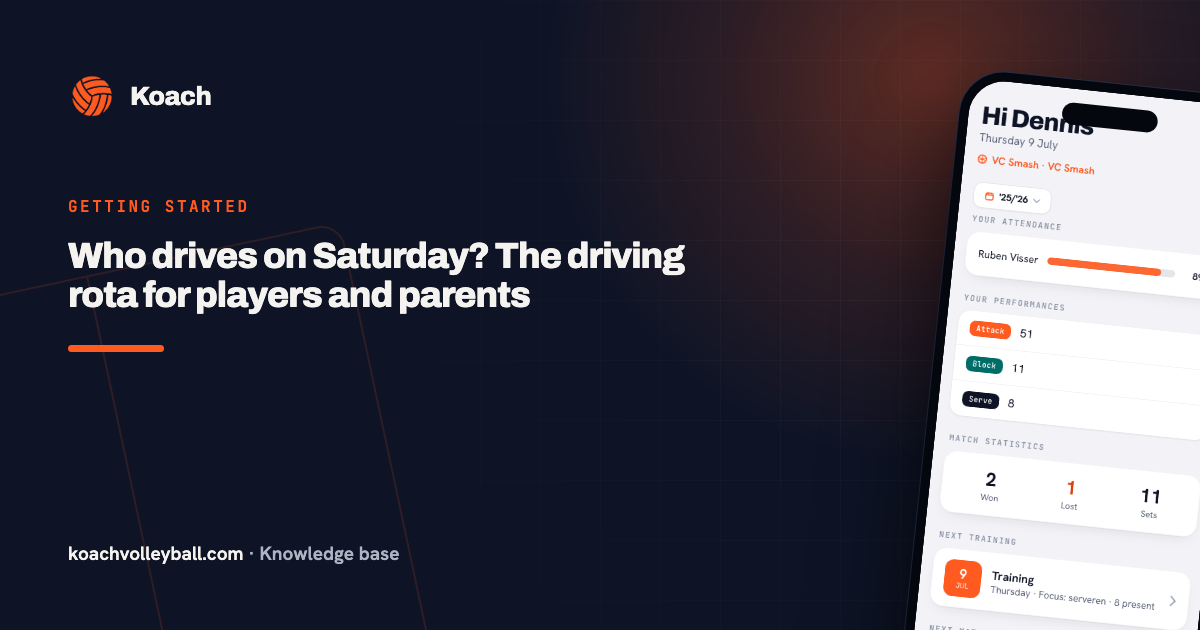
Running a driving rota for away matches adds one more thing: their own drive. The Your next drive card appears on the dashboard and the match gets the 🚗 You drive label in the calendar. Because a parent has no Match tab, such a match opens for them in a separate, read-only drive screen — an away match they are not driving to can't be opened at all.
What a parent does not see
Just as important: a parent sees no statistics — not even their own child's — no attendance, no team communication or polls and no homework. A player's development stays between player and coach, in line with Koach's privacy approach. The parent handles the logistics; the child keeps their own profile.
Keeping the overview as a coach
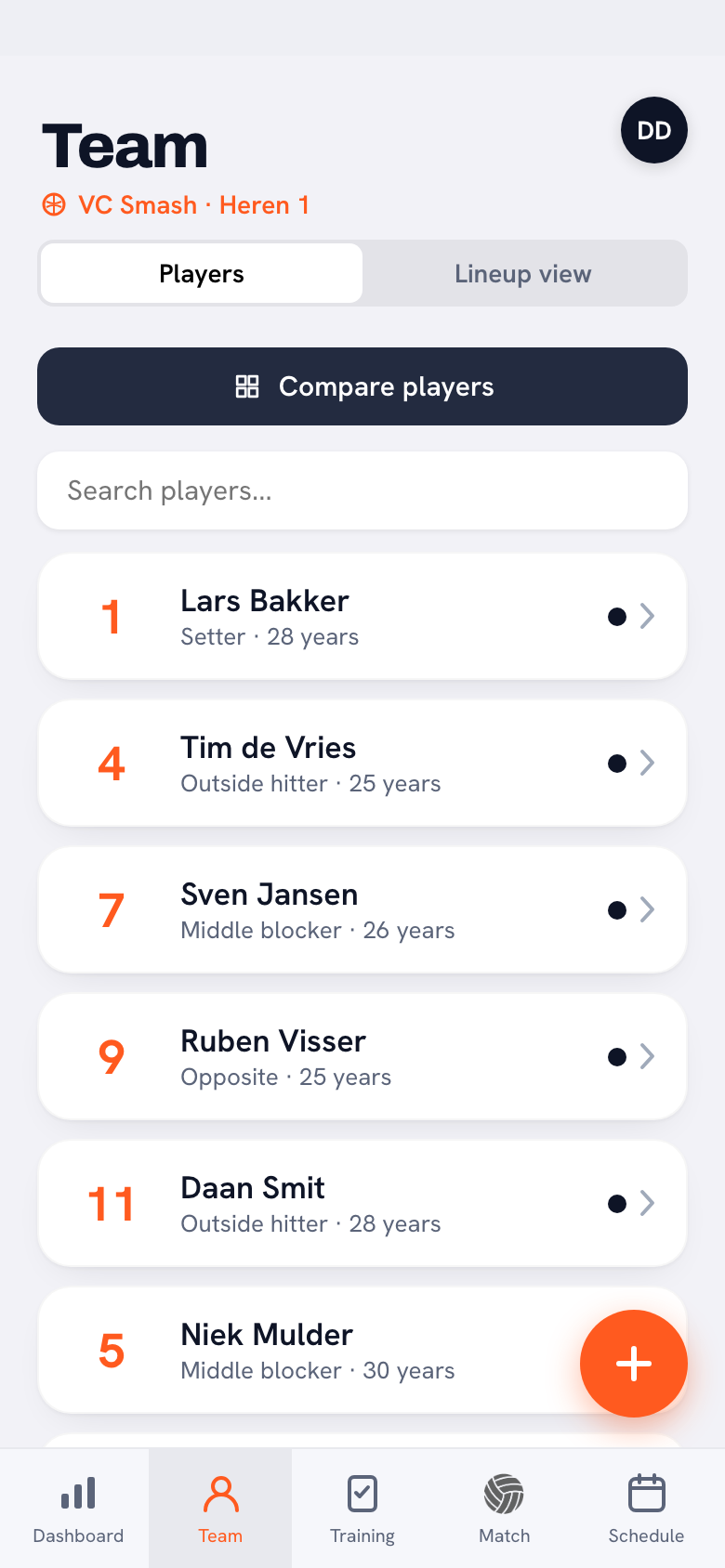
Team management has a separate parents list, showing for each parent the label of the child they're linked to. The team owner can also unlink a parent there — for example when a player leaves the team.
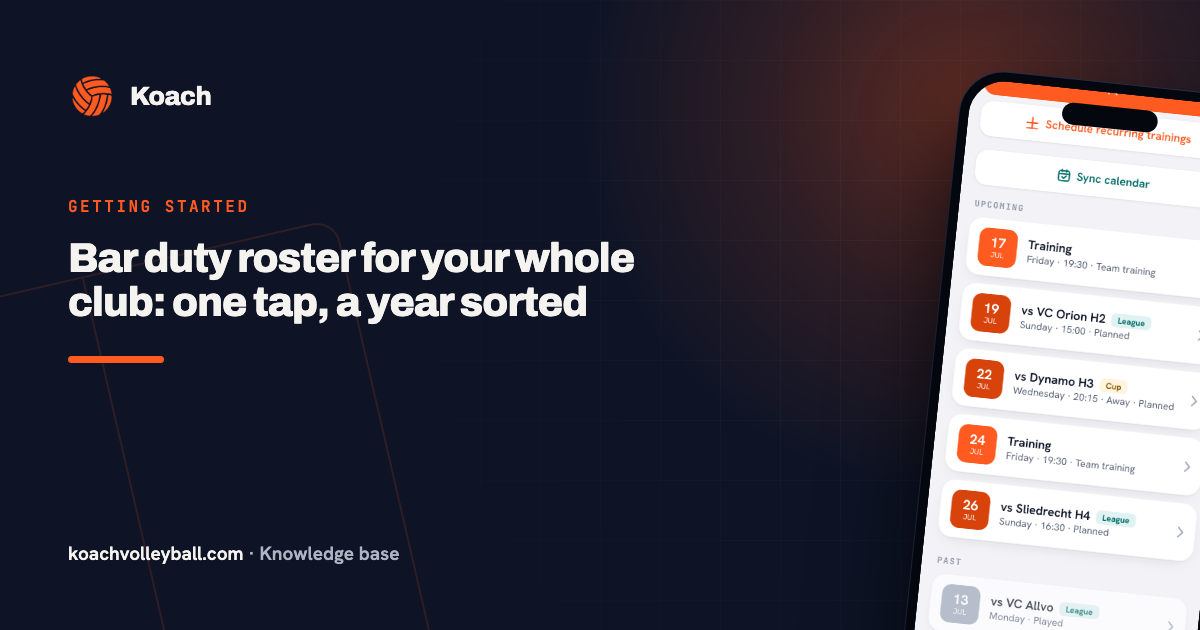
Why this ties into bar duties: for players under 16, the bar duty generator automatically schedules the linked parents (the Dutch NIX18 rules). Adding parent accounts to your team app is not a nice-to-have for youth teams — it's how the canteen gets staffed.
Frequently asked questions
Can a child have multiple parents in the app?
Yes. Each invite link is for one parent; once a link has been used, you simply create a new one for the second parent from the player's profile.
Can a parent see their child's statistics?
No. Parents only see the dashboard and the calendar. Statistics, attendance, team communication and homework stay between player and coach — including their own child's.
How do I remove a parent from the team?
Team management has a parents list showing each parent with their child's label. The team owner can unlink a parent there.
What can a parent sign up for?
For bar duties with open slots; practices and matches a parent simply sees in the calendar. In club teams, parents also receive club announcements. Signing up for matches is a players' thing — a parent doesn't see that block.
Do parents see the driving rota for away matches?
Only their own drives. If a parent is assigned, the drive shows on their dashboard and the match gets the 'You drive' label in the calendar; tapping it opens a read-only overview of every car for that match. Only the coach can make changes.