
Koach 3.1: what's new for coaches, parents and clubs
The short answer
Koach 3.1 (November 2026) is a round of small improvements that save time. The main ones: a nudge for players who haven't responded, the previous match's lineup in one tap, a warning when a starter has signed off and a tournament day on which the next match is ready to go.
Koach 3.1 is not a redesign like 3.0, but a round of small things: fewer taps, less searching and less lost work. This overview lists what has changed, area by area, and points to the article that explains each feature.
How do you get Koach 3.1?
Update the app through the App Store or Google Play; in the browser, reload Koach. Everything you have recorded stays where it is. The big redesign of October 2026 is covered in what's new in Koach 3.0. Still choosing? Start with the checklist for a volleyball app for coaches; what Koach costs after the 14 free days is on the pricing page.
Sign-ups and reminders: fewer rounds of the group chat
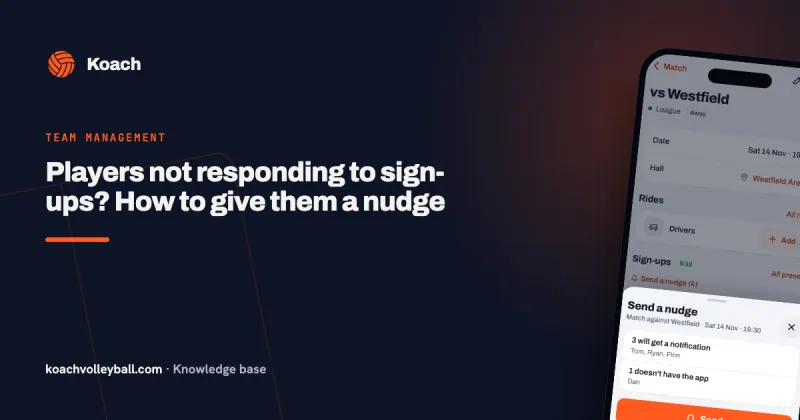
- Send a nudge. Above the sign-up list of a practice, match or tournament, the coach sends a notification in one tap to everyone who hasn't responded yet. For anyone without the app, the coach copies a message with their names for the group chat. See players not responding to sign-ups.
- The status 48 hours ahead. Two days before a match or tournament, the coach gets one notification with how many players are coming, not coming and haven't responded yet, but only if someone is still quiet. For practices this notification doesn't come. You can switch it off in your profile under Notifications, with Attendance in your teams.
- No more reminder after signing off. The reminder the evening before no longer goes to a player or parent who has signed off for that event, or who is marked injured, absent or inactive. A parent with two children only stops getting it when neither child is coming. Coaches always get it.
- Who voted what. In a poll the coach sees, for each option, who picked it and who hasn't voted yet. Under every poll it says, for everyone, that the coach sees this. See poll: who voted.
Matches and tournaments: ready to start sooner
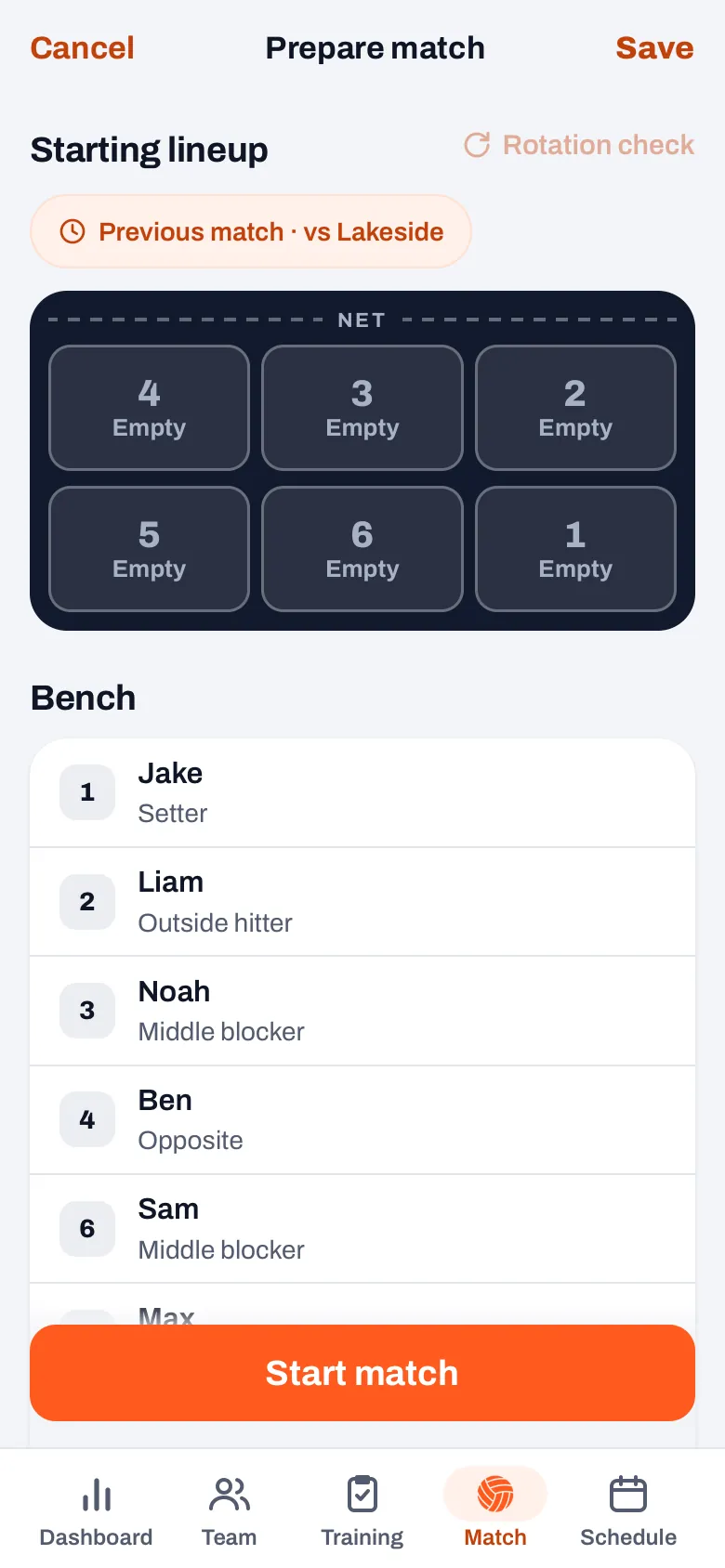
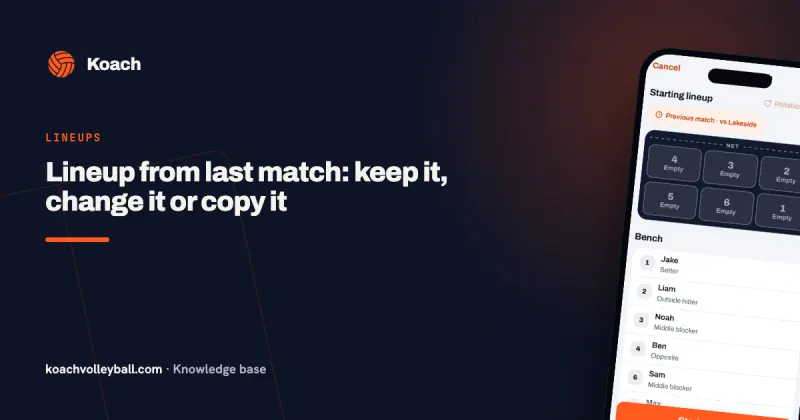
- Copy the previous lineup. On a match's start screen, Prepare match, there is a Previous match chip with the name of the opponent. One tap puts the six and the captain from the last match you played back on court, with Undo in the message. See copying the lineup from the previous match.
- A warning when a starter has signed off. If you tap Start live while someone in your lineup has signed off, the app first asks whether you want to change the lineup or start anyway. See a starter signs off.
- The tournament day. After a tournament match, a Next button with the next opponent appears at the top of the tournament. The lineup and guest players from the previous match carry over, unless you had already planned a lineup for that match. See scoring a tournament live.
- Vibrate on tap. In the app for iPhone and Android, your phone taps back for a point, a substitution or an undo, and vibrates differently when the app refuses an action. You switch it on or off in your profile under App. See live scoring without looking at your screen.
- One player's numbers in one match. In a played match you pick one player under Players and see only their numbers from that match, also per set. See the individual match review.
- The libero waits a rally. The automatic libero replacement no longer lets the libero go out and straight back in for another middle in one move: there is now a completed rally in between, as the rules require. That also applies when someone you have authorized keeps score.
14 days free, no credit card. Add your team tonight and try the previous lineup and the nudge yourself on Saturday.
Try Koach 3.1 with your teamPractice: choosing drills and moving through the plan
- Choosing drills. In the Add drill sheet your recently used drills are at the top. You see which ones are already in the plan and how many players a drill needs, and the Fits chip filters on the number of players coming. See choosing drills for your practice.
- From drill to drill. Tap the small court of a drill in your plan, and Previous and Next appear at the bottom, with the name and length of the next drill. See your practice plan on your phone.
For everyone: back to where you were, and nothing lost
- Back, tabs and swiping. The back button takes you to the tab you came from, at the same spot in the list. A tab remembers which screen was open, and a second tap on the active tab takes you back to the start. You swipe a sheet down to close it; in the app on iPhone and iPad you go back by swiping from the left edge. During live scoring these gestures are off. See back to the previous screen.
- Not saved. If you close a half-filled sheet, for example an announcement, the Not saved message appears with a Restore button. It opens the sheet again with your text in it. See closed by accident.
For parents: signing children up from the notification
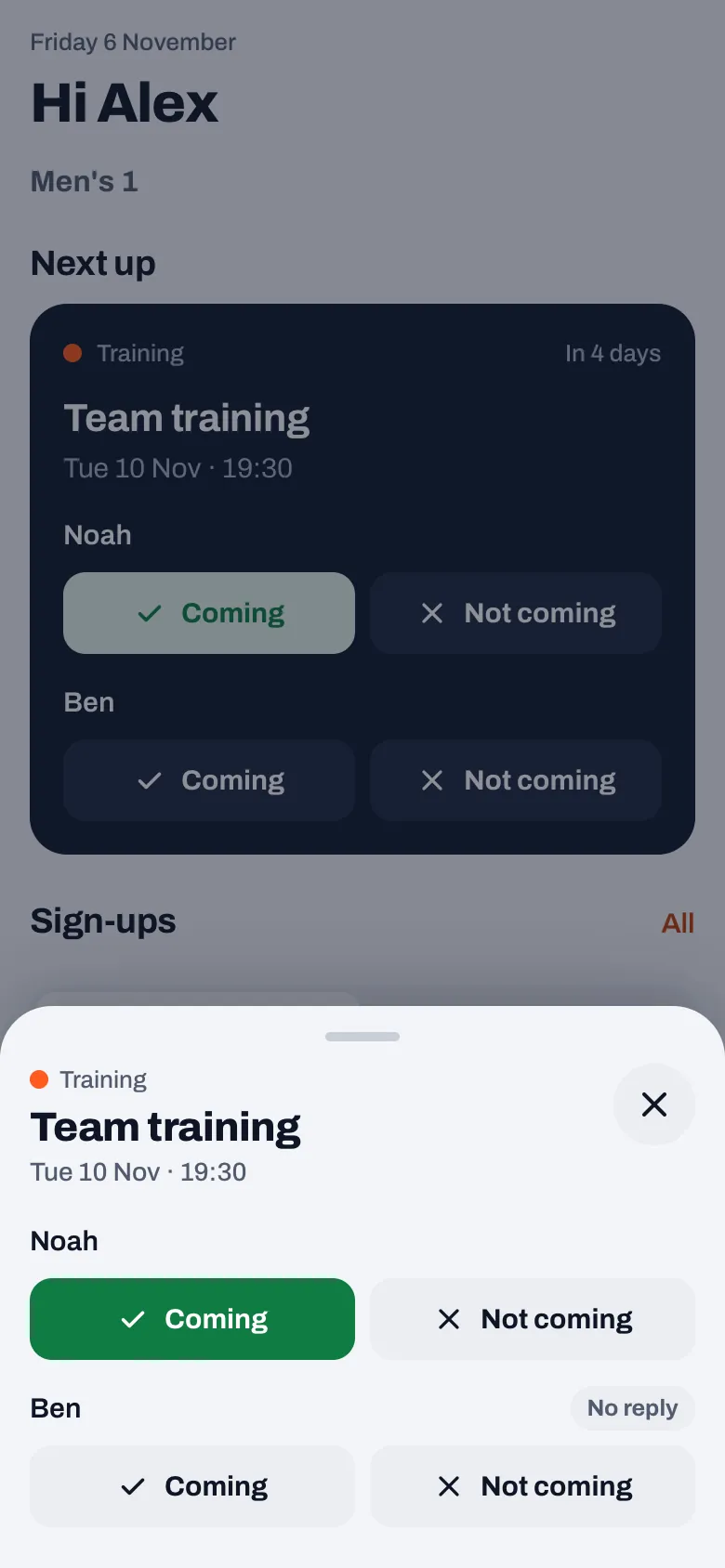
A parent with two children used to have to switch between them on the dashboard after a reminder to sign them up. Since 3.1 it takes one sheet:
- A tap on a reminder about a practice, match or tournament opens a sheet with the event and Coming and Not coming for each child, with their status. If the event is cancelled or over, you only see the status.
- On the dashboard, all children are listed under Next up, each with their own buttons. The choice between the children now sits at Sign-ups, for the list below it.
- The This week row, with all your teams, shows the status per child for each event, also from another team. A tap opens the same sheet, without switching teams.
How one account for several children works is explained in the parent account for multiple children.
For the club: invitations and duties
These features are part of the Club plan; what it includes is on the page for clubs.
- Invite a whole team. In Members, a club manager or board member creates player links or parent links for a whole team at once, in one message for the team group. See inviting club members.
- Duties get a notification. Anyone with their own account who is assigned on the Match day to referee, keep score or do hall duty gets a notification about it, plus a reminder the evening before. See a reminder for refereeing and scorekeeping duty.
What already came in version 3.0.1
Two improvements came earlier, with version 3.0.1 of 25 October 2026. A guest player from another team can be setter, middle or libero in a match's roles; see a sub as libero. And the set break makes it harder to end a match by accident, with a question that says you can't continue scoring afterwards; see a match ended by accident.
Start with your next match. Open the sign-ups two days ahead and send a nudge, and on match day set up your lineup with the Previous match chip. Then you have seen the two features that save the most taps.
Frequently asked questions
What's new in Koach 3.1?
Koach 3.1 is a round of small improvements. Coaches send a nudge in one tap to anyone who hasn't responded, copy the lineup from the previous match and see who voted what in a poll. Parents sign their children up from the notification, and clubs invite a whole team at once. On top of that, the app remembers where you were, and you can restore a half-filled sheet you closed by accident.
How do I get the new version of Koach?
Update the app through the App Store or Google Play. In the browser, reload the page. Your account, teams, matches and practices stay where they are; you don't have to set anything up again. If you don't want the new notifications, switch them off by type in your profile under Notifications.
Do players and parents get anything new?
Yes. Anyone who has signed off for an event no longer gets the reminder the evening before. A parent with several children signs them all up from the notification in one sheet, and sees all children listed under Next up on the dashboard. Under every poll it now says that the coach sees who picks what.
Has anything moved in Koach 3.1?
A few things. For a parent with several children, the choice between the children now sits at Sign-ups, and all children are listed under Next up. If you open a drill from your practice plan as a coach, Previous and Next appear at the bottom instead of Homework and Add to training; from the drill library it stays as it was. The Vibrate on tap switch is new and sits in your profile under App.

Try Koach 3.1 with your team
14 days free, no credit card. After one match you know what it saves.
Get started with KoachOr read first what the volleyball coaching app does.